28
Chapter 2
Setting Up the Printer
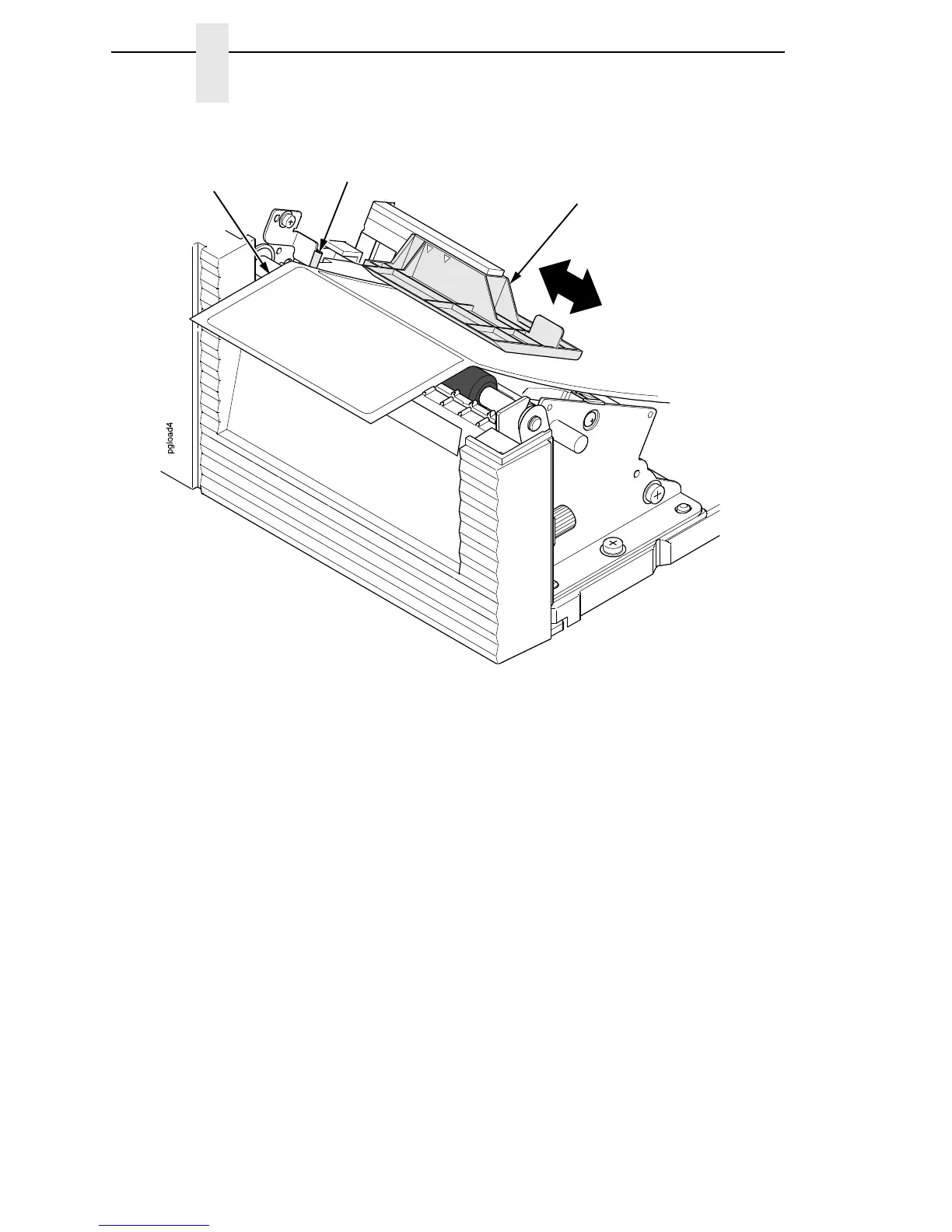
9. Check the horizontal position of the media sensor assembly
(see “Positioning the Media Sensors” on page 44).
10. Align the left (inside) edge of the media with the inside media edge guide.
NOTE: If you have the standard peel option, batch label rewinder (with or
without the optional 3 inch core adapters), or peel-liner rewinder, see
“Using the Standard Peel without Liner Rewinder” on page 240,
“Using the Full Media Rewinder Option” on page 243,
“Using the Full Media Rewinder with 3 Inch Diameter Core Adapters”
on page 247, or
“Using The Standard Peel With Liner Rewinder Option” on page 252
to complete the threading.
Media Sensor Assembly
Inside Media
Edge Guide
Media
(left edge)














 To Next Page