110
Chapter 3 QUICK SETUP
The allowable Label Length range is 00.1 to 99.0 inches (2.5 - 2514.6mm)
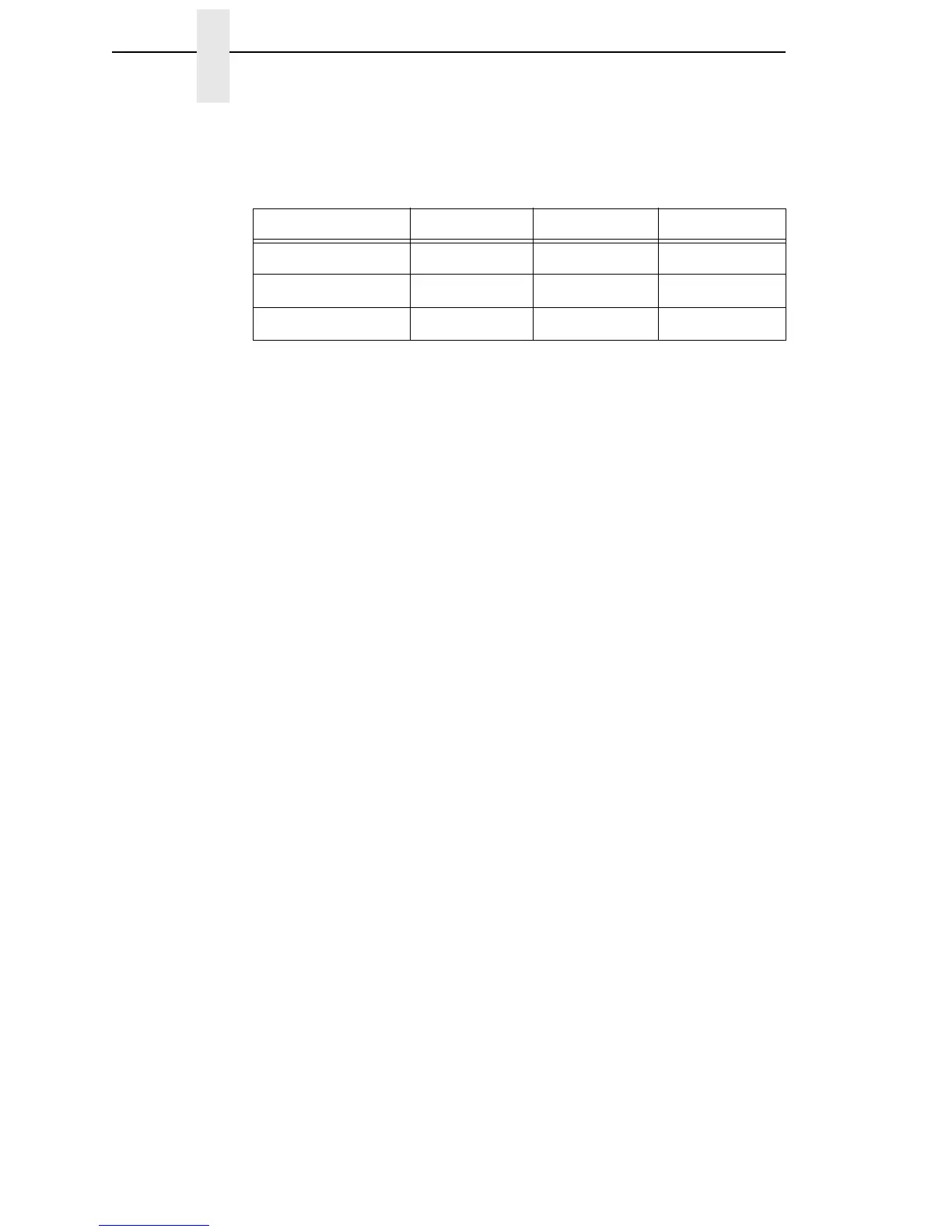
The factory defaults are listed below:
Maximum Label Length range is dependent on the Label Width value
selected, printhead installed (203 or 300 DPI). See Appendix A for
specifications.
NOTE: See “Set Label Length” on page 134.
Label Width
This option specifies the physical width of the image to be printed. The value
can be specified in inches or millimeters depending on the setting of the Units
submenu under the MEDIA CONTROL menu. The allowable range in inches
is 00.1 to the maximum print width of the printer. The allowable range in
millimeters is 2.5 to the maximum width of the printer.
Ver Image Shift
This option specifies the amount to shift an image vertically up (-) or down (+)
for precise positioning on the label. The actual height of the image is not
affected by this parameter. The allowable range is -1.00 inches to the current
Label Length value setting, up to a maximum of 12.80 inches, in .01 inch
increments.
The factory default value is 0.00 inches.
Hor Image Shift
This option specifies the amount to shift an image horizontally left (-) or right
(+) for precise positioning on the label. The actual width of the image is not
affected by this parameter. The allowable range is -1.00 to +1.00 inches in .01
inch increments.
The factory default value is 0.00 inches.
Table 2. Factory Default Label Length
Printer
Inches mm Lines
T5X04
6 152.4 36
T5X06
4 101.6 24
T5X08
6 152.4 36














 To Next Page