EasyManua.ls Logo

Printronix SL5000 - P-Series Setup

Printronix SL5000
394 pages
Print Icon
To Next Page IconTo Next Page
To Previous Page IconTo Previous Page
Loading...
183
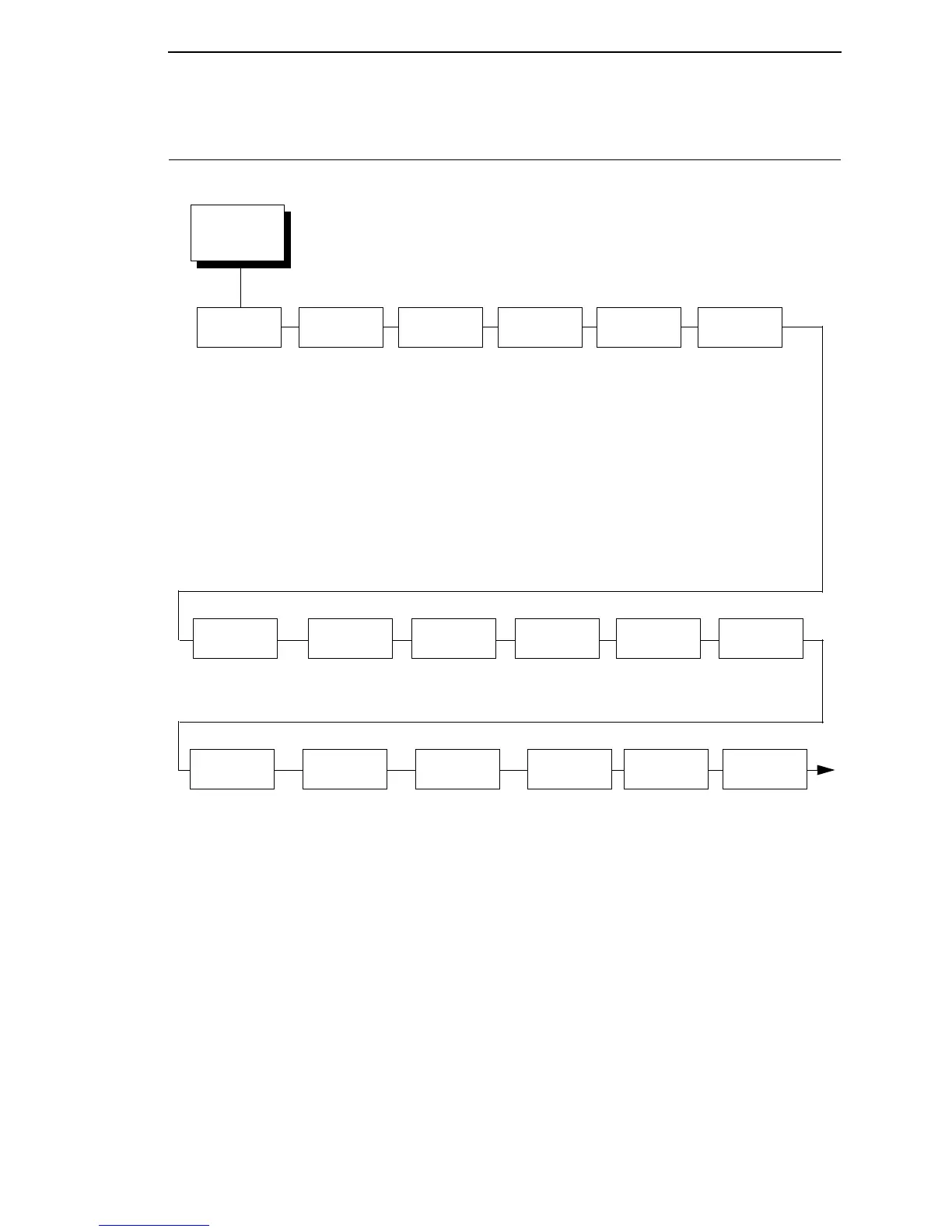
P-SERIES SETUP
Select CPI
10.0 CPI*
12.0 CPI
13.3 CPI
15.0 CPI
17.1 CPI
20.0 CPI
Select LPI
6.0 LPI*
8.0 LPI
10.3 LPI
Typeface
Letter Gothic*
Courier
OCR-A
OCR-B
Character
Group
Standard Sets*
Arabic Sets
Cyrillic Sets
European Sets
Greek Sets
Hebrew Sets
Turkish Sets
UTF-8
See page 202.
Character
Set
IBM PC*
Multinational
EMCA Latin 1
DEC Mult.
CP 858 EURO
Primary
Subset
ASCII (USA)*
French
German
English
Danish
Swedish
Italian
Spanish
Japanese
French Canadian
Latin American
Norwegian
Danish II
Spanish II
Latin Am II
Extended
Subset
Code Page 437*
Code Page 850
Horizontal
DPI
120* DPI
60 to 400 DPI
Vertical
DPI
72* DPI
72 to 400 DPI
Prop.
Spacing
Enable*
Disable
Italic
Print
Disable*
Forward Slant
Backward Slant
Slashed
Zero
Enable*
Disable
Left
Margin
2
0* characters
0 to 369 characters
Right
Margin
2
0* characters
0 to 369 characters
Notes:
* = Factory Default
1
This menu is available only when you enable Admin User (under
PRINTER CONTROL).
2
This menus does not appear when the CT, TN5250, or TN3270
emulation is selected.
3
This menu appears only if the emulation is selected in the LP+
Emulation submenu.
Top
Margin
0* linespaces
0 to 451 linespaces
Print Char.
Set
Define CR
Code
CR = CR*
CR = CR + LF
P-SERIES
SETUP
1, 3
(from page 100)
Bottom
Margin
0* linespaces
0 to 451 linespaces

Table of Contents

Other manuals for Printronix SL5000

Related product manuals