Loading Ribbon
51
Loading Ribbon
Skip this section for 4 inch DT models or when using direct
thermal printing.
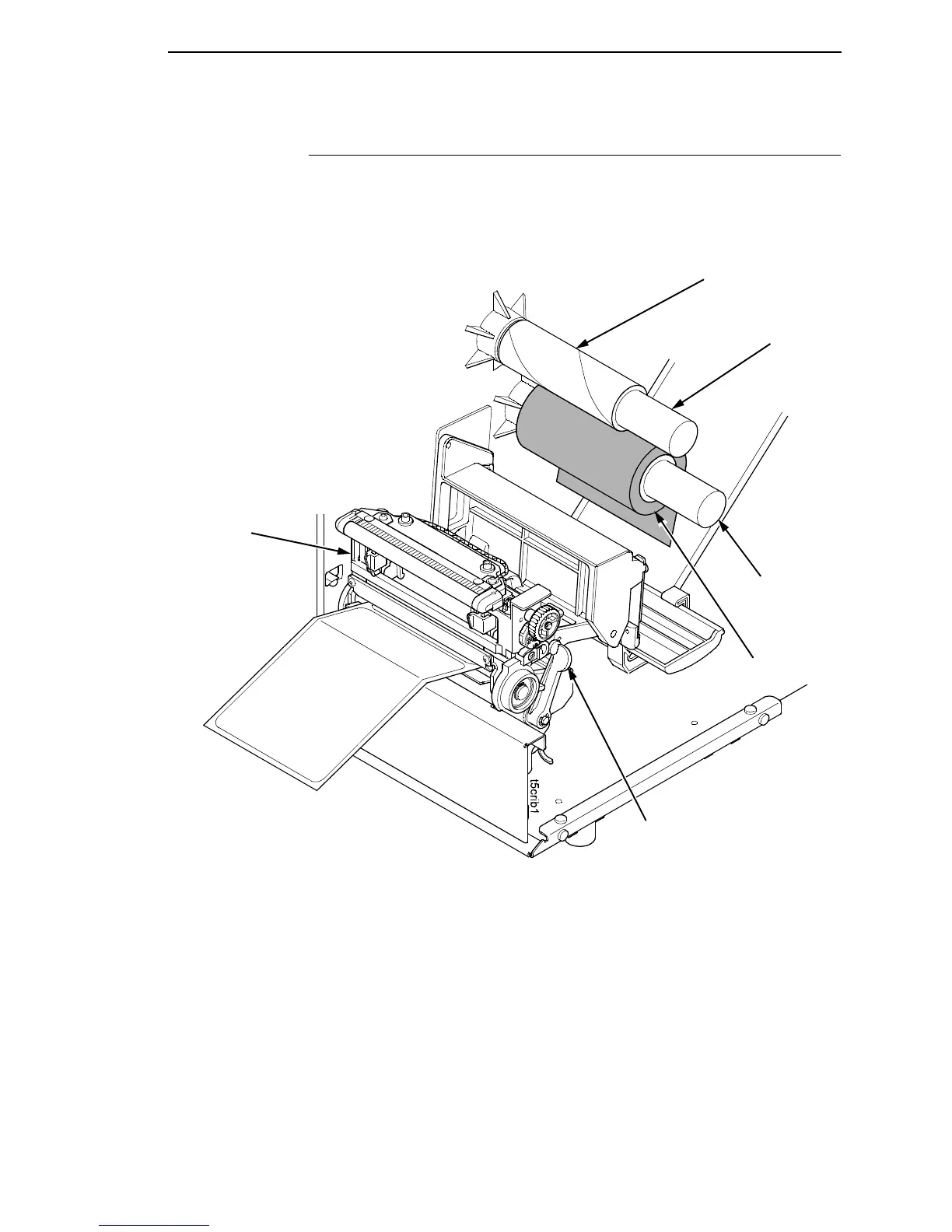
1. Install the ribbon take-up core on the ribbon take-up spindle.
NOTE: The first ribbon take-up core comes with the printer. Thereafter, use
the core from the old (used up) ribbon.
2. Slide the ribbon roll onto the ribbon supply spindle until it stops against
the spindle flange.
3. Open the pivoting deck by rotating the deck lock lever fully clockwise until
the deck swings upward.
Ribbon Roll
Ribbon Supply
Spindle
Deck Lock
Lever
Pivoting
Deck
Ribbon
Take-Up Core
Ribbon
Take-up
Spindle














 To Next Page