185
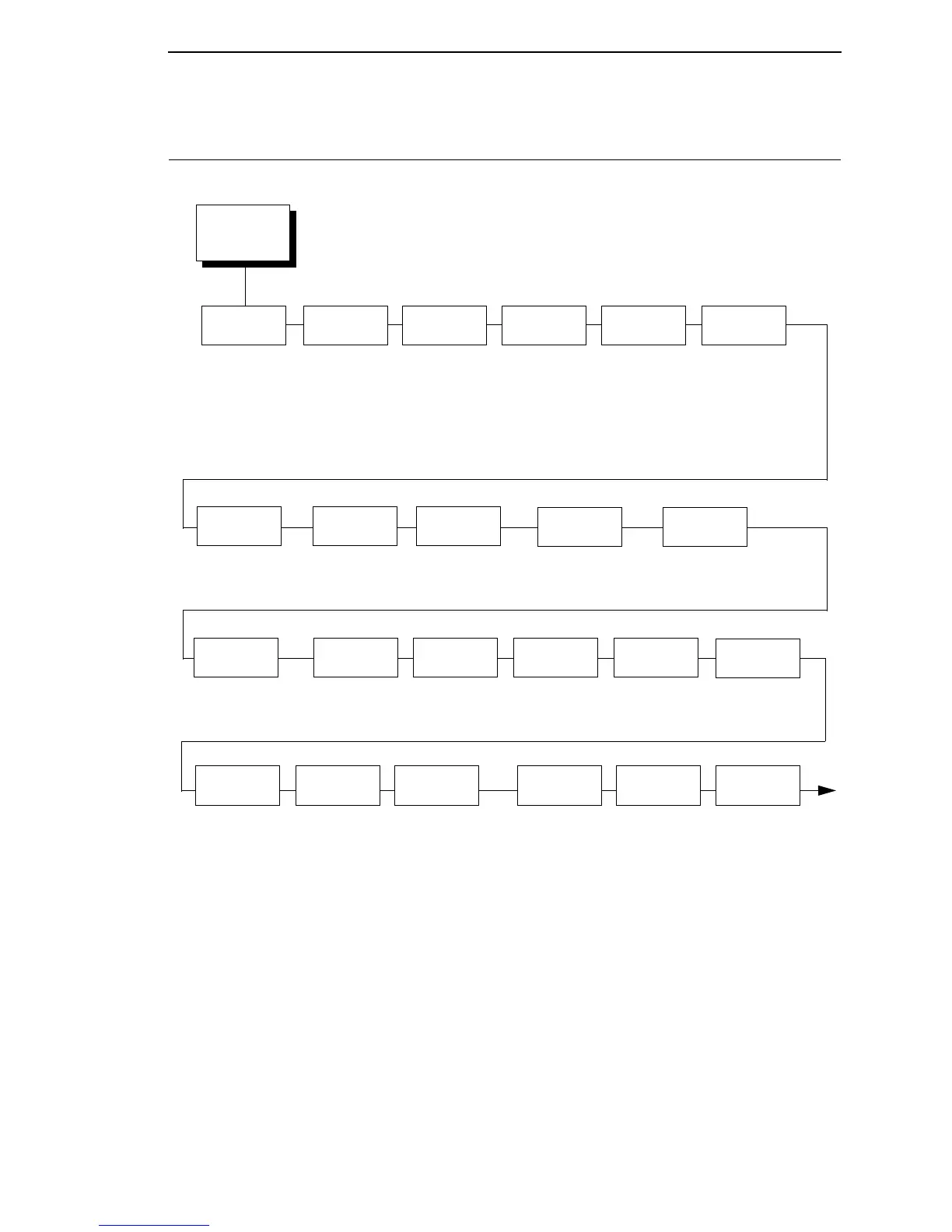
P-SER XQ SETUP
Select CPI
10.0 CPI*
12.0 CPI
13.3 CPI
15.0 CPI
17.1 CPI
20.0 CPI
Select LPI
6.0 LPI*
8.0 LPI
10.3 LPI
Typeface
Letter Gothic*
Courier
OCR-A
OCR-B
Horizontal
DPI
120 DPI*
60 to 400 DPI
Vertical
DPI
72 DPI*
72 to 400 DPI
Prop.
Spacing
Enable*
Disable
Italic Print
Disable*
Forward Slant
Backward Slant
Slashed
Zero
Disable*
Enable
Left
Margin
2
0* characters
0 to 369 characters
Bottom
Margin
0 linespaces*
0 to 451 linespaces
Print
Char. Set
Define CR
Code
CR = CR*
CR = Cr + LF
Auto LF
Right
Margin
2
0* characters
0 to 369 characters
Top
Margin
0 linespaces*
0 to 451 linespaces
Disable*
Enable
Define LF
Code
LF = CR + LF*
LF = LF
Control
Code 06
8.0 LPI*
10.3 LPI
6.0 LPI
Compressed
Print
Char 01 SOH*
Char 03 ETX
Char 09 HT
Bold
Disable*
Enable
Elong/
Alt. Font
Elng=BS Font=SO*
Elng=SO Font=BS
Gothic
Typeface
Char 02 STX*
Char 03 ETX
EVFU
Select
Enable*
Disable
Upr. Case
Select
Disable*
Enable
Notes:
* = Factory Default
1
This menu is available only when you enable Admin User
(under PRINTER CONTROL).
2
This menu does not display when the CT, TN5250, or
TN3270 emulation is selected.
3
The presence of this menu depends on the LP+
Emulation selection (under PRINTER CONTROL).
P-SER XQ
SETUP
1, 3
(from page 100)














 To Next Page