EasyManua.ls Logo

Printronix SL5000 - Parallel Port

Printronix SL5000
394 pages
Print Icon
To Next Page IconTo Next Page
To Previous Page IconTo Previous Page
Loading...
241
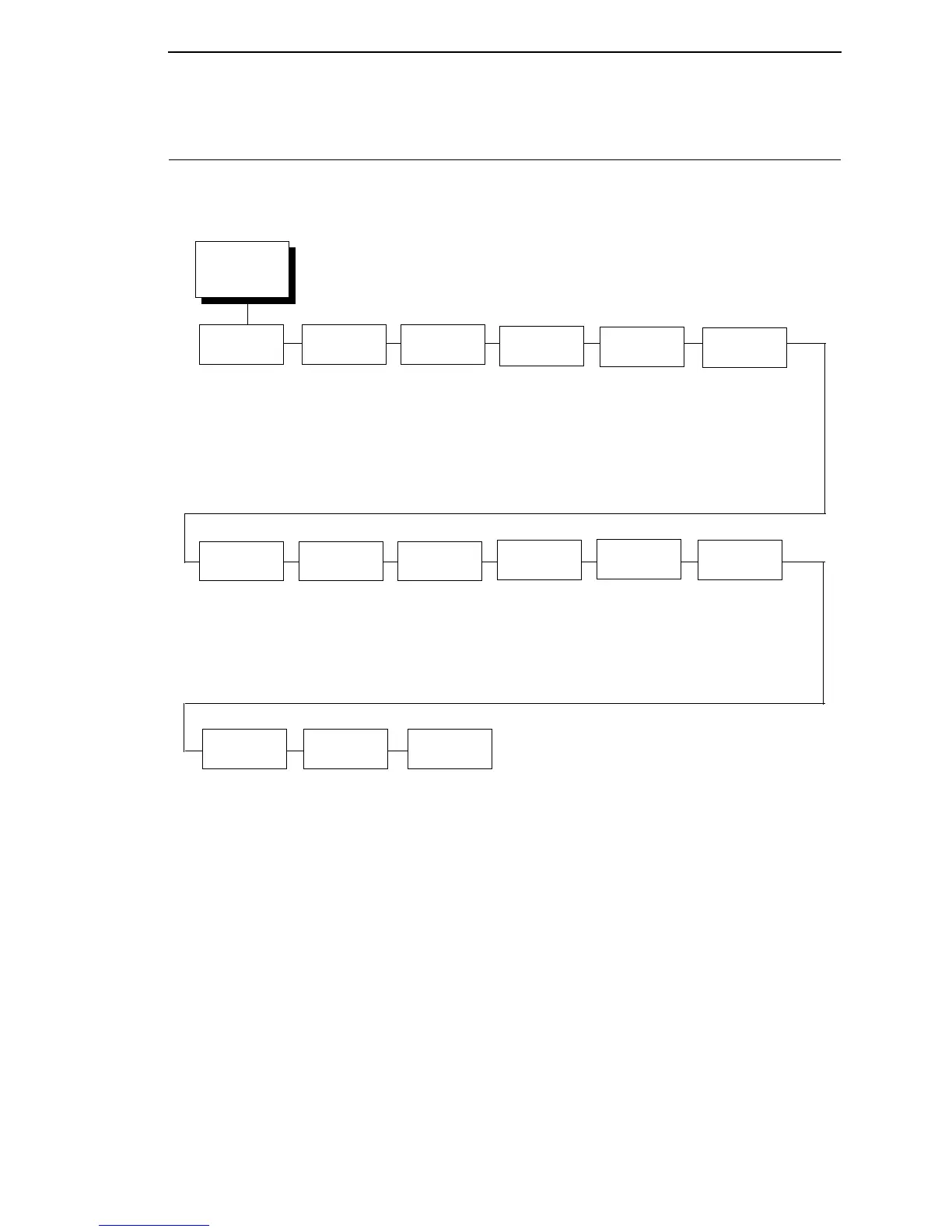
PARALLEL PORT
PARALLEL
PORT
(from page 102)
Port Type
IEEE 1284*
Disable
Centronics
E-Net Adapter
1
Data Bit 8
2
Enable*
Disable
Timeout
PI Ignored
2
Enable*
Disable
Report
Status
Switch Out
On
10 sec.*
1-60 sec.
Prime
Signal
Data
Polarity
2
Standard*
Inverted
Disable*
Enable
Buffer Size
in K
16*
1-16
Auto
Trickle
Disable*
Enable
Trickle
Time
1/4 sec*
1/2 sec
1 sec
2 sec
4 sec
8 sec
16 sec
Off
Disable*
Enable
Data Timeout*
Session Close
Resp.
Polarity
2
Standard*
Inverted
Busy on
Strobe
2
Enable*
Disable
Latch
Data On
2
Leading*
Trailing
Offline
Process
2
Disable*
Enable
Notes:
* = Factory Default
Italicized items are available only when Admin User is enabled (in the PRINTER CONTROL menu).
1
Available only when E-Net Adapter is installed.
2
Available only when the Centronics option is enabled (in the Port Type submenu of PARALLEL PORT).

Table of Contents

Other manuals for Printronix SL5000

Related product manuals