169
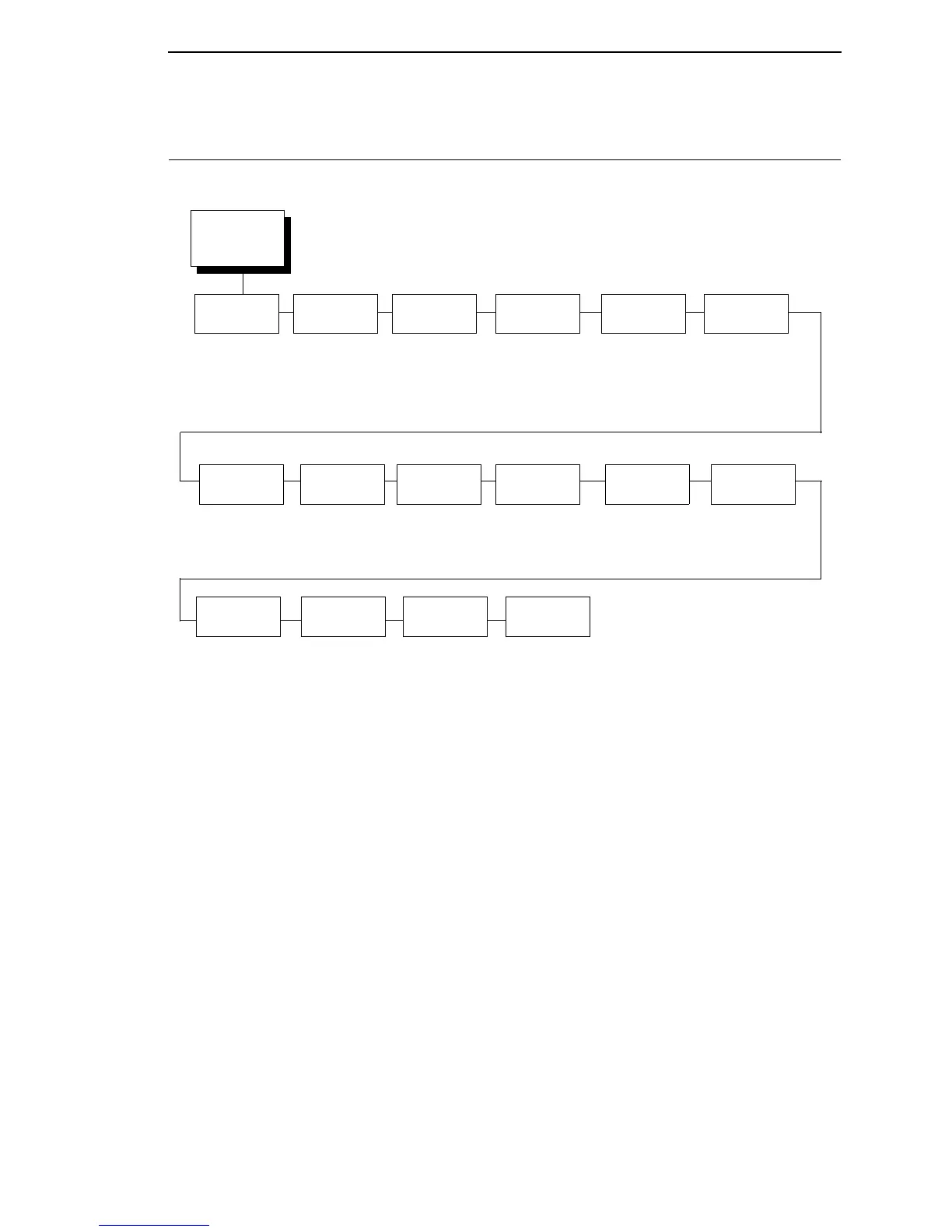
SPC COAX SETUP
SPC COAX
SETUP
1, 2, 3
(from page 97)
SPC Type
PTX NI*
Avatar Comp
NL At
MPP + 1
Intervention
Req
Send To Host*
Do Not Send
Logical Buf
Size
1920*
960
2560
3440
3564
On*
Off
User
Defined St1
4
5F*
40 to FF
User
Defined St2
4
5F*
40 to FF
User
Defined Stp
4
5B*
40 to FF
Translation
Tbl
Buffer
Print
Disable*
Enable
PA1
PA2 Buffer
Reprint
Disable*
Enable
Null Handling
Space*
Ignore
SPC
Null Supp
Enable*
Disable
SFCC Char
User Defined
Set 1 <%>*
Set 2 ^^$
Set 3 _%_
Notes:
* = Factory Default
Italicized items are available only when you enable Admin User (in the PRINTER CONTROL
menu).
1
This menu appears only if the CTHI option is installed.
2
This menu appears only if Port Type (under
C/T PORT) is set to Coax.
3
Appears only if CTHI emulation (under PRINTER CONTROL) is set to Simp Prot Conv.
4
This menu appears only if you select the “User Defined” option in the “Lead-in Chars” menu.
SPC Space
Supp
Disable*
Enable














 To Next Page