164
Chapter 3 COAX SETUP
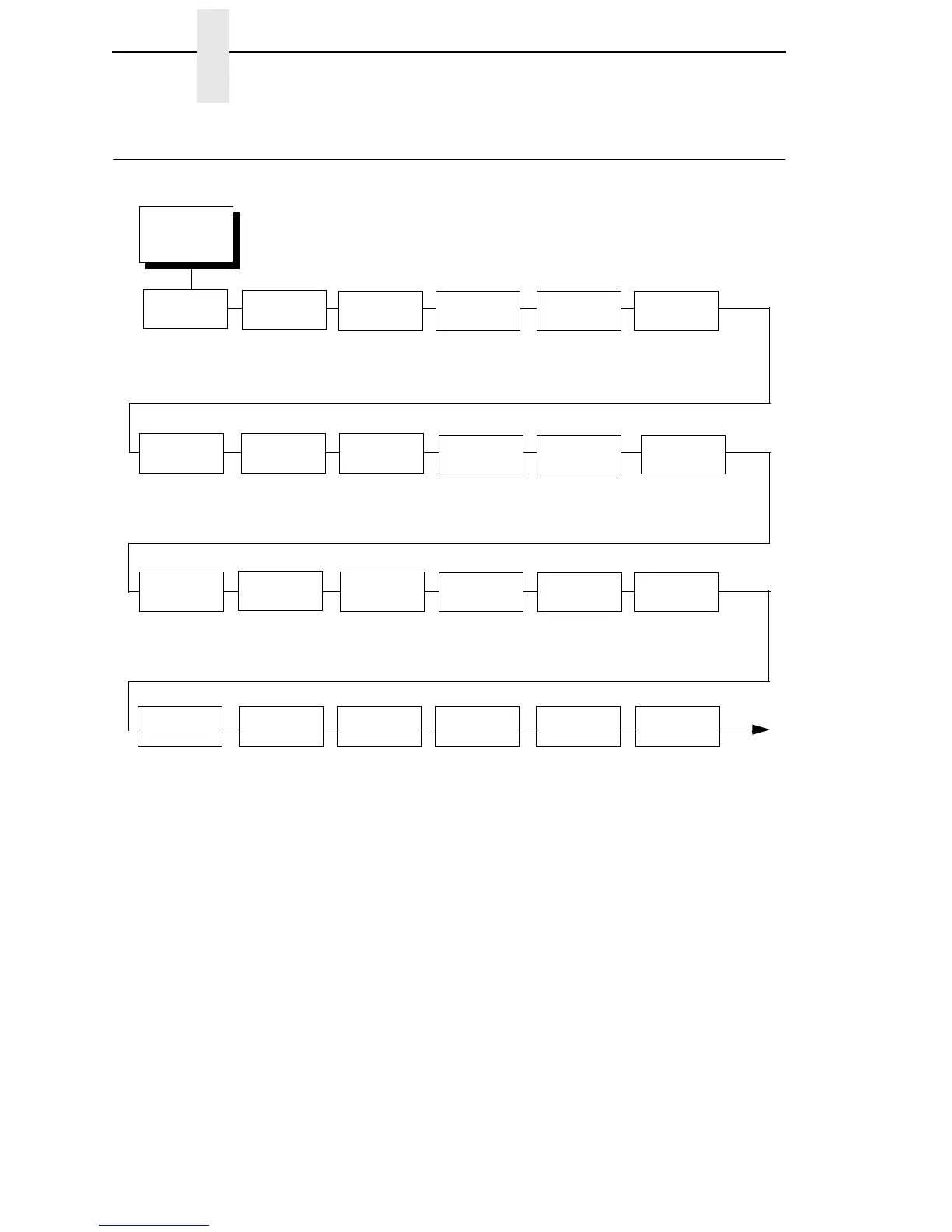
COAX SETUP
COAX
SETUP
1, 2, 3
(from page 97)
Primary Sets
See page 166.
Null
Suppression
Coax Type
4234*
3287
Active
Char Set
Secondary Set*
Primary Set
Early Print
Cmpl
Disable*
4
Enable
SCS Buffer
Cntrl
Don’t Wait*
Wait Until Done
Alt. Set 80-9F
Printable*
Control Code
Intervention
Req
Send To Host*
Do Not Send
Position
Aft FF
Last Char = FF
Translation
Tbl
CR At
MPP + 1
On*
Off
PA1 PA2 Buffer
Reprint
Disable*
Enable
Buffer
Print
Disable*
Enable
Secondary
Sets
See
page 166
.
NL At
MPP + 1
On*
Off
Off*
On
On*
Off
Off*
On
Notes:
* = Factory Default
Italicized items are available only when you enable Admin User (in the PRINTER CONTROL
menu).
1
This menu appears only if the CTHI option is installed.
2
This menu appears only if Port Type (under
C/T PORT) is set to Coax.
3
This menu appears only if the CTHI emulation (under PRINTER CONTROL) is set to
Standard.
4
When in SPC Mode, the default is Enable.
FF Validity
Off*
On
Auto Skip
At End
Off*
On
FF After Job
Off*
On
CR, EM, & NL
On*
Off
Translate
Table
Default*
Downloaded
Host
Override
Disable*
Enable














 To Next Page