33
2 Operation
Controls And Indicators
Power Switch
The power switch is located on the bottom back panel of the printer. To apply
power, place the switch in the | (ON) position. When you first power on the
printer, a series of initialization messages will appear on the Liquid Crystal
Display (LCD) on the control panel.
To remove power, place the power switch in the O (OFF) position.
Control Panel
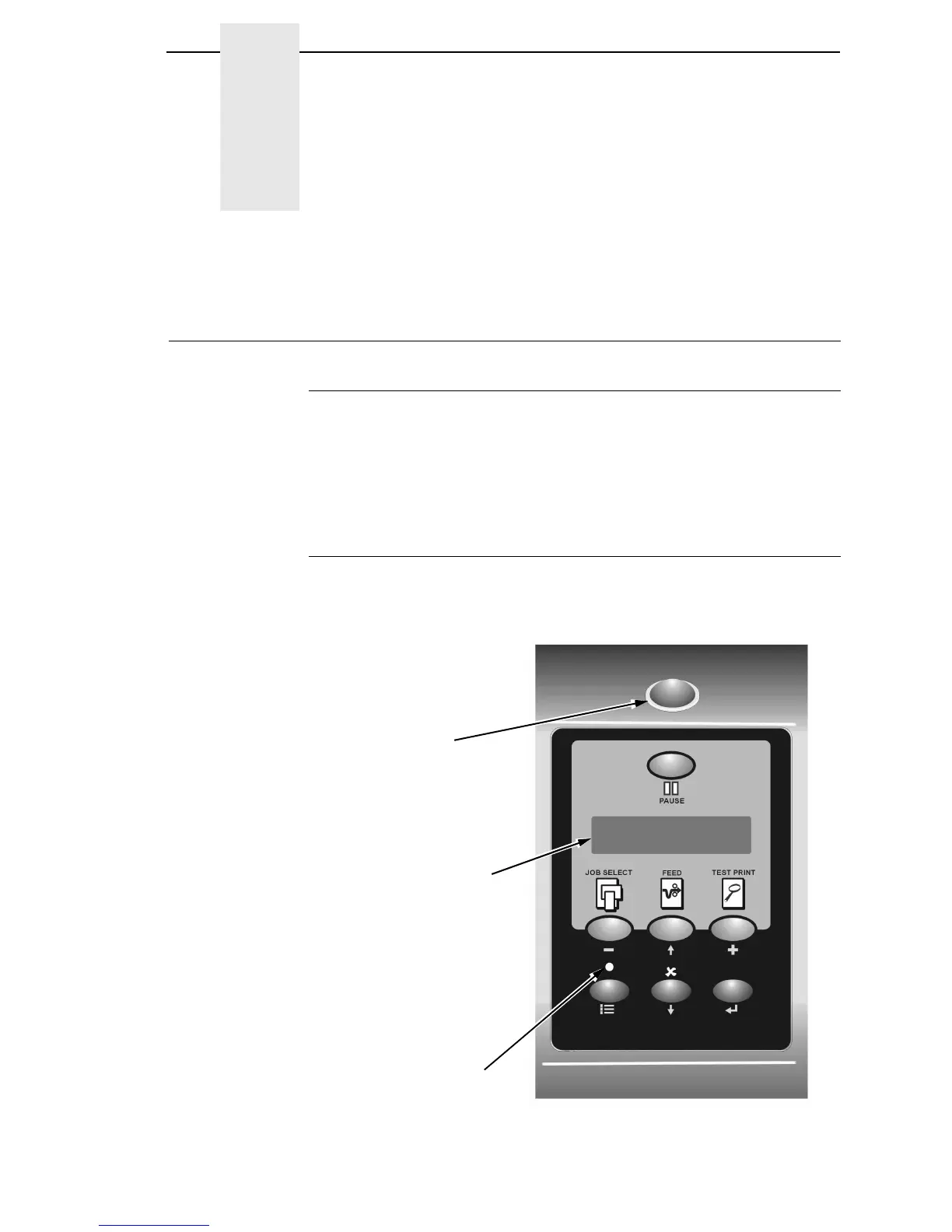
The control panel is located on the front of the printer and includes an LCD,
indicators, and control keys (buttons). These are described in the following
tables. (Also refer to Chapter 3.)
OFFLINE
Liquid Crystal
Display (LCD)
Online Status
Indicator
Job In Process
Indicator














 To Next Page