EasyManua.ls Logo

Printronix SL5000 - Tn5250 Setup

Printronix SL5000
394 pages
Print Icon
To Next Page IconTo Next Page
To Previous Page IconTo Previous Page
Loading...
177
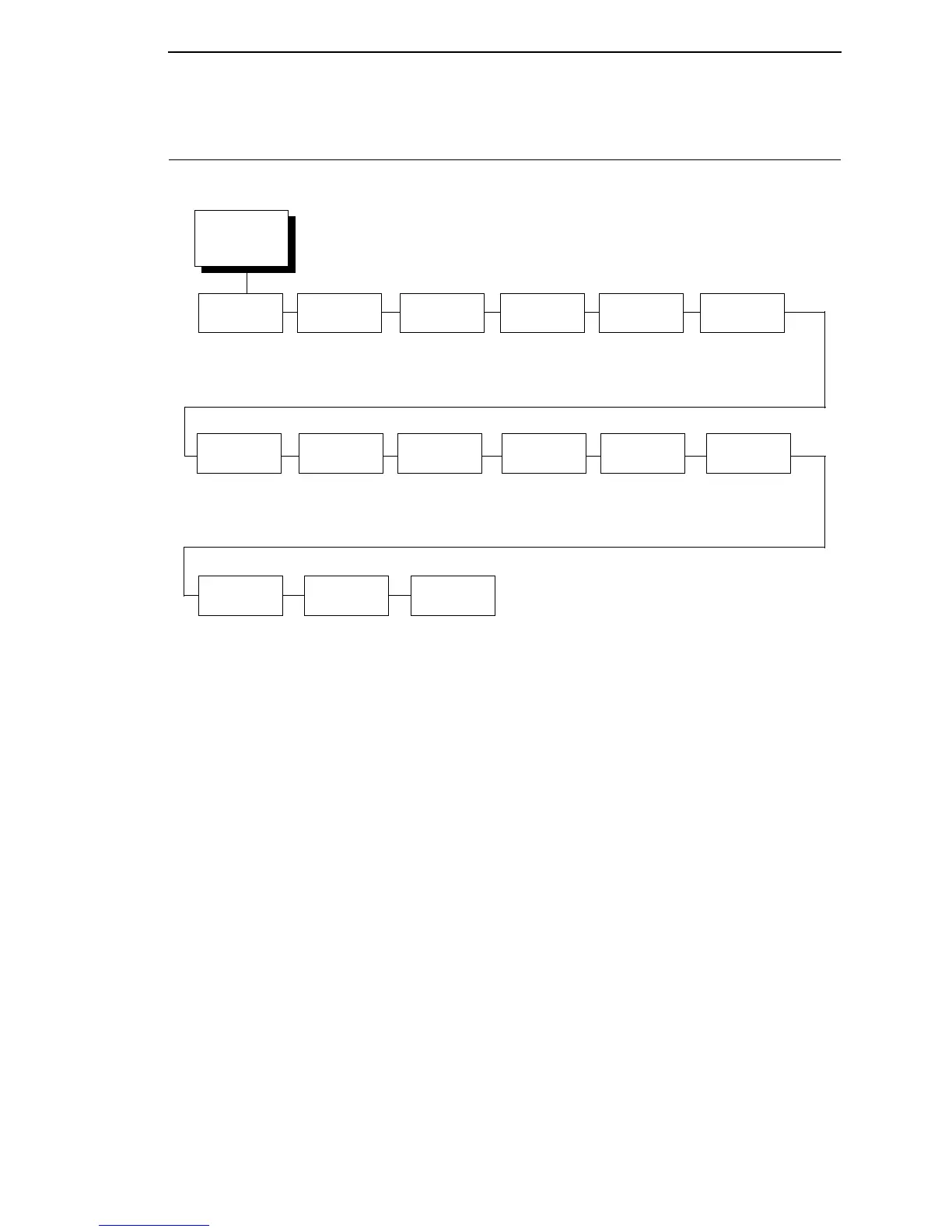
TN5250 SETUP
5250
SETUP
1
(from page 98)
Primary Sets
See page 178.
Active
Char Set
Secondary Set*
Primary Set
Alt.
Set 80-9F
Printable*
Control Code
Graphic
Chek Cod
60*
40 to FE
Translation
Tbl
Secondary
Sets
See
page 178
.
Host
Override
Disable*
Enable
Format
Control
Disable*
Enable
Graphic
Chek Err
Enable*
Disable
User
Defined St1
2
5F*
40 to FF
User
Defined St2
2
5F*
40 to FF
User
Defined Stp
2
5B*
40 to FF
Lead-in
Chars
Set 1 <%>*
Set 2 ¬¬$
Set 3 _%_
User Defined*
Set Text
Orientn
Left to Right*
Right to Left
Max. Print
Width
13.2 inches*
Printer Width
Notes:
* = Factory Default
Italicized items are available only when you enable Admin User
(in the PRINTER CONTROL menu).
1
This menu appears only if the TN5250/TN3270 option and the correct security key is installed.
2
This menu appears only if you select the “User Defined” option in the “Lead-in Chars” menu.

Table of Contents

Other manuals for Printronix SL5000

Related product manuals