278
Chapter 3 DATE
DATE
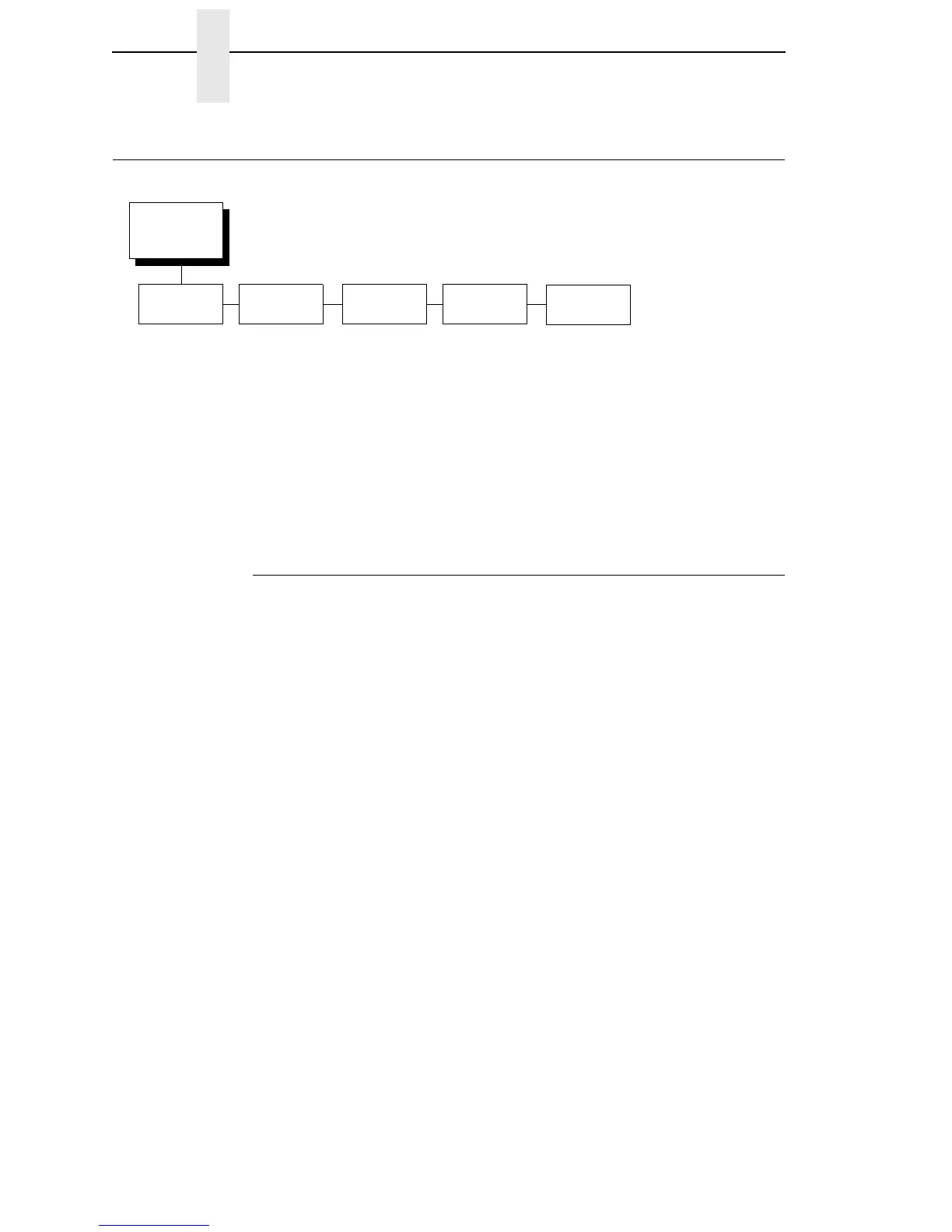
Date Submenus
Hour
This option allows you to set the hour. The factory default is 00 and the range
is from 00 to 23 hours.
Minute
This option allows you to set the minutes. The factory default is 00 and the
range is from 00 to 59 minutes.
Year
This option allows you to set the year. The factory default is 2099 and the
range is from the year 2000 to 2099.
Month
This option allows you to set the month. The factory default is Jan and the
range is from Jan to Dec.
Day
This option allows you to set the day. The factory default is 01 and the range
is from 01 to 31 days.
DATE
1, 2
(from page 105)
Hour
00*
00 - 23
Minute Year
00*
00 - 59
2099*
2000 - 2099
Month
Jan*
Jan - Dec
Day
01*
01 - 31
Notes:
* = Factory Default
1
This menu appears only if the real time clock option is installed.
2
Updates the set parameters only if the real time clock NOVRAM option is installed.














 To Next Page