EasyManua.ls Logo

Printronix SL5000 - Page 147

Printronix SL5000
394 pages
Print Icon
To Next Page IconTo Next Page
To Previous Page IconTo Previous Page
Loading...
147
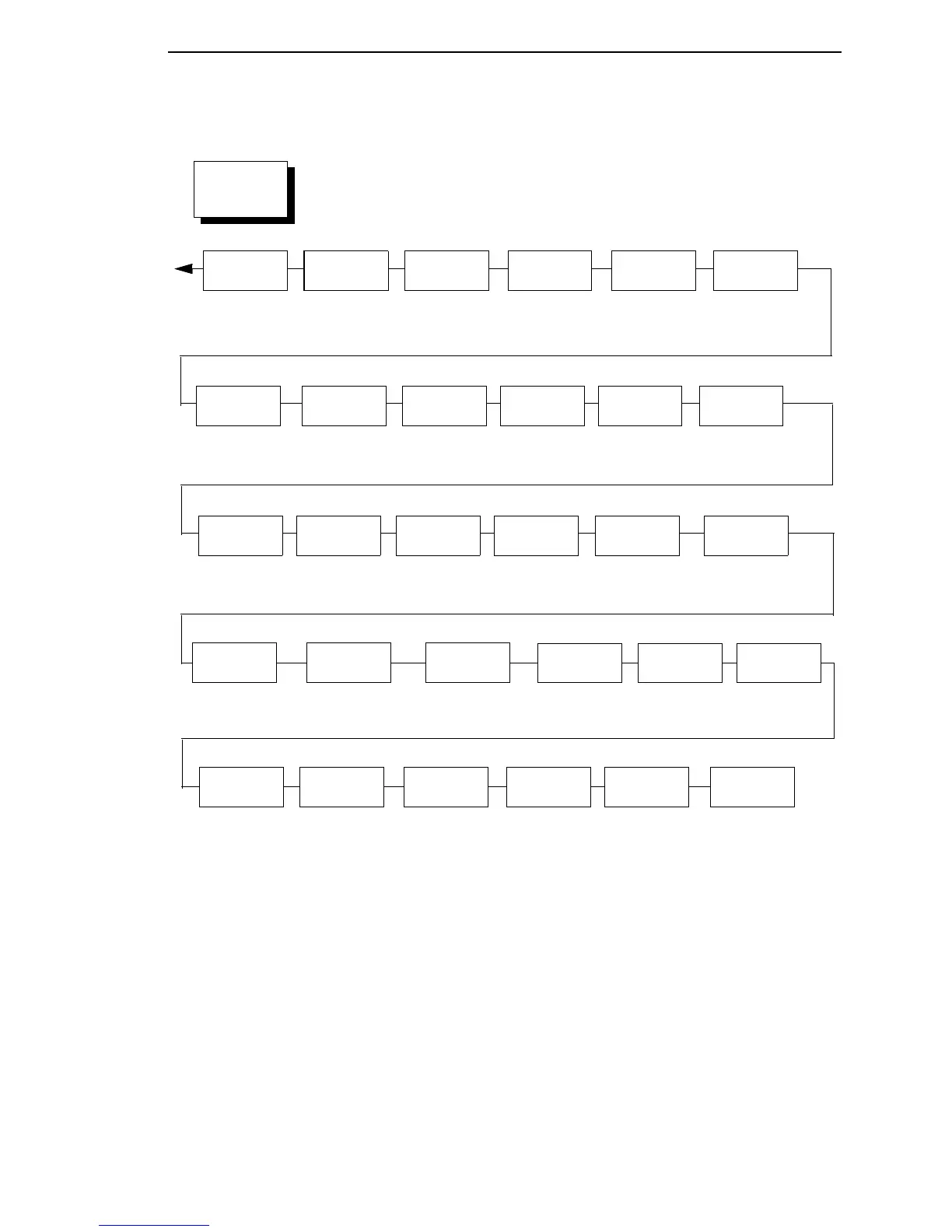
Del Char
frm RAM
Ld Char at
PwrUp
Flash
Avail.
Auto Locking
Glob Mem
Adjust
3
9120 KBytes*
0 to 12160 Kbytes
Max Font
Buffer
100 KBytes*
100 to 1800 Kbytes
Max Cached
Char
01 KBytes*
01 to 20 KBytes
Standard
Chars.
340*
0 to 512
Bold
Chars.
448*
0 to 512
Tall
Characters
Batch
Counter
OCR-B
Chars.
304*
0 to 512
Disable*
Enable
Disable*
Enable
Admin
User
Disable*
Enable
PRINTER
CONTROL
(from page 146)
Notes:
* = Factory Default
Italicized items are available only when you enable Admin User (in the PRINTER CONTROL menu).
1
You cannot change this value; it is a display only item.
2
Does not appear if CT or IPDS is installed.
3
Not available on P7000 H-Series printers.
Del Set
from RAM
PTX Setup
Parse
Enable*
Ignore
Disable
Save Set
to Flsh
Delete
Files
Flash
Avail.
Optimize&
Reboot
Print
File List
Max Cache
Memory
900 KBytes*
50 to 2000 KBytes
PJL
Control
2
Disable*
Enable
Save Char
to Fls
Extra Bold
Char.
504*
0 to 512
OCR-A
Chars.
384*
0 to 512
Auto Locking
Disable*
Enable
Set Lock Key
Ld Set
at PwrUp
Disable*
Enable
Overwrite
Files
Enable*
Disable
View File
List
XXXXX.XX
1
Del Char
frm RAM
Ld Set
from Flsh
Del Set
frm Flsh
Ld Char at
PwrUp
Disable*
Enable

Table of Contents

Other manuals for Printronix SL5000

Related product manuals