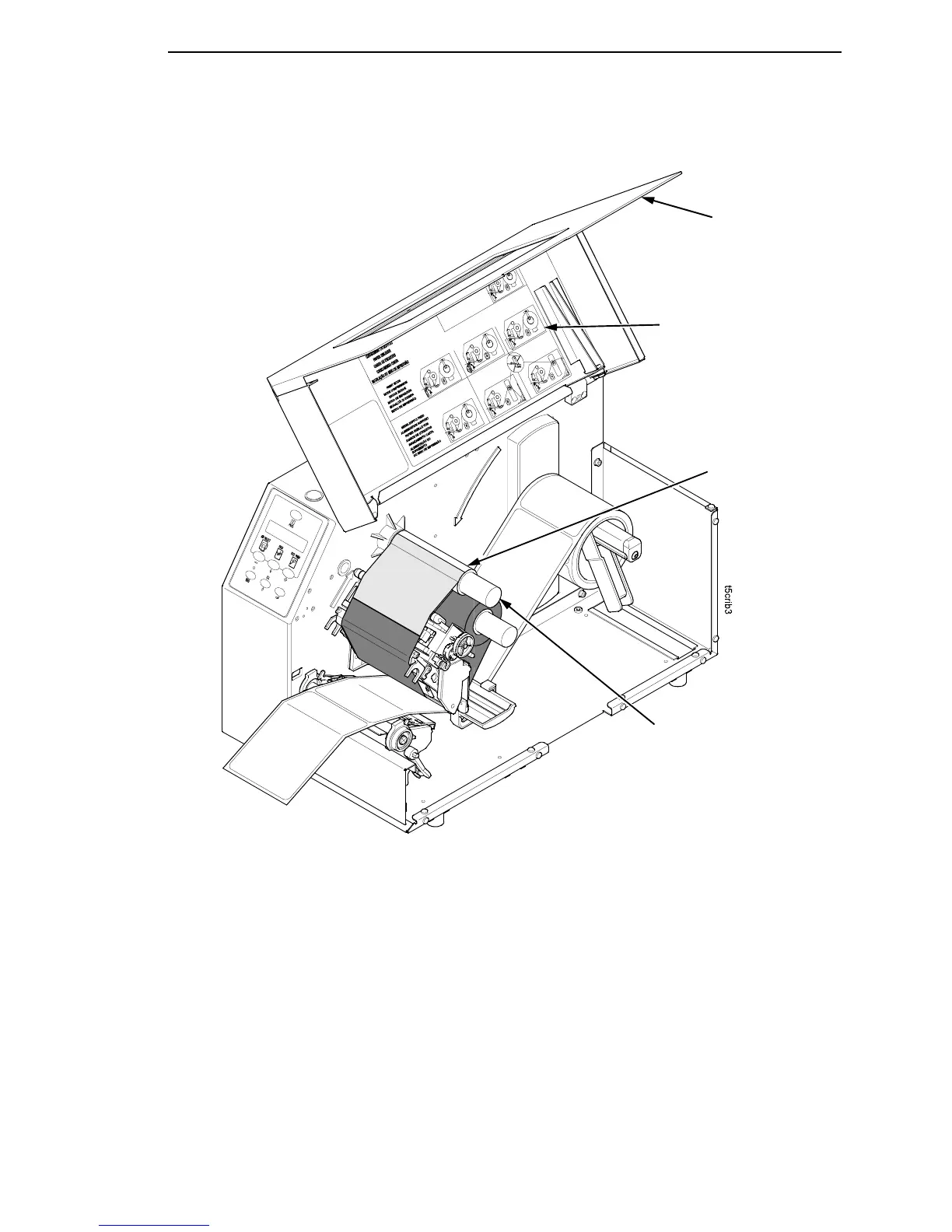
Loading Ribbon
53
IMPORTANT
Do not attach the ribbon to the ribbon take-up spindle without a
fiberboard take-up core installed.
5. Attach the ribbon to the ribbon take-up core on the ribbon take-up spindle
using the adhesive on the ribbon leader.
6. Manually rotate the spindle clockwise until the clear leader has passed
the printhead.
7. Close the pivoting deck and rotate the deck lock lever fully
counterclockwise.
8. Verify that Print Mode (in the QUICK SETUP menu) is set for Transfer.
See “QUICK SETUP” on page 106 for more information.
Ribbon
Take-up Spindle
Ribbon
Take-up Core
Media Cover
Media and Ribbon
Loading
Instructions














 To Next Page