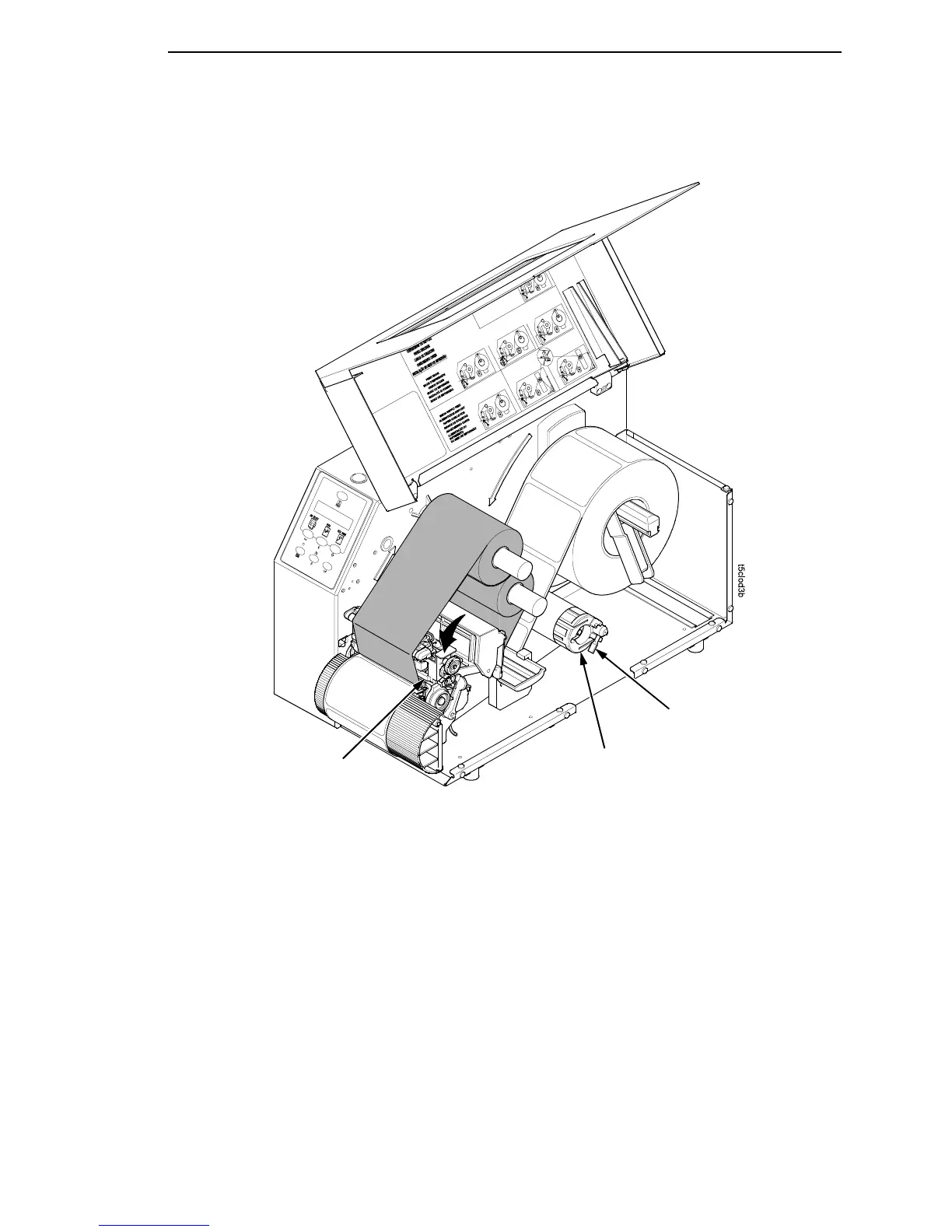
Batch Rewind Mode
59
Removing Printed Media from the Rewinder
1. Open the media cover.
2. Press the FEED key to advance the last printed label past the printhead,
and tear the liner from behind the last printed label.
3. Manually rewind the remaining printed labels onto the rewinder by turning
the rewinder counterclockwise.
4. Turn the release lever on the rewinder clockwise.
5. Slide the roll of printed labels off the rewinder.
Printhead
Release
Lever
Rewinder














 To Next Page