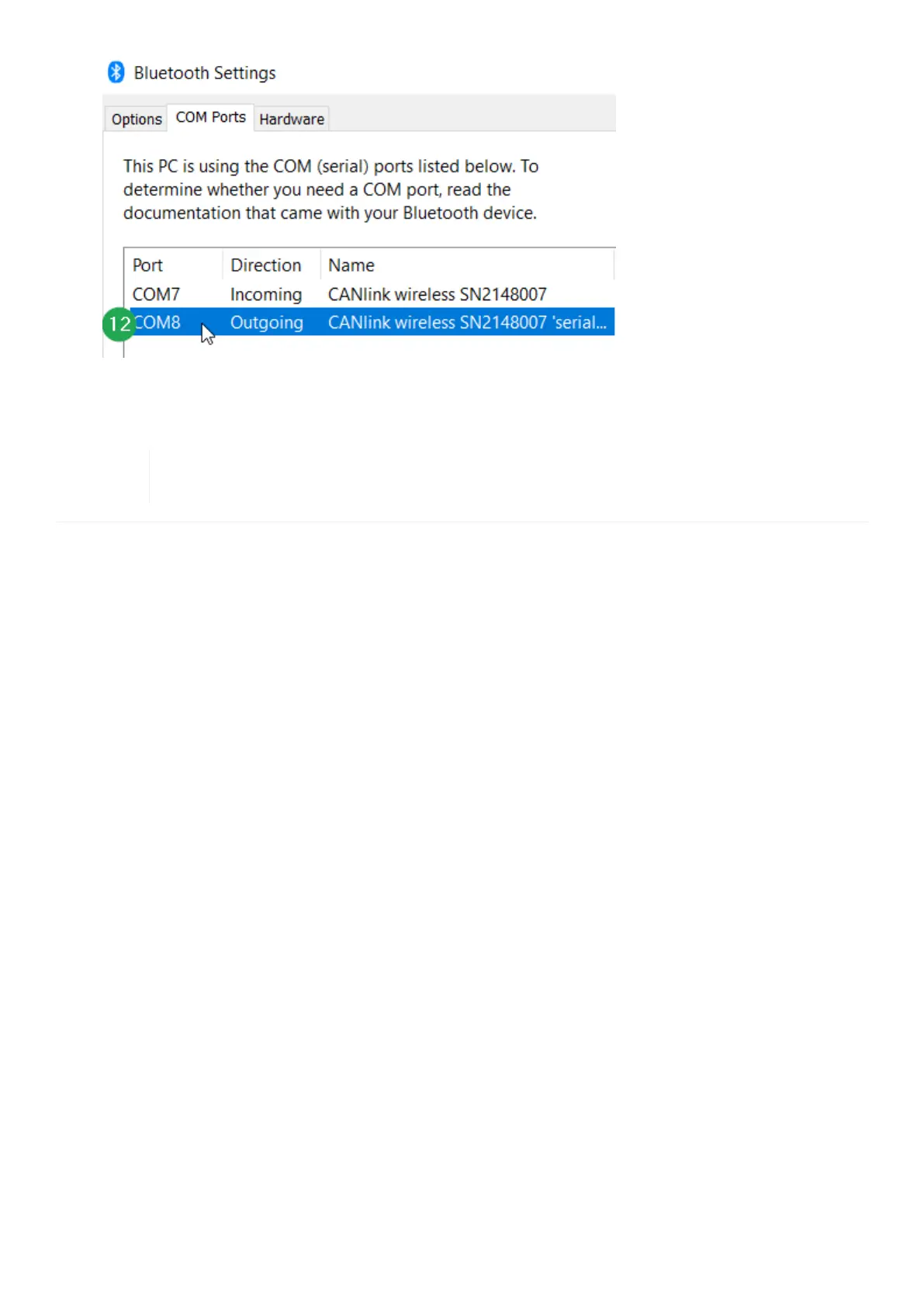
Figure 31. Bluetooth Settings - COM Ports
¬ The CANlink wireless 4000 is paired with your pc and is ready to use.
If the new CANlink wireless 4000 was not discovered and paired, a reset to the factory settings
might be necessary. Please perform the reset procedure and repeat the Bluetooth scan.
CANlink wireless 4000 Device Manual



 To Next Page