5.2.6. Create Support Archive
The CANlink wireless configurator software incorporates the option to create a backup of the installed device
configuration and static device parameters.
This function can be used to save the original configuration and device information such as software version, WiFi and
Bluetooth MAC address, etc.
In the event of a malfunction, the support archive should be attached to the support request.
To keep a backup of the latest configuration status, it is always recommended to create a support
archive before installing a customized configuration.
1. Connect the device to the PC. See chapter Connection with a PC via Bluetooth.
2. Choose DEVICE ¬ READ DATA FROM THE DEVICE from the menu.
¬ The configuration from the device is loaded.
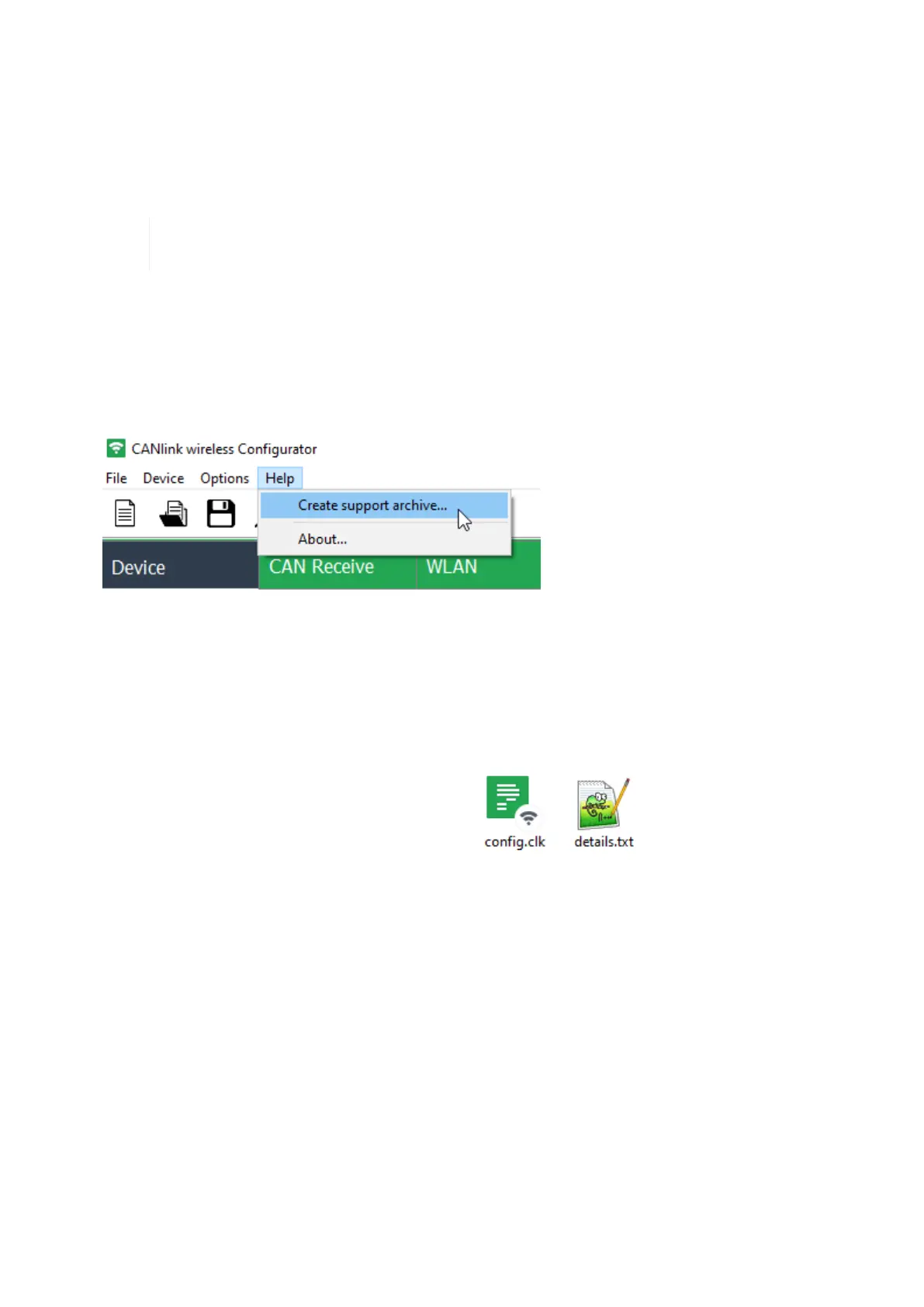
3. Choose HELP ¬ CREATE SUPPORT ARCHIVE from the menu.
¬ This opens Windows File Explorer.
4. Enter an explicit file name for the backup file of the original device configuration.
5. Click the SAVE button.
¬ This saves a backup file of the original device configuration config.clk and also a text file details.txt with the
most important device information into a *.zip archive.
CANlink wireless 4000 Device Manual



 To Next Page