VIBTOOL 02.2009
20
Unit settings (Device setup)
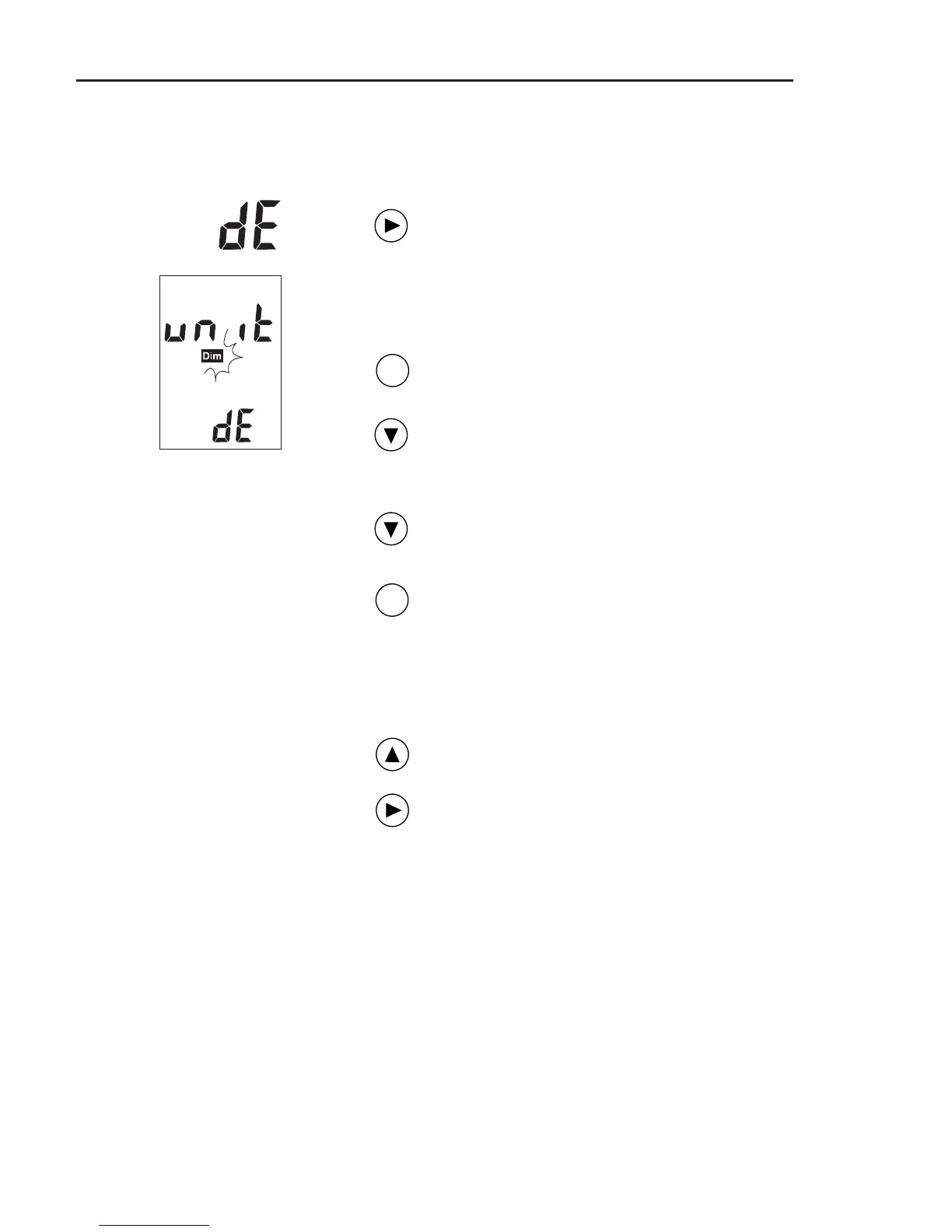
To change the units, proceed as follows:
Switch on VIBTOOL and press NEXT until
‘dE’ appears in the lower display field:
The VIBTOOL device setup is active when
‘unit’ and ‘dE’ appear on the display and
the ‘dim’ symbol flashes.
Press the ENTER key to enter the edit
mode.
Press the DOWN key repeatedly to select
the units one after the other:
1. Vibration velocity
2. Vibration acceleration
3. Temperature
4. Rotational speed
Press ENTER to change the settings:
1. mm/s <> inch/s
2. - - (=m/s²) <> g
3. °C <> °F
4. RPMx100 <> 1/s
Navigate back with the UP key and leave
the edit mode.
To leave the Device Setup again, press
the NEXT key. The ‘Bluetooth’ operating
mode is activated.
ENT
..
..
.
..
..
.
Operation
Note:
m/s² cannot be displayed:
‘ - - ’ is shown instead!
ENT



 To Next Page