VIBTOOL 02.2009
19
3. Temperature / RPM / Cavitation:
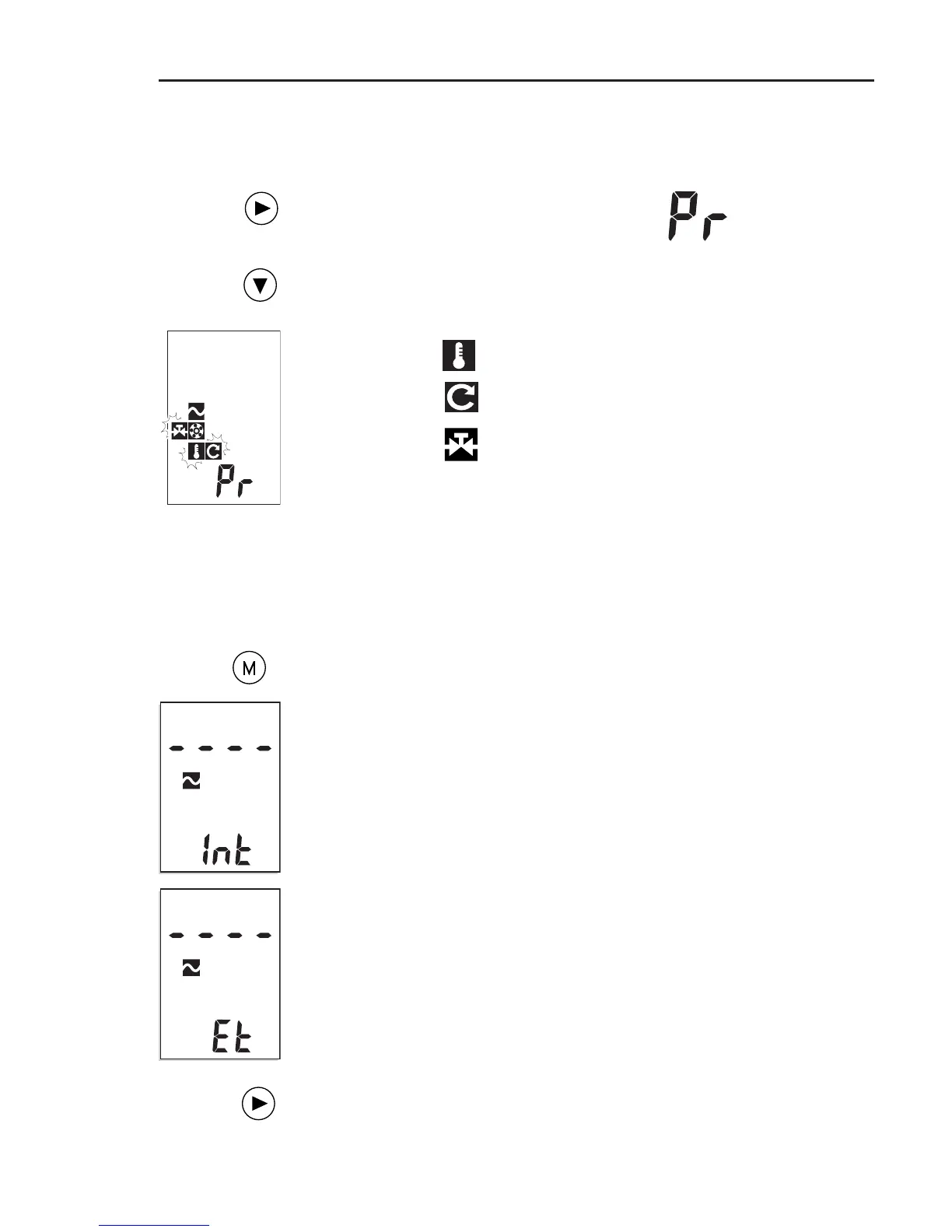
Switch on VIBTOOL and press NEXT until
‘Pr’ appears in the lower display field.
Keep the DOWN key pressed until the
following display appears and the respec-
tive symbol flashes:
- Temperature
- RPM
- Cavitation
Starting measurement
Hold the sensor against the measurement location. Make
sure that the direction of measurement and the contact
pressure are correct.
Press the M (Measure) key to start the
measurement:
The display that appears on the measure-
ment screen depends on which measure-
ment is selected. More details are given
at the end of the relevant chapter on
measurement.
Example:
‘Int’ and ‘Et’ indicate whether an internal
or external vibration sensor is being
used. If they disappear then reappear,
this indicates that the measurement is
unstable - remeasure!
After the measurement, click on the
NEXT key to return to the selection
screen.
Operation



 To Next Page