4. Calibration & First run
22 Prusa CORE One (assembled)
STEP 6 Wizard: Loadcell Test
The next step of the wizard will prompt you to touch the nozzle to test and calibrate
the Loadcell. During this procedure, the parts of the printer are not heated up so
that you can touch them. Hit Continue.
Loadcell calibration requires the door to be open, as you must interact directly
inside the printer.
Do not touch the nozzle yet, wait until prompted by the Tap nozzle NOW message.
Tap the nozzle from below. In case the Loadcell does not detect the touch, you will
be prompted to repeat the step. Otherwise, you will see Loadcell test passed OK
when it succeeds.
To allow the printer to continue with the Wizard, close the door.
STEP 7 Wizard: Gearbox Alignment
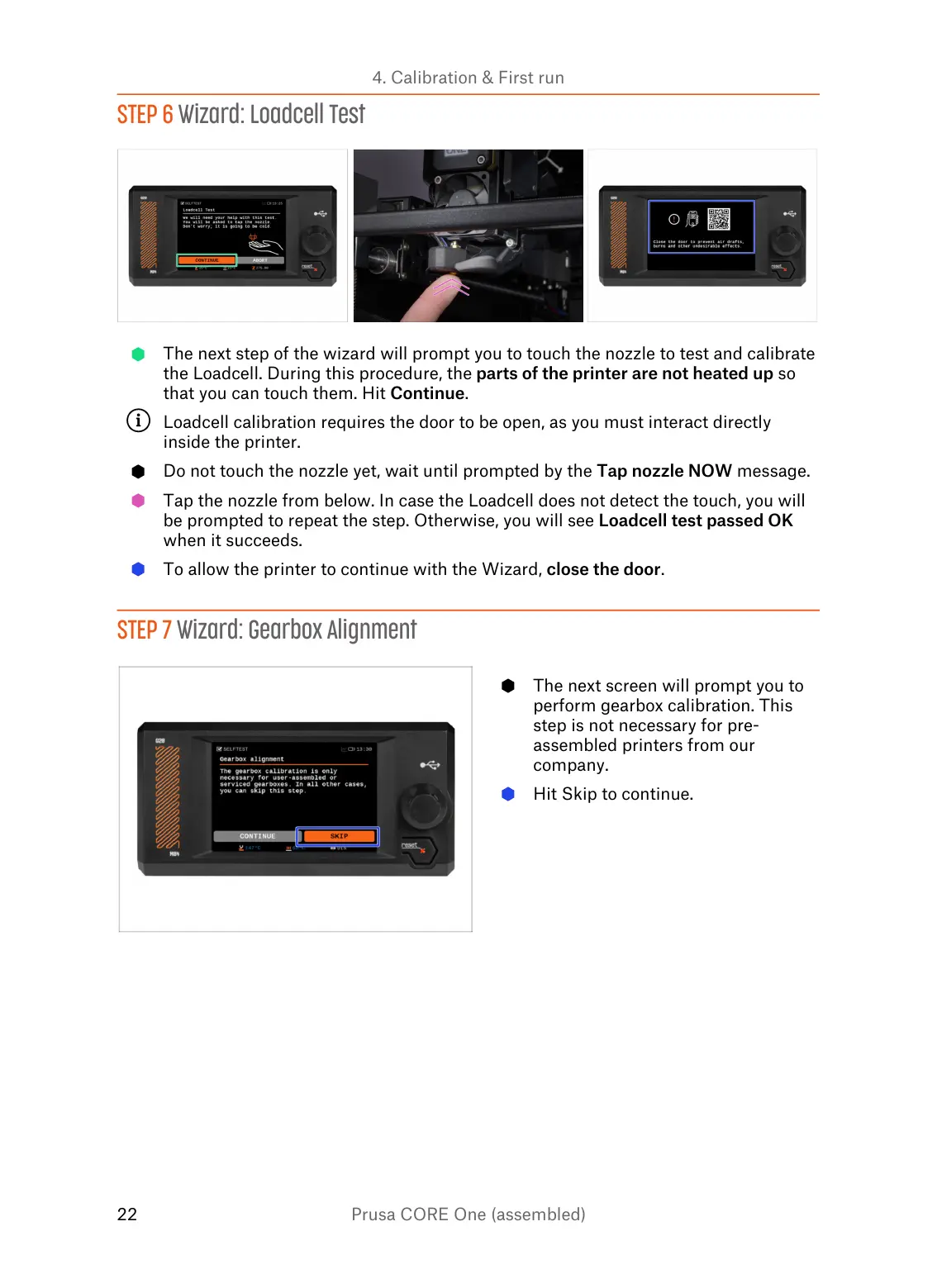
The next screen will prompt you to
perform gearbox calibration. This
step is not necessary for pre-
assembled printers from our
company.
Hit Skip to continue.















 To Next Page