1. Introduction
4 Prusa CORE One (assembled)
STEP 1 Introduction
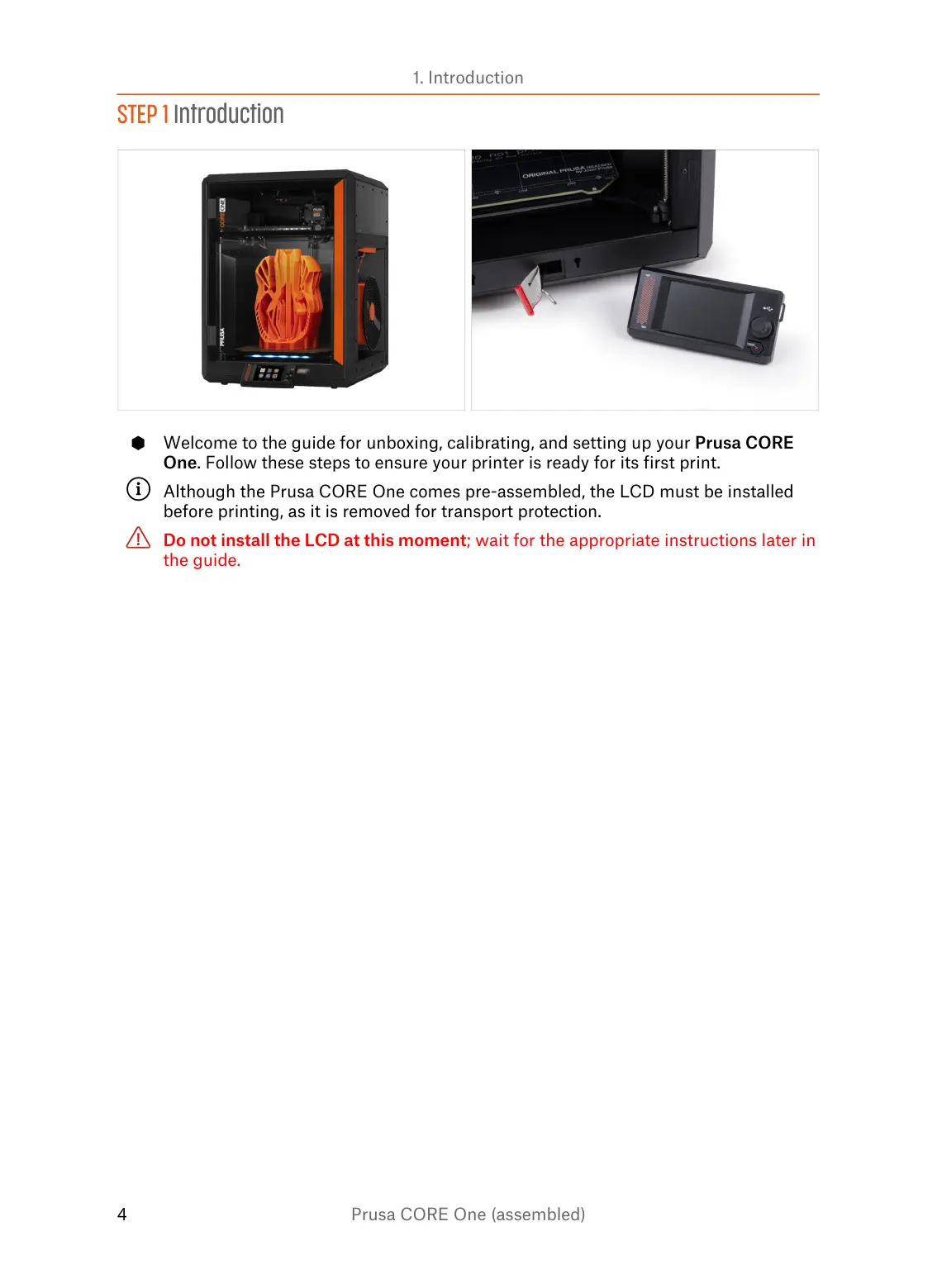
Welcome to the guide for unboxing, calibrating, and setting up your Prusa CORE
One. Follow these steps to ensure your printer is ready for its first print.
Although the Prusa CORE One comes pre-assembled, the LCD must be installed
before printing, as it is removed for transport protection.
Do not install the LCD at this moment; wait for the appropriate instructions later in
the guide.















 To Next Page