4. Calibration & First run
Prusa CORE One (assembled) 23
STEP 8 Wizard - Filament Sensor Calibration
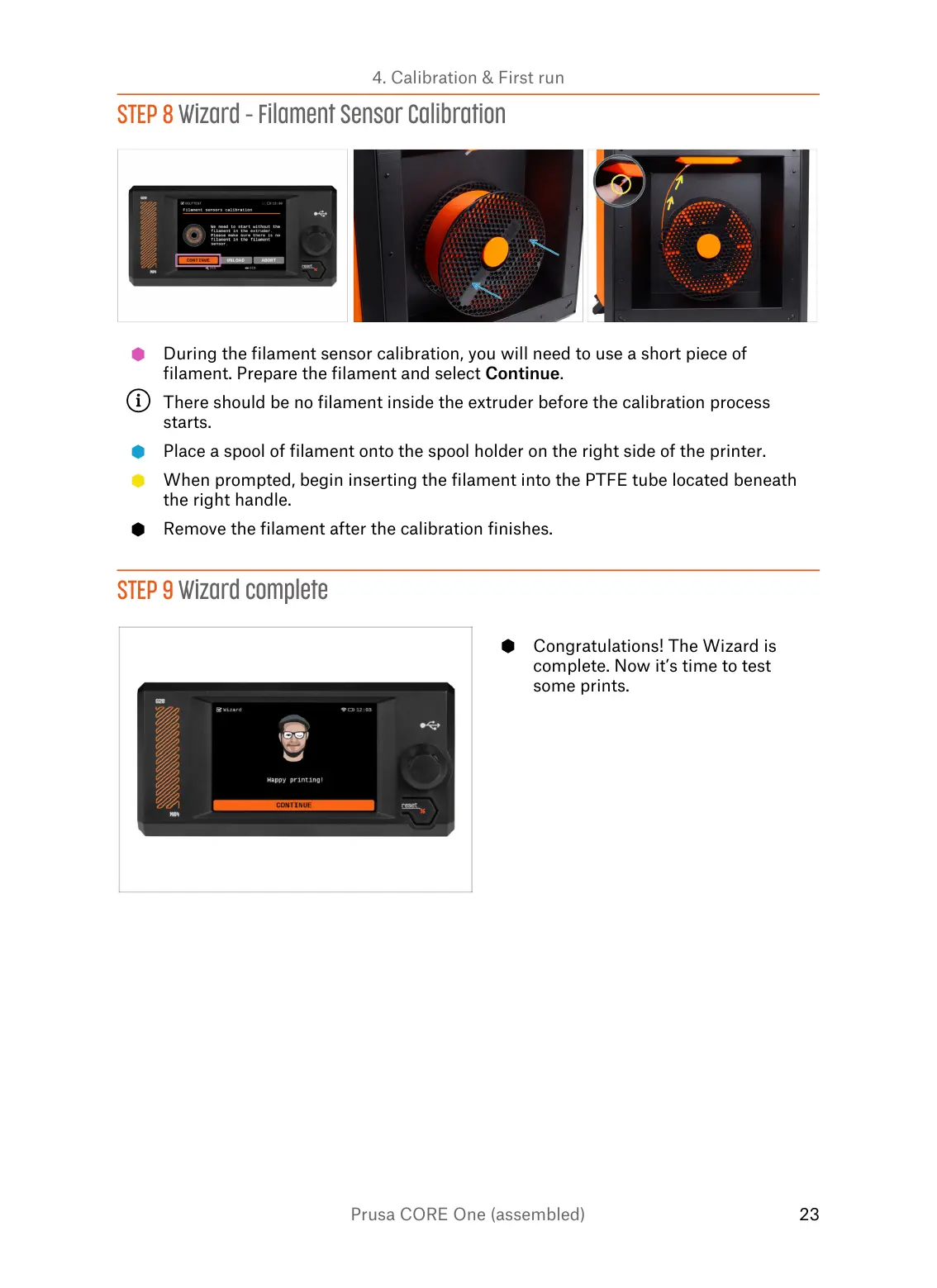
During the filament sensor calibration, you will need to use a short piece of
filament. Prepare the filament and select Continue.
There should be no filament inside the extruder before the calibration process
starts.
Place a spool of filament onto the spool holder on the right side of the printer.
When prompted, begin inserting the filament into the PTFE tube located beneath
the right handle.
Remove the filament after the calibration finishes.















 To Next Page