STEP 10 Handbook
Read the 3D Printing Handbook
dedicated to your printer and follow
the instructions to set up the printer
and prepare it for your first print.
The latest version is always
available at help.prusa3d.com.
Read the Disclaimer and Safety
instructions chapters.
STEP 11 Firmware update
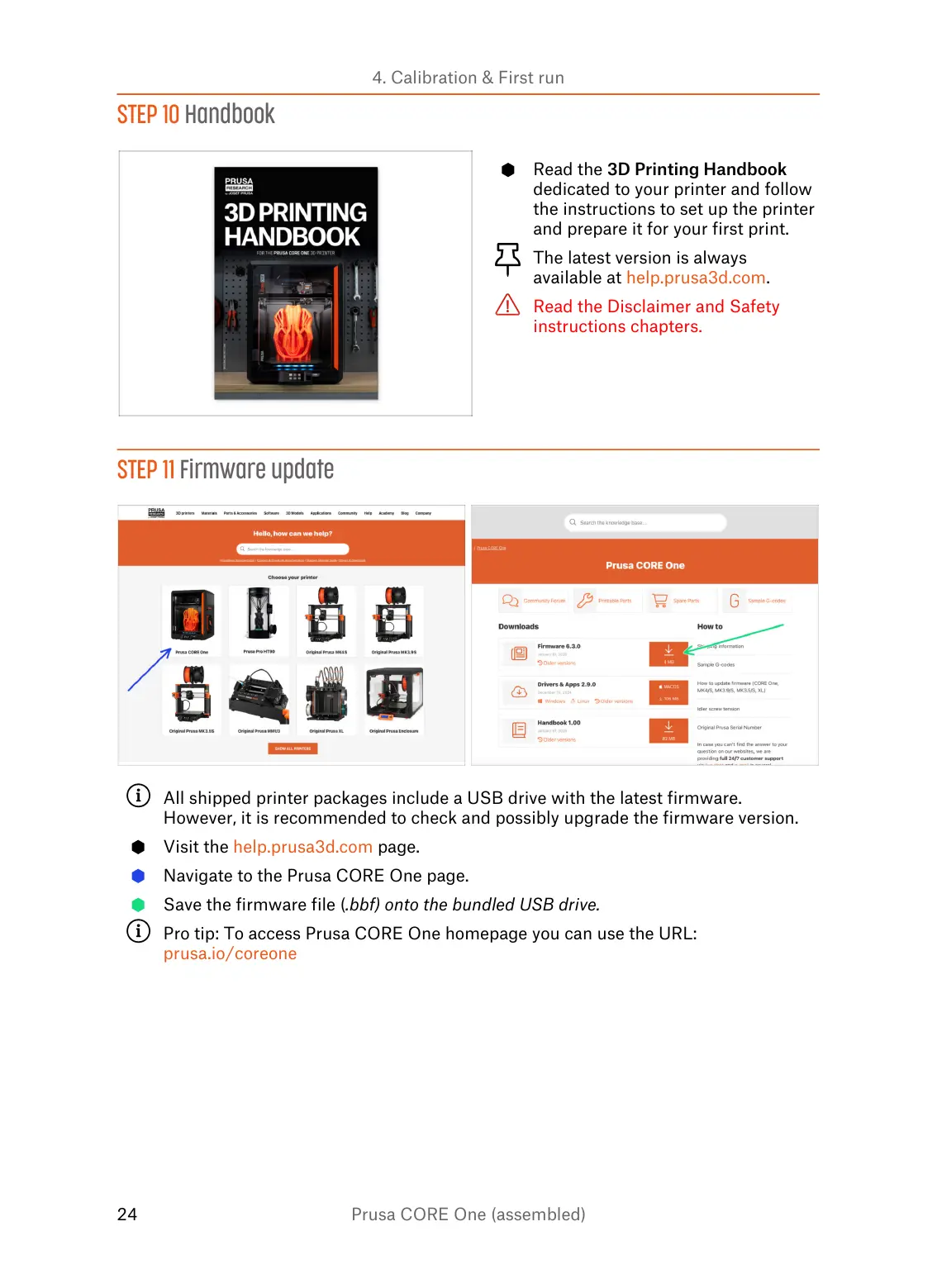
All shipped printer packages include a USB drive with the latest firmware.
However, it is recommended to check and possibly upgrade the firmware version.
Visit the help.prusa3d.com page.
Navigate to the Prusa CORE One page.
Save the firmware file (.bbf) onto the bundled USB drive.
Pro tip: To access Prusa CORE One homepage you can use the URL:
prusa.io/coreone















 To Next Page