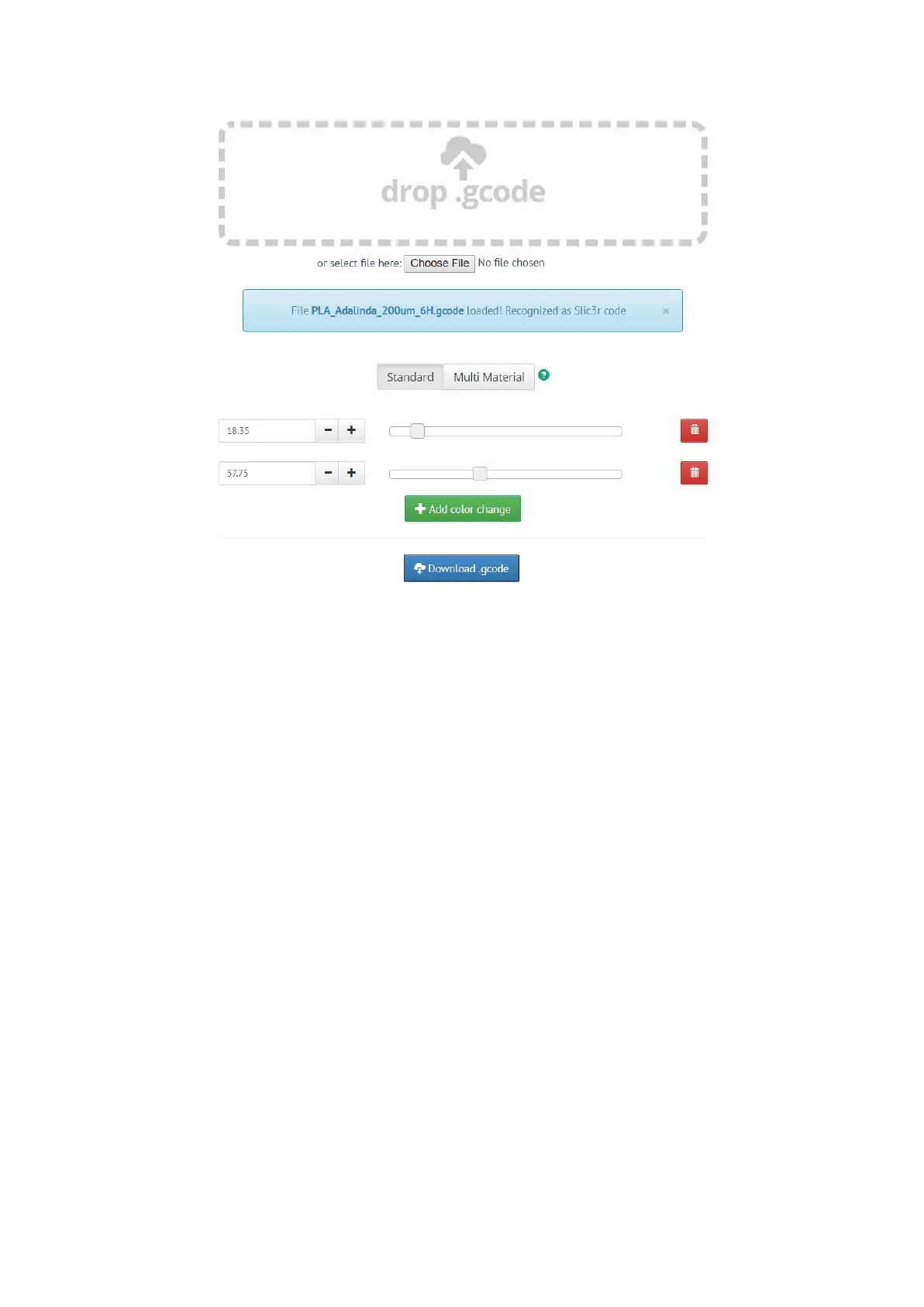
Pict.
31
-
Web
version
of
Colorprint
interface
at
prusaprinters.org/colorprint
Insert the filament which you want to start with into your printer and start printing the file.
When the color change is triggered from the gcode, the printer will follow this simple
procedure:
● Stop moving and retract
● Raise the Z by 2 mm and move quickly outside the printbed
● Unload the current filament
● You will get asked to insert the new filament. When you do so and continue, the
filament will be pulled into the hotend and LCD will display “Changed correctly?”
with three options:
1. “Yes” Everything went ok and printing can continue. Check if the new color is clear
without any remains of the previous filament - if yes, choose this option to continue
printing with a new color.
2. “Filament not loaded” If the new filament was not loaded properly, choose this
option and the printer will start the automatic filament load again. When the filament
is loaded properly, you can choose the “Yes” option and the printing will continue with
a new color.
3. “Color not clear” Filament was loaded but the color is still mixed with the previous
filament. Press the button with this option and the printer will extrude more filament
47



 To Next Page