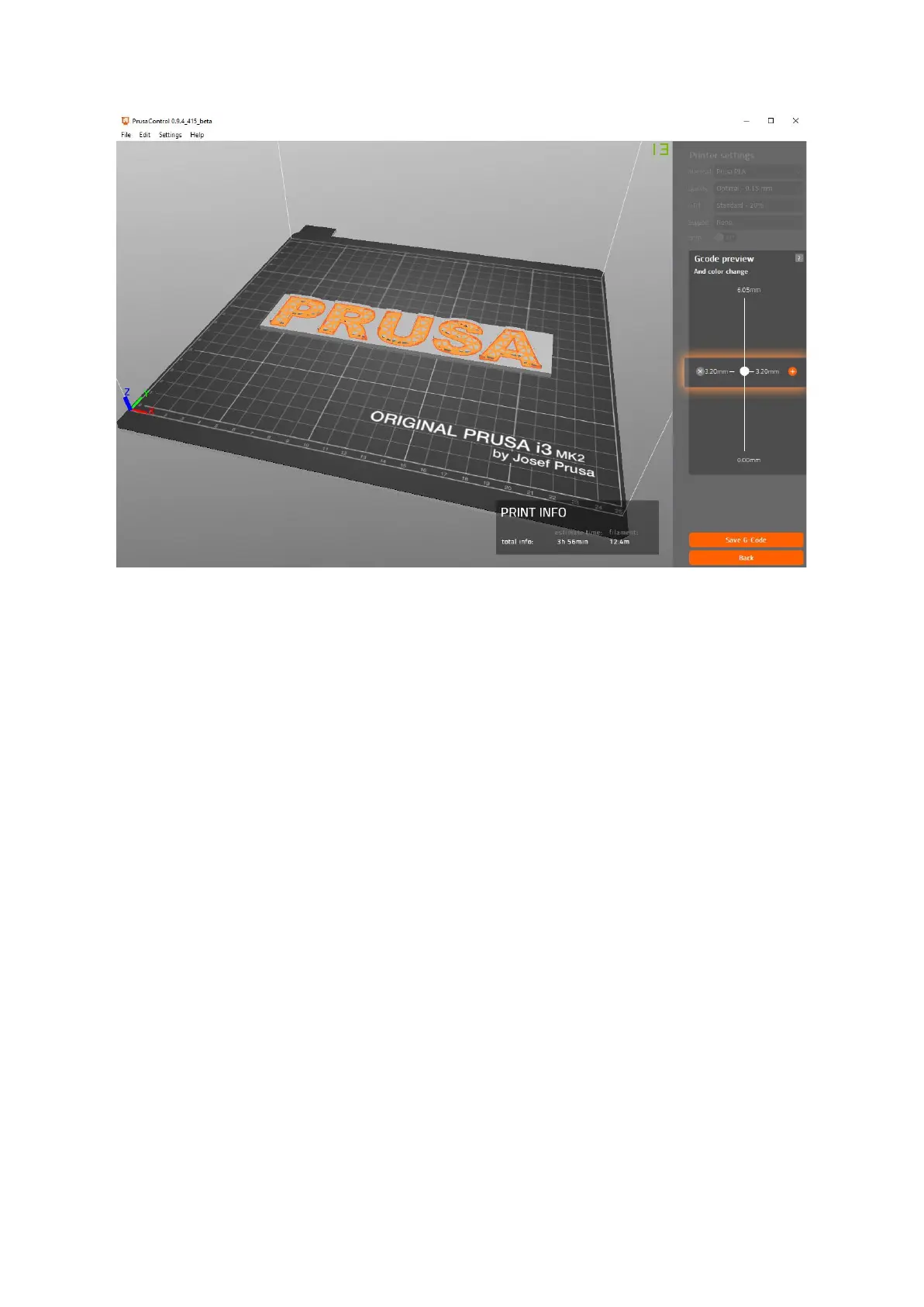
Pict.
30
-
Adding
color
change
in
PrusaControl
● First of all, you need to prepare regular gcode with common print and filament
settings. Save the file.
● Then go to www.prusaprinters.org and choose Color Print in the header menu.
● Drag the gcode to the frame and click on Add change button.
● Find the height of the layer where you want to make the color change. This can be
easily found in Slic3r under tab “Layers.” The scale along right side displays the
height of individual layers. Set this number to the box. The number of these changes
is unlimited.
● When you are done with your modification, download the file. This file is ready to be
printed!
46



 To Next Page