10.5 Bundled 3D models
We asked a couple of known 3D designers to prepare some printable objects for you to print.
They are ideal for the first prints on your new printer. STL and GCODE files are available
after installing the drivers package in the “3D Objects” folder, or bundled on your SD card.
You can check them out at http://www.prusa3d.com/printable-3d-models/.
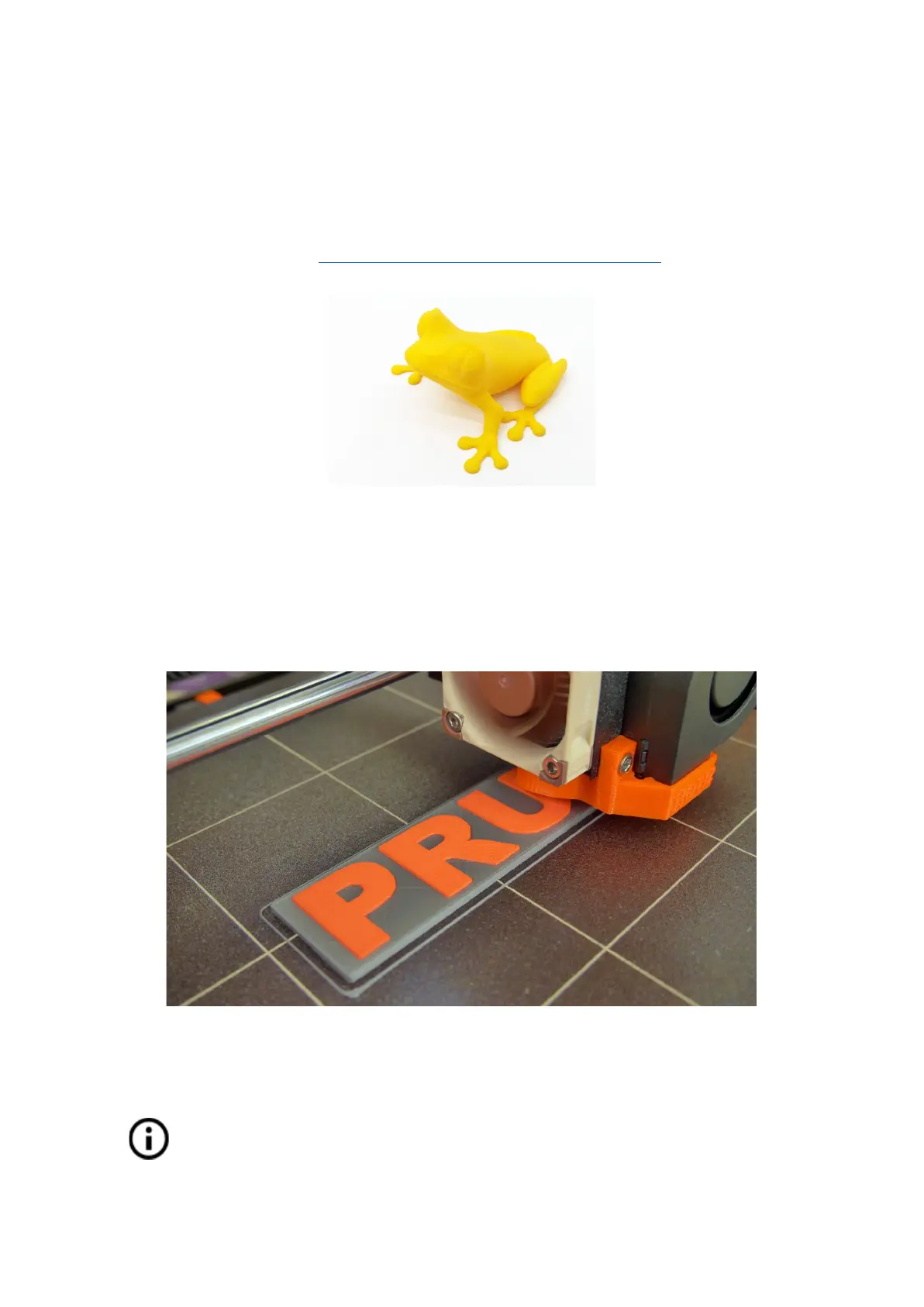
Pict.
28
-
the
50-microns
treefrog
is
commonly
used
as
a
3D
printing
benchmark.
10.6 Print in color with ColorPrint
There is a simple way to create layer-based multicolored 3D prints with PrusaControl or with
our simple online ColorPrint app by manually changing the filament.
Pict.
29
-
Multicolored
object
printed
with
ColorPrint
ColorPrint is now directly integrated into the PrusaControl and filament
changes can be added when the gcode is already generated before saving it
to the file. PrusaControl can also add color changes to existing gcode
(generated in Slic3r for example). You can also use Web ColorPrint for gcode
from other slicers including Slic3r Prusa Edition.
45



 To Next Page