VOCALISER INSTALLATION MANUAL
Page: 12 RINS119-5
CHAPTER 6: INPUTS (1, 2, 3, & 4)
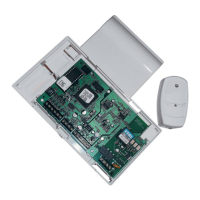
The polarity of the inputs on the Vocaliser (see page 2, Vocaliser PCB) can be changed to
various different triggers.
6.1 The Inputs State
There are four inputs on the Vocaliser, at default these are programmed as negative applied.
To change this setting please follow the below instructions:
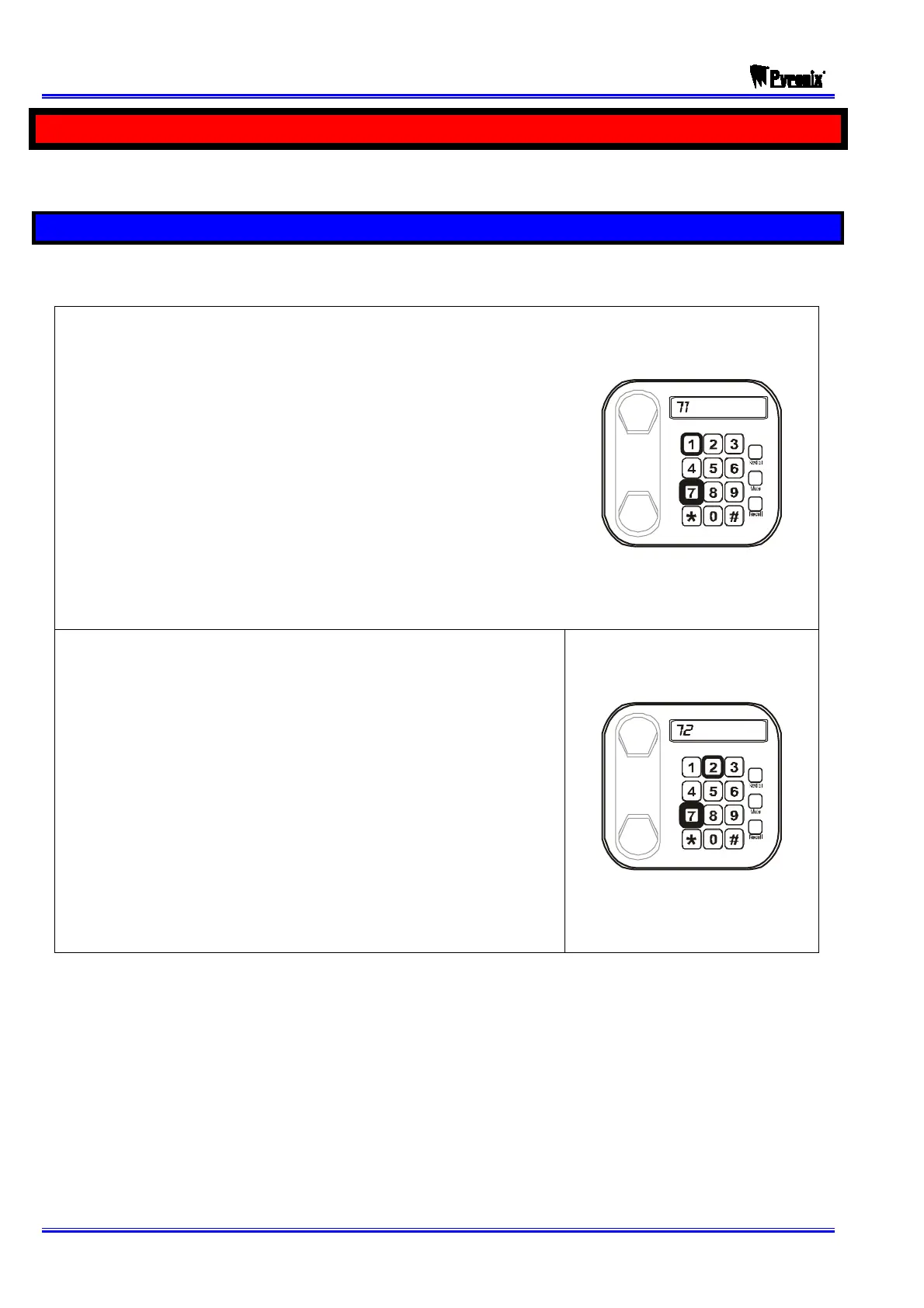
¾ Dial to change input 1.
¾ “ONE” will be heard.
¾ Enter the trigger type:
o Dial for Negative Applied (default) or
o Dial for Positive Removed or
o Dial # for Negative Removed or
o Dial for Positive Applied
¾ “ SAVED” will be heard.
¾ “ PLEASE ENTER COMMAND” will be heard
returning you to the engineer menu.
¾ Dial # to change input 2.
¾ “TWO” will be heard.
¾ Enter the trigger type:
o Dial for Negative Applied (default) or
o Dial for Positive Removed or
o Dial # for Negative Removed or
o Dial for Positive Applied
¾ “ SAVED” will be heard.
¾ “ PLEASE ENTER COMMAND” will be heard
returning you to the engineer menu.










 To Next Page