10
Sa fet y W arnings
1. The NAS can operate norm ally in t he tem perature range of 0º C–40º C ( or up t o 35º C
depending on individual product specifications) w it h a relat ive hum idit y of 0% –95% .
Ensure t hat t he environm ent is well- vent ilat ed.
2. The power cord and devices connected t o the NAS m ust provide correct supply volt age
( 100W, 90–264V).
3. Do not place the NAS in direct sunlight or near chem icals. Make sure the t em perat ure
and hum idity of the environm ent are in opt im ized level.
4. Unplug t he power cord and all connected cables before cleaning. Wipe t he NAS wit h a
dry t owel. Do not use chem ical or aerosol t o clean t he NAS.
5. Do not place any obj ects on the NAS for the server’s norm al operat ion and t o avoid
overheat .
6. Use the flat head screws in t he product package to lock t he hard disks in t he NAS when
installing hard disks for proper operat ion.
7. Do not place t he NAS near any liquid.
8. Do not place t he NAS on any uneven surface t o avoid falling off and dam age.
9. Make sure t he volt age is correct in t he location where t he NAS is installed. Contact t he
distributor or t he local pow er supply com pany for t he inform at ion.
10. Do not place any obj ect on t he power cord.
11. Do not att em pt t o repair t he NAS in any occasions. I m proper disassem bly of the
product m ay expose t he users t o electric shock or ot her risks. For any enquiries,
please cont act the distribut or.
12. The chassis NAS m odels should only be installed in t he server room and m aintained by
the aut horized server m anager or I T adm inist rat or. The server room is locked by key or
keycard access and only cert ified staff is allowed t o ent er t he server room .
W a r ning:
Danger of explosion if bat tery is incorrect ly replaced. Replace only with t he sam e or
equivalent t ype recom m ended by t he m anufact urer. Dispose of used bat t eries
according t o t he m anufacturer’s instruct ions.
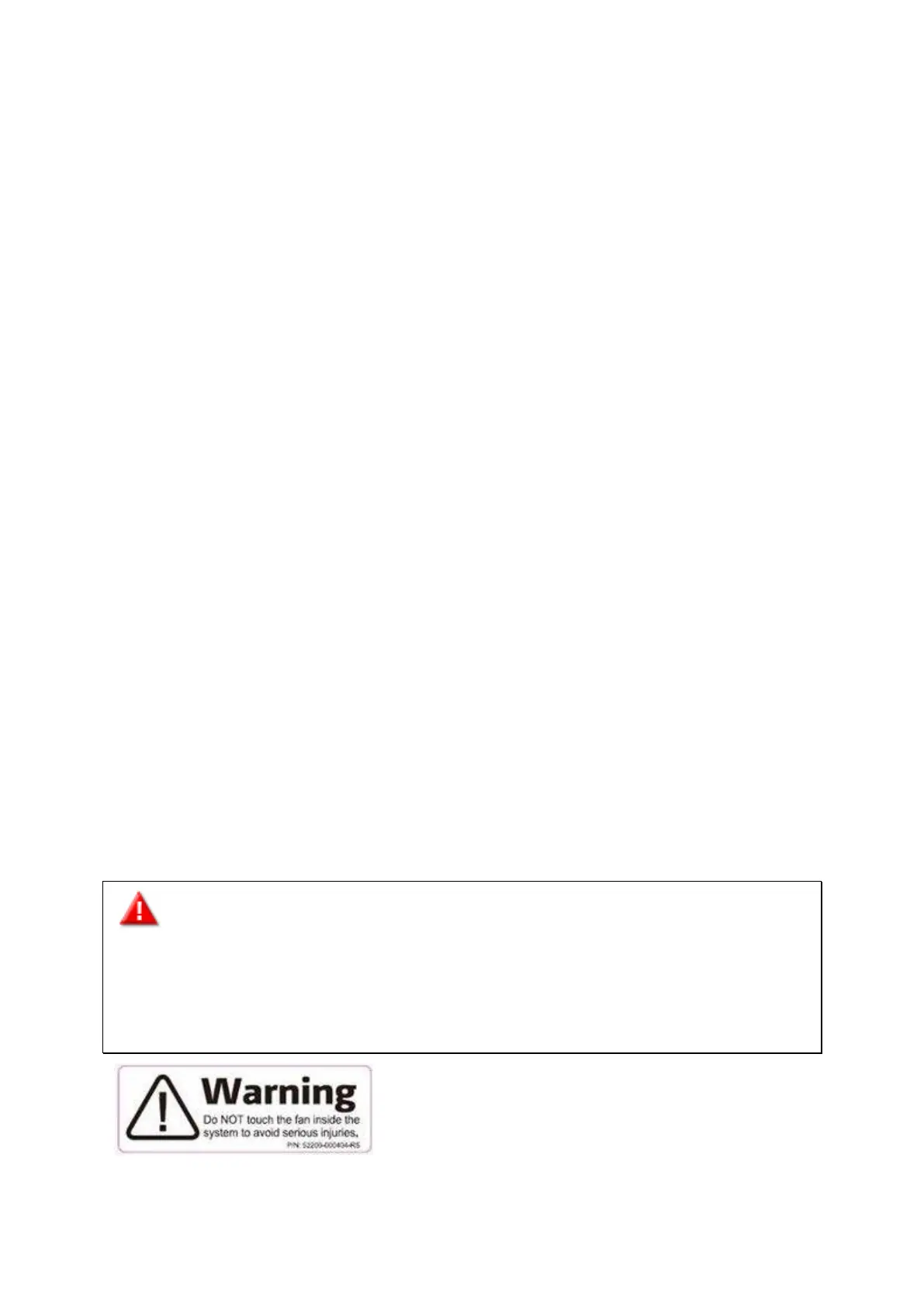
Do NOT touch t he fan inside t he system t o avoid serious inj uries.


 To Next Page