103
Chapter 8 . I nst a ll M.2 SSDs
8 .1 M.2 SSD Hea t Sink I nstalla t ion
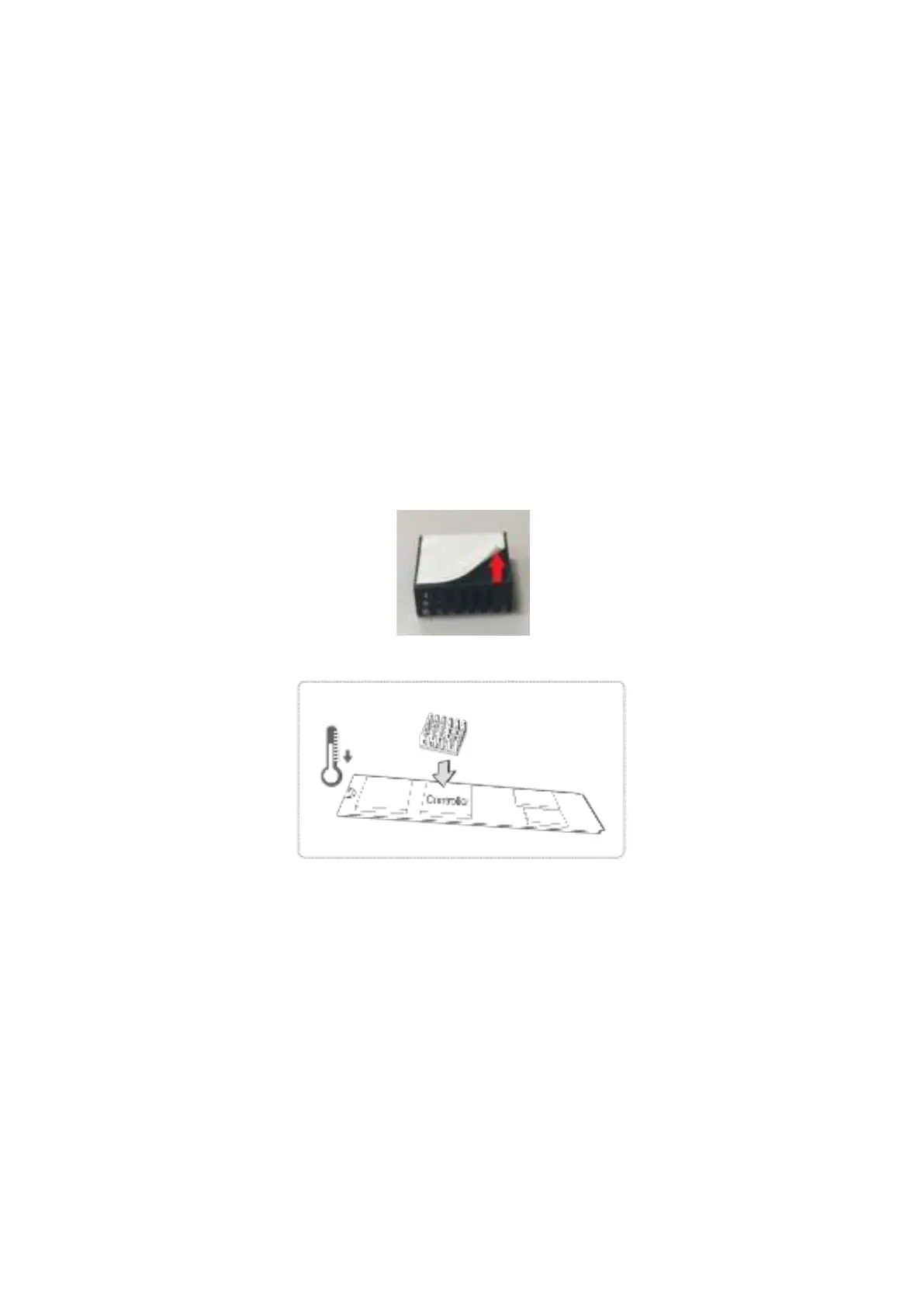
NAS m odels t hat support M.2 SSDs are packaged wit h M.2 SSD heat sinks. For reliable
operat ion, it is recom m ended t hat you inst all t he heat sinks onto t he SSD controller.
To inst all heat sink:
1. Locate t he SSD cont roller on t he M.2 SSD. Locat ion of SSD cont roller varies by m odel.
Refer to SSD m anufact urer for det ails.
2. Rem ove any exist ing st ickers or labels on t he cont roller.
3. Rem ove the release liner from bot t om of t he heat sink.
4. Stick heat sink ont o t he cont roller. No t herm al past e required.



 To Next Page