60
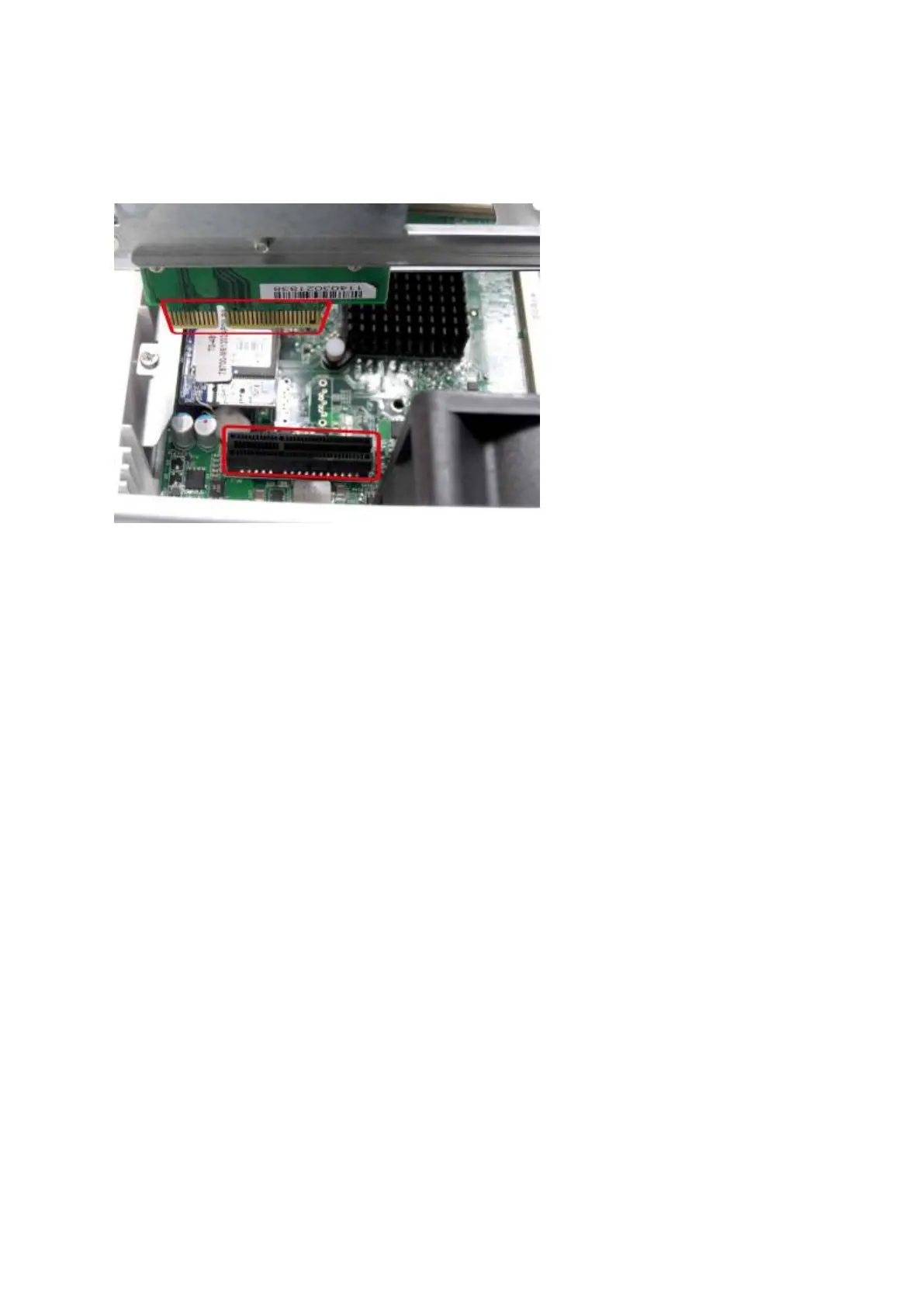
7. Reatt ach t he hard drive cage t o t he NAS. Please ensure t hat it correct ly plugs int o the
slot .
8. Secure t he hard drive cage by fast ening t he four inner screws ( for t he 4- bay NAS,
please fasten the t wo additional top screws.) Then reattach t he case cover of t he NAS
by gent ly sliding it back t oget her.
9. Fasten t he t wo/ four screws onto the rear of t he NAS.
10. Reinsert your hard drives t o t he NAS.
11. Connect t he power adapt or and cables back t o the NAS.
12. To check t hat the m em ory m odule is recognized by t he NAS, power up t he NAS and
login t he web int erface as an adm inist rator. Go to “ Syst em St atus” > “System
I nform at ion” and check t he tot al m em ory in “ Hardware I nform at ion”.
5 .8 I S- 4 5 3 S
1. Loosen t he four screws on t he bot t om and t he t wo screws on t he rear panel of t he NAS
wit h a Phillips screwdriver and lift t he bot t om off.



 To Next Page