59
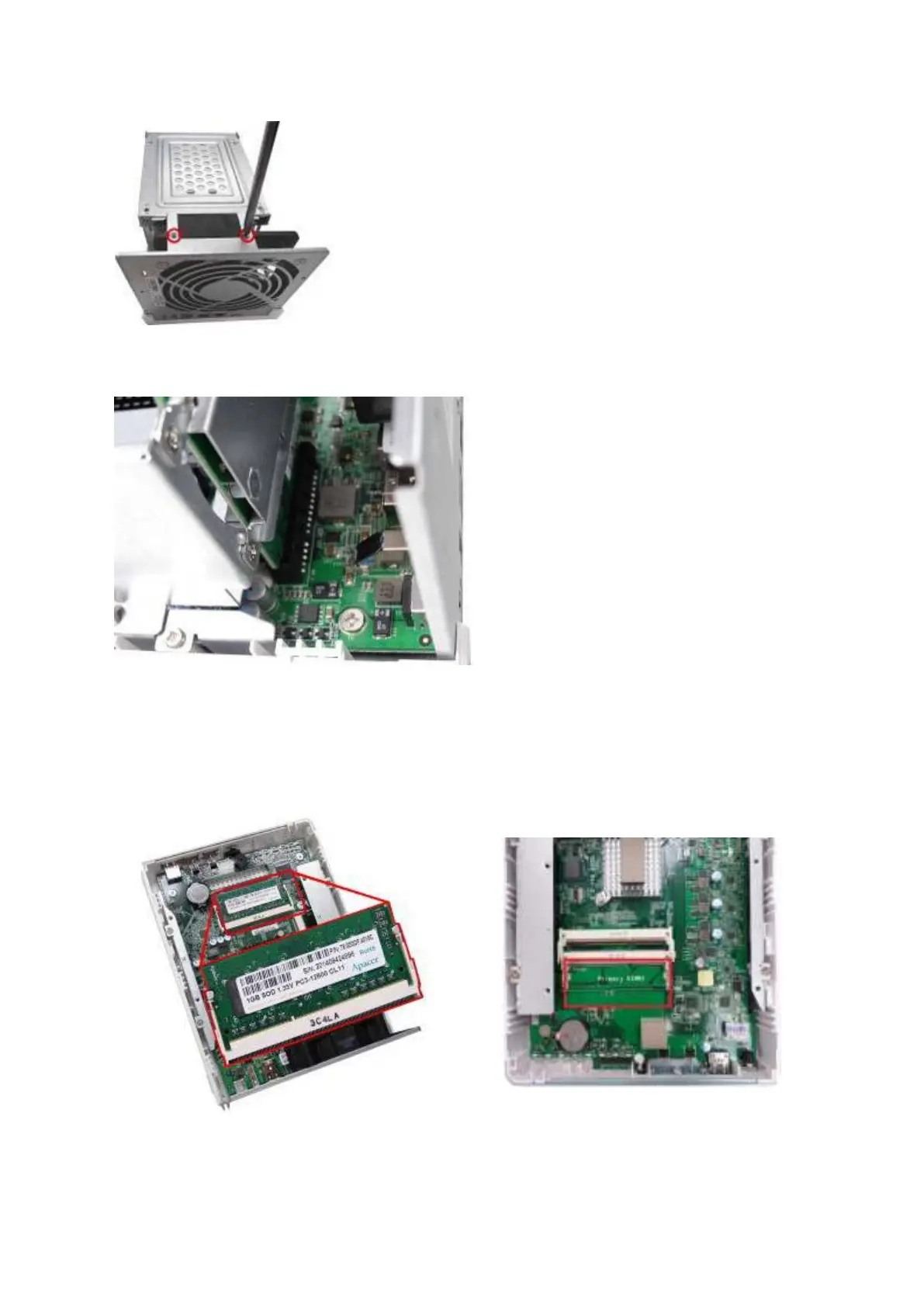
5. Gently rem ove t he hard drive cage from t he NAS by lifting it out of it s slot .
6. Alw a ys e nsur e t hat a m e m or y m odule is installe d in t h e Pr im ary slot ( r ed) . I f
not, t hen t h e syst e m w ill fa il t o st a r t . When installing t wo m em ory m odules, please
ensure t hat t hey are the sam e size and ideally use t he sam e type of RAM for bot h
m em ory slot s. The m axim um support ed m em ory is 8GB com bined.
TS-251/ TS-451 TS-251A/ TS- 451A



 To Next Page