63
Chapter 6 . N e t w or k Expa nsion Ca rd I nst a lla t ion
W a r ning:
The following instructions should only be perform ed by an aut horized and trained
technician.
St rict ly adhere t o t he inst ructions to inst all a net work expansion card on the NAS.
Failure to do so could result in injury t o hum an body or death.
Som e NAS m odels provide expansion slot s for net work expansion. I nsert an extra net work
expansion card ( optional purchase) t o t he m otherboard of the NAS t o increase t he net work
bandwidt h. Refer t o the com pat ibility list at :
ht t p: / / qnap.com / com pat ibilit y
N ot e: Wake- on- LAN ( WoL) is not supported by net w ork expansion cards.
6 .1 TVS- 4 6 3 , TS- 5 3 1 P, TS- 5 3 1 X, TVS- 6 6 3 , TS- 8 3 1 X , TVS- 8 6 3 , TS- 5 6 3 , TS- 8 7 9
Pr o, TS- 1 0 7 9 Pro, TS- 4 6 3 U, TS- 4 6 3 U- RP
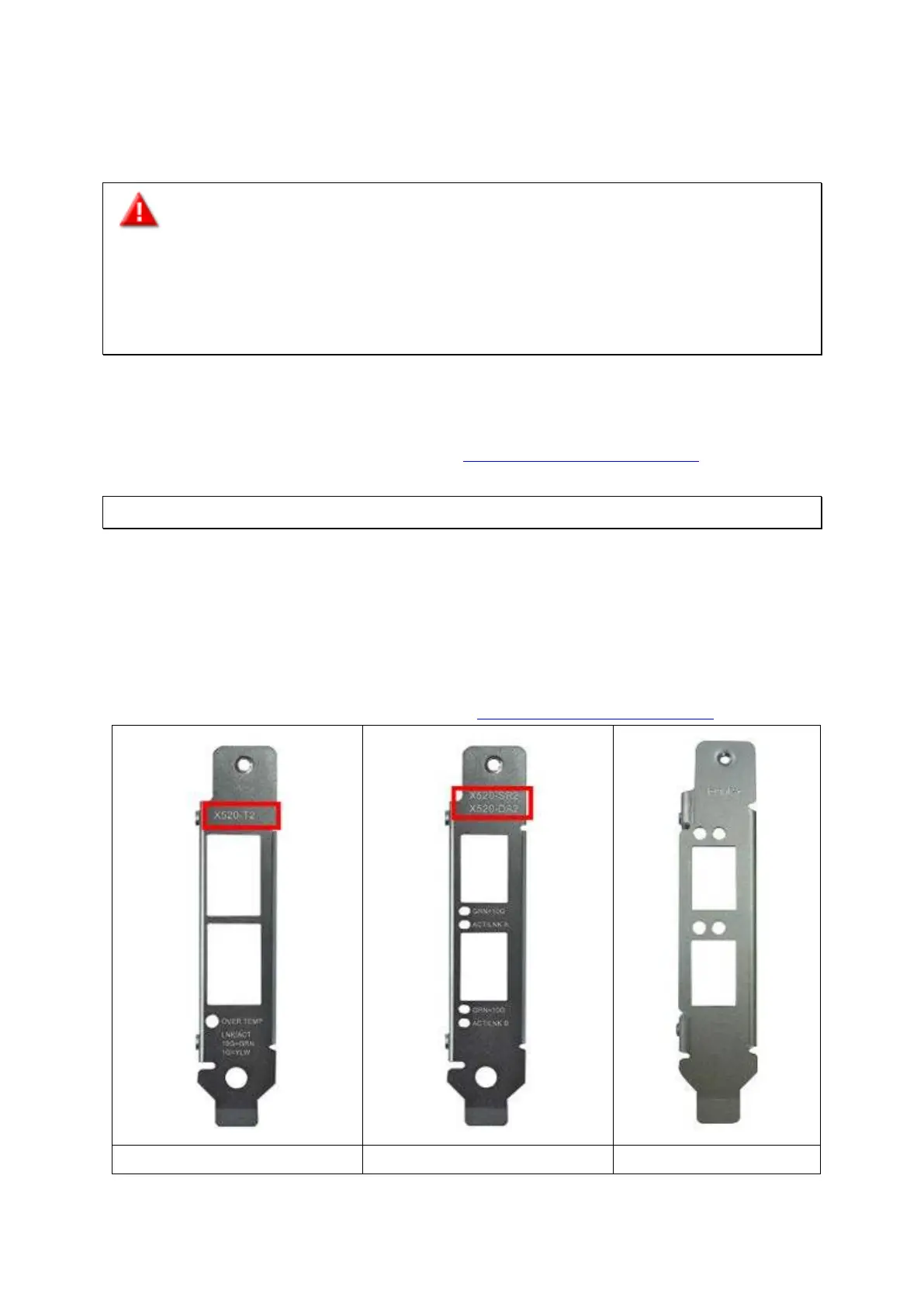
Refer to t he com patibility t able below for bracket and net work card com pat ibilit y. For NAS,
net work card, and bracket com pat ibility, go t o
ht t p: / / qnap.com / com pat ibilit y.
Bracket A Bracket B Bracket C



 To Next Page