52
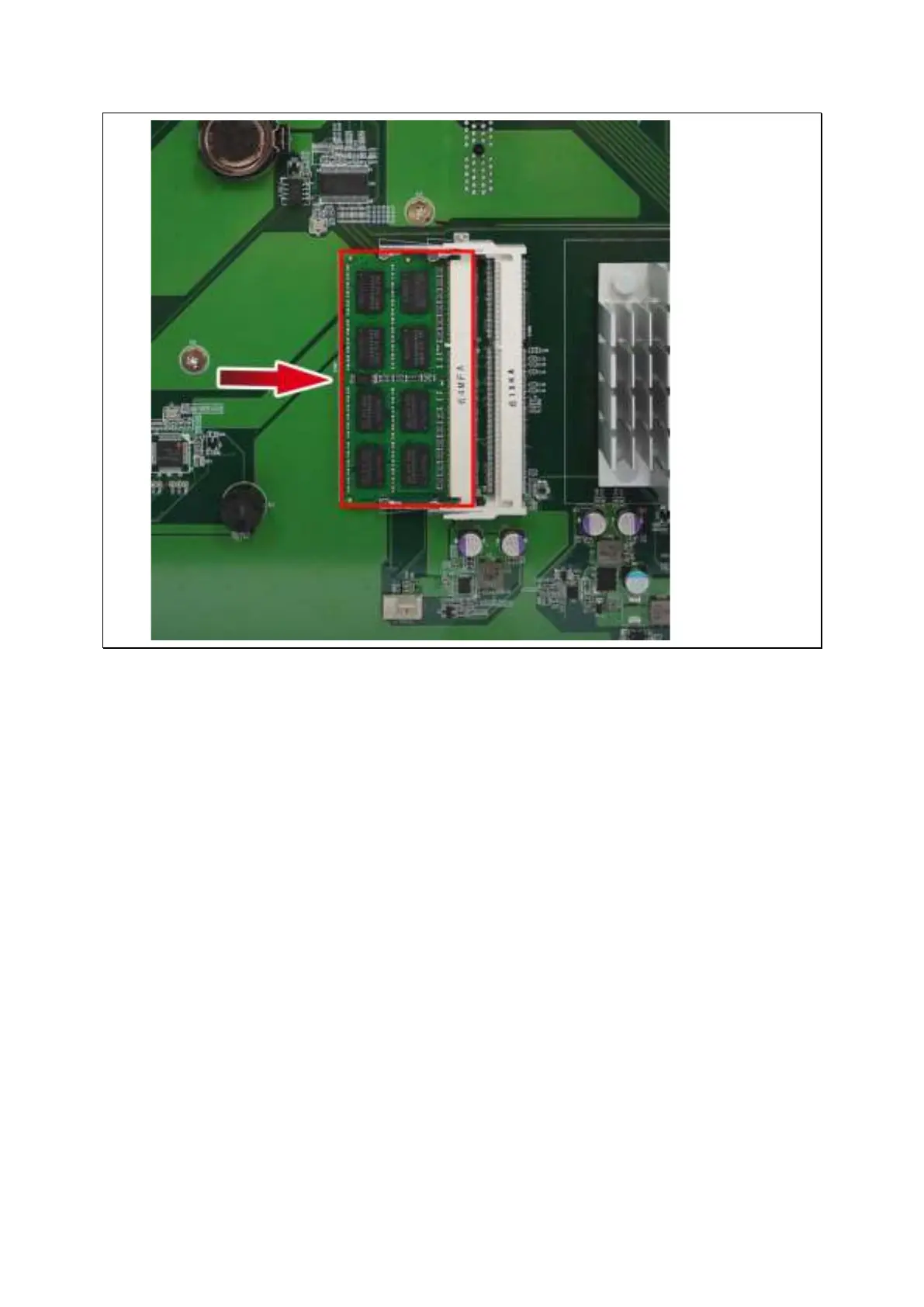
5. Gent ly push t he m em ory m odule t owards the m ot herboard until t he retent ion clips
lock t he m em ory m odule in place.
6. Close t he case cover and fast en the screws. Connect t he pow er adapt or and cables
to t he NAS. Power on NAS.
7. To verify t hat the m em ory m odule has been inst alled correct ly and is being
recognized by t he operat ing system , log int o QTS as adm inistrat or.
o For QTS 4.3.0 and above: Go to “ Cont rol Panel” > “ System ” > “ System
St at us” > “ Hardware I nform at ion” and check for Tot al m em ory.
o For QTS 4.2.x and below: Go t o “ Control Panel” > “ Syst em Set t ings” > “ Syst em
St at us” > “ Hardware I nform at ion” and check for Tot al m em ory.



 To Next Page