71
recognized by t he operating system , log int o QTS as adm inist rator and go t o
“ Control Panel” > “ System Set t ings” > “ Syst em Status” > “ Network Stat us” and
check for t ot al num ber of network int erfaces.
6 .3 TVS- 4 7 3 , TVS- 6 7 3 , TVS- 8 7 3
N ot e:
1. TVS- 473 uses low-profile PCIe bracket .
3. TVS- 673 and TVS- 873 use full height PCI e bracket.
1. Turn off the NAS. Disconnect power cord( s) , network cable(s) , and any other cables
att ached t o the device.
2. Before opening t he NAS, wear an antistatic wrist st rap and connect the crocodile
clam p to ground t o prevent electrost atic discharge from dam aging equipm ent .
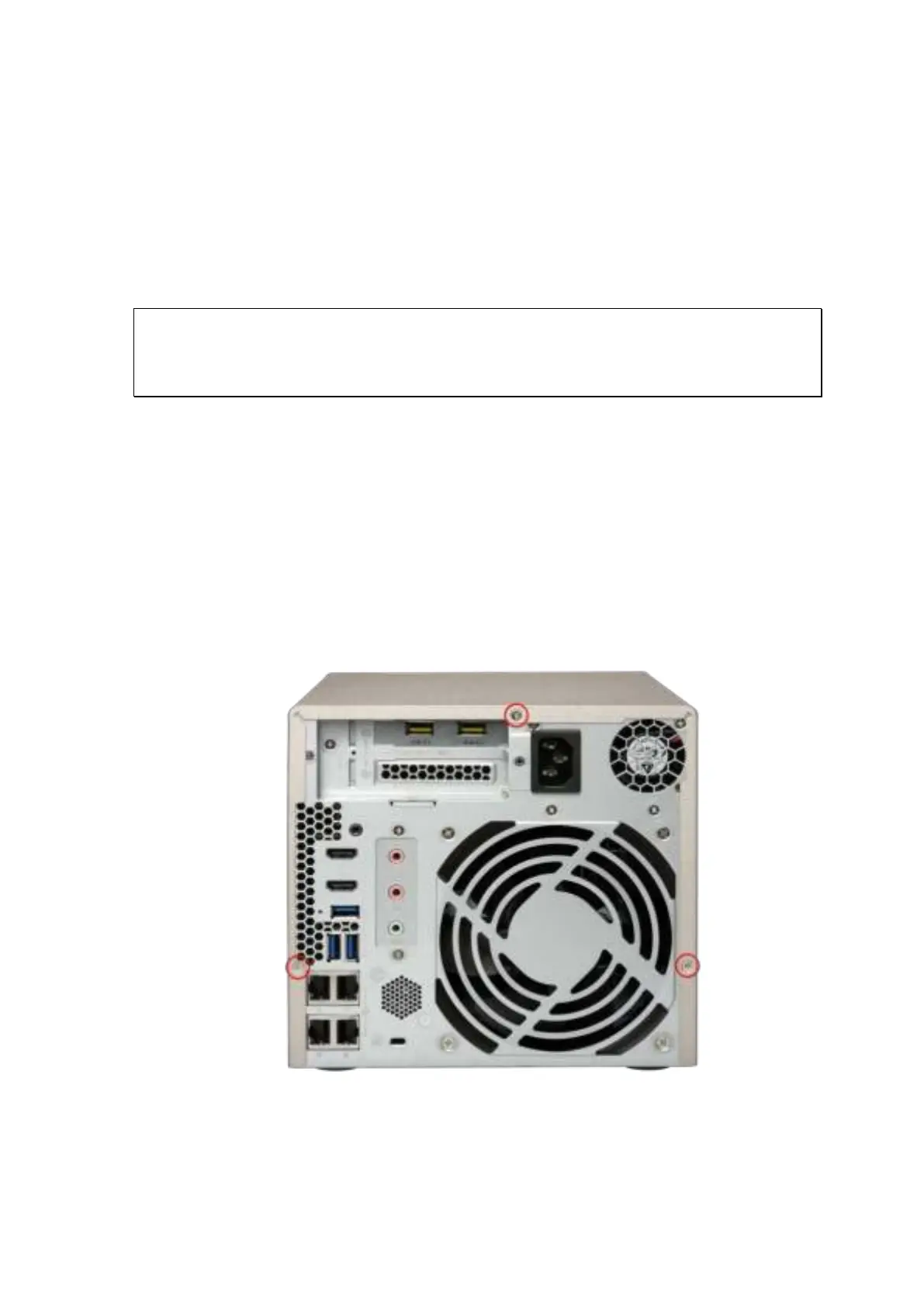
3. Loosen and rem ove t he screws on t he back of t he NAS that are connecting t he case
cover t o t he case.
4. Gently rem ove case cover from case.



 To Next Page