79
prevent elect rostatic discharge. The crocodile clip should be connected t o the ground.
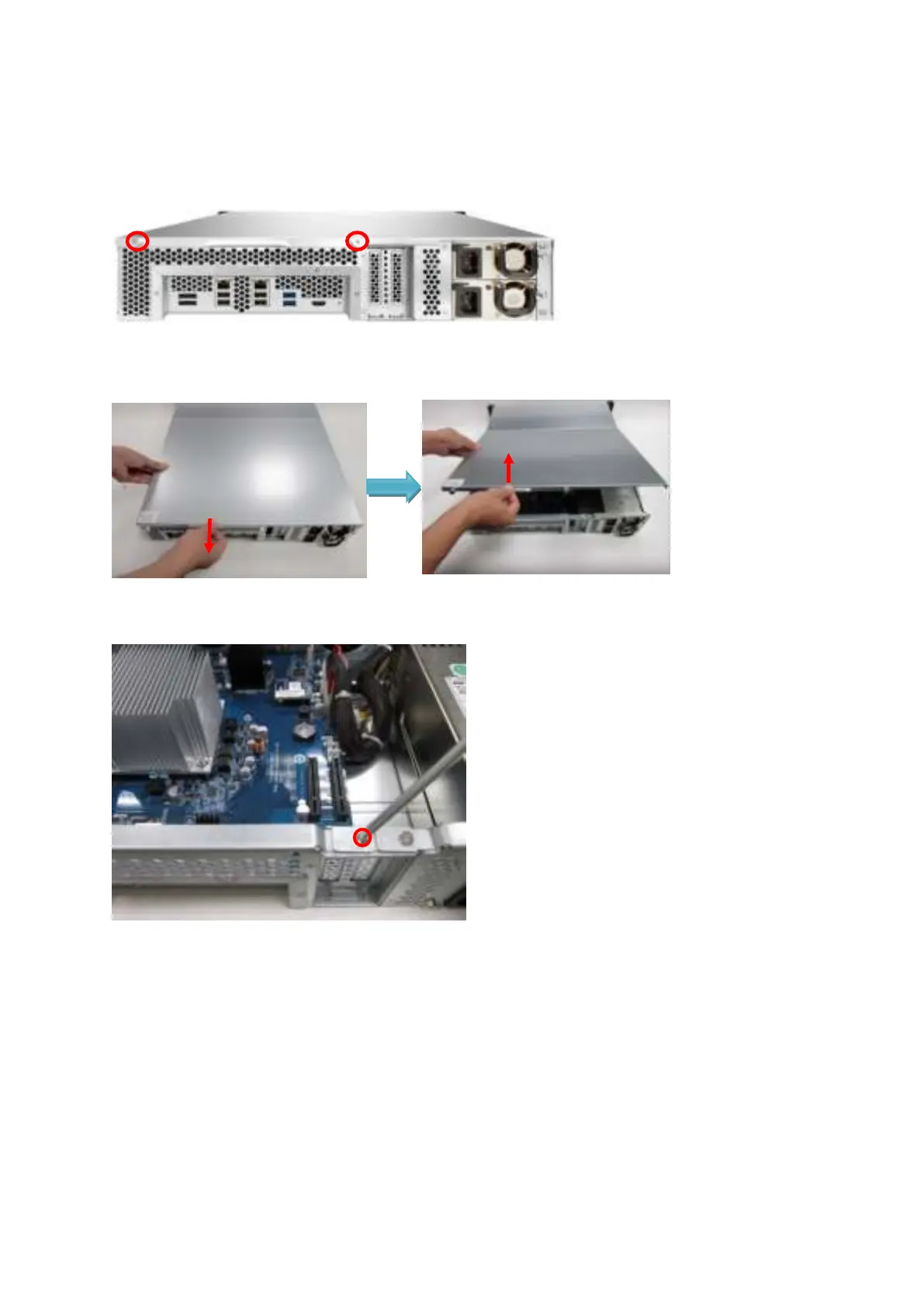
3. Loosen t he t w o screws on t he rear of t he NAS.
4. Hold the notch at t he edge of t he t op cover. Rem ove the top cover in bot h hands.
5. Loosen the screw and rem ove t he expansion slot cover.
6. Grasp t he edge of t he expansion card. Align t he not ch on t he gold edge of t he card with
the notch in t he PCI e slot . I nsert t he net work expansion card t o t he PCI e slot until it
cannot go any further.



 To Next Page