6) What You Might Need
Projector or HDTV with VGA/HDMI interface
Windows or Mac PC/Laptop
Apple iPhone, iPad or iPod-touch device
Android Phone or Tablet device
Speaker (Optional, for audio projection feature)
USB Mouse and Keyboard (Optional, for remote desktop feature)
USB HID Touch Screen/IWB Device (Optional, for UST or IWB over IP
feature)
7) Quick Installation
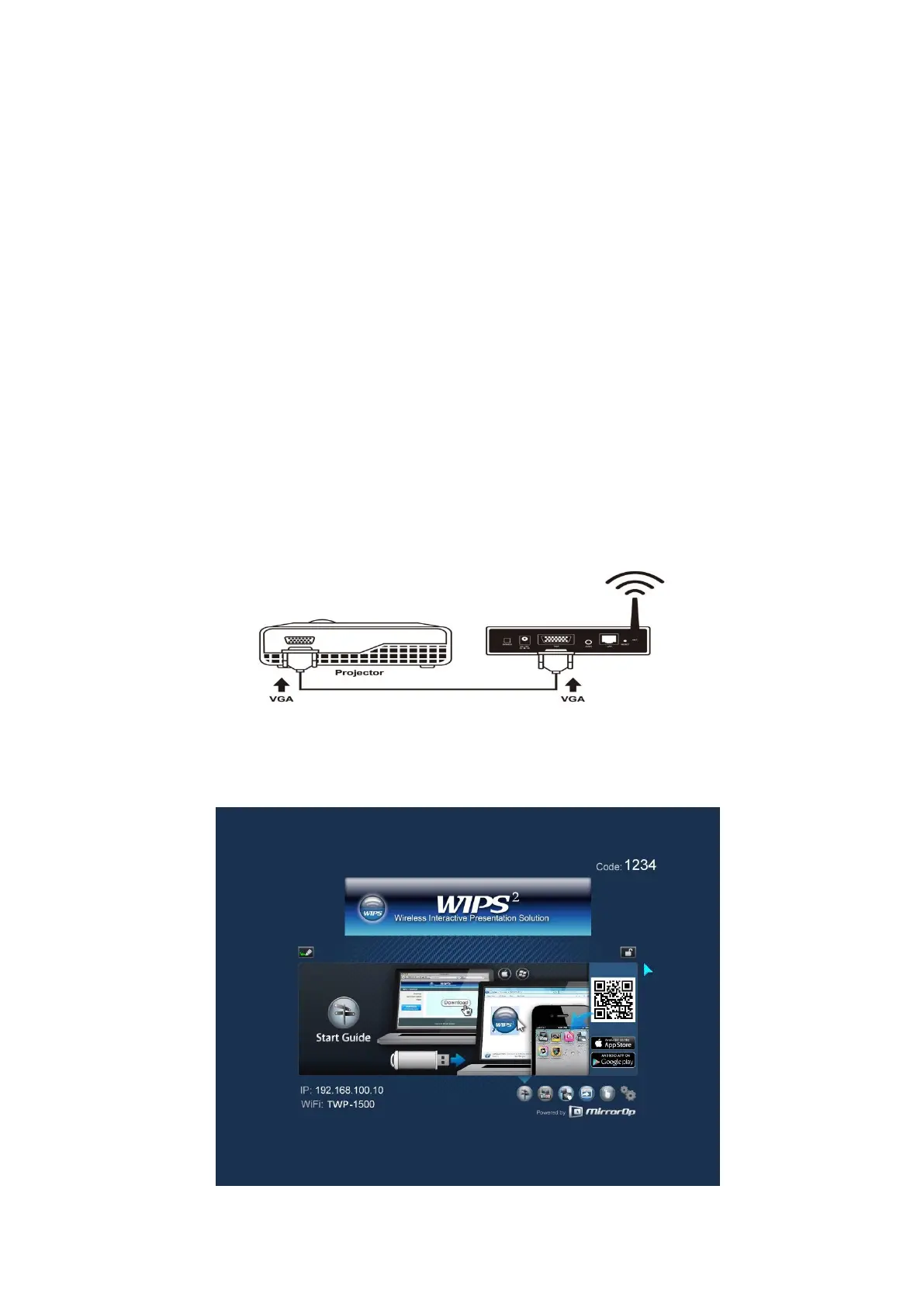
1) Connect TWP-1500 device to Projector through VGA/HDMI port and turn on
projector power.
2) Connect the power adaptor to TWP-1500 device and press the power button
to turn on TWP-1500 device.
It will show the default standby screen as below when system is ready.



 To Next Page