9) DoWiFi for Windows
9.1 Install the application
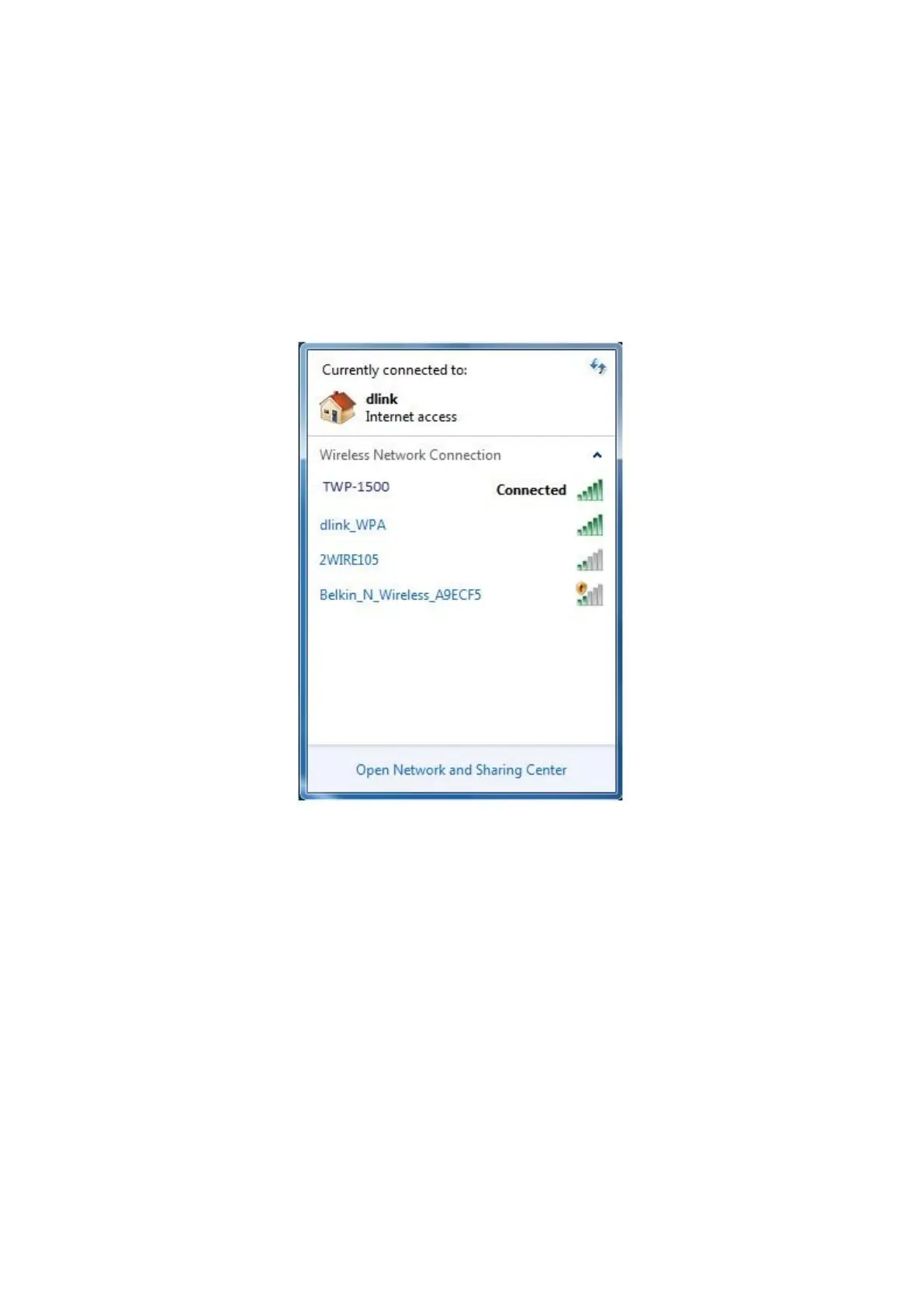
1) Make sure your PC WiFi is enabled already, and connect your PC to WIPS
2
TWP-1500 box through WiFi.
2) Open your browser and enter the Device Host Name (SSID) or IP address in
the browser. You can find the IP address and Host Name (SSID) on the
projector screen. (Default Host Name (SSID) is TWP-1500, Default
IP is 192.168.100.10)
3) Download the client software for “Windows 8 / 7/Vista / XP” and install on
your PC. (Ps. You can also launch the application from PnS token
directly.)



 To Next Page