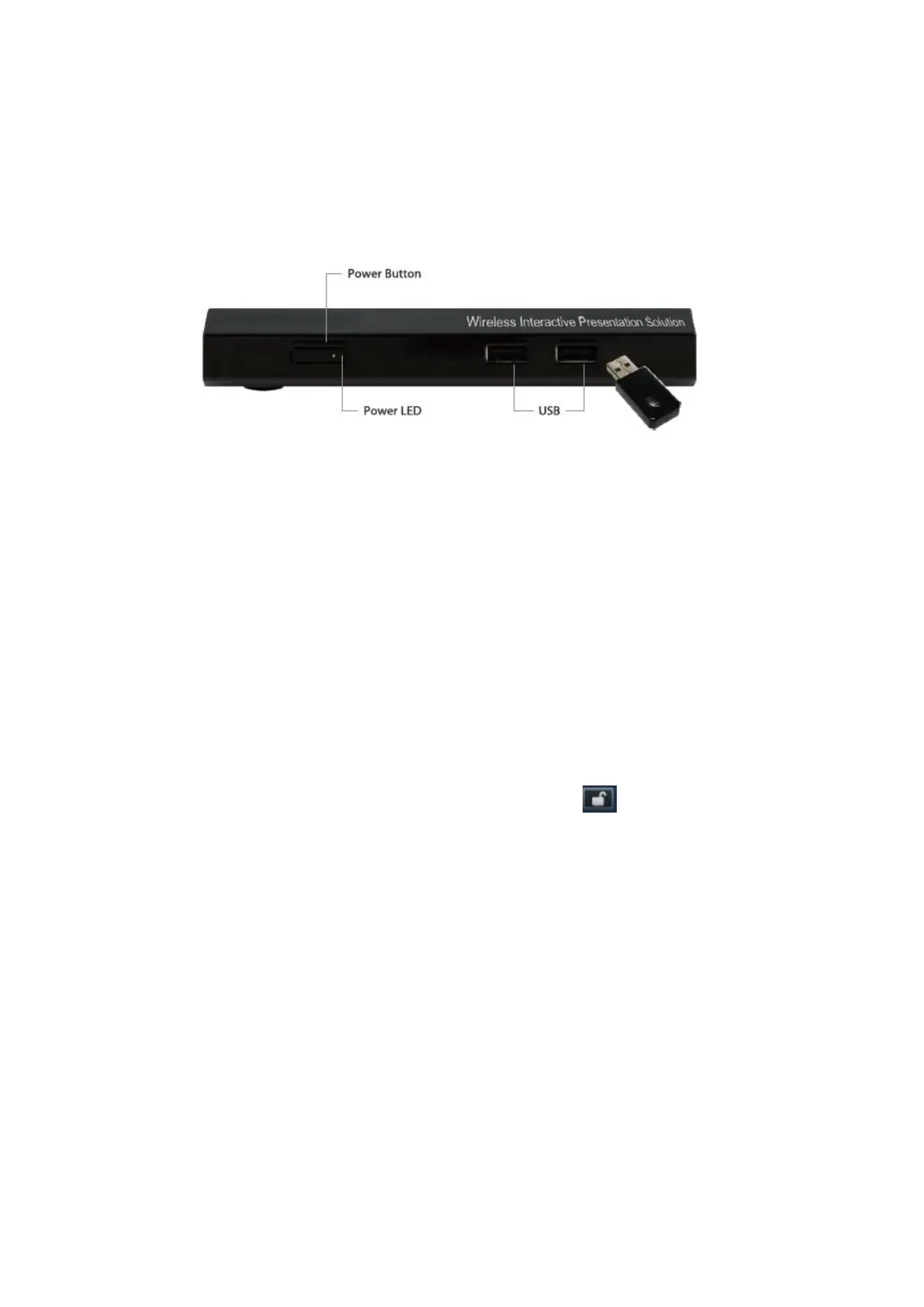
3) Attach the speaker cable to TWP-1500 phone jack for audio output
4) Attach the Wireless Tablet Dongle to TWP-1500 front USB port for OSD
control and remote desktop control. Power on the wireless tablet. You may
use the pen to control the OSD or launch virtual whiteboard function now.
5) Attach the USB IWB/Touch Screen cable to TWP-1500 rear USB port for
UST/IWB remote touch control
8) TWP-1500 Receiver Device
8.1 PC-List
1) If there are sender connected to TWP-1500 device, it will show the available
PC-List on standby screen, conference moderator can use the USB
mouse/keyboard/Touch Screen/IWB to select the PC and control it remotely.



 To Next Page