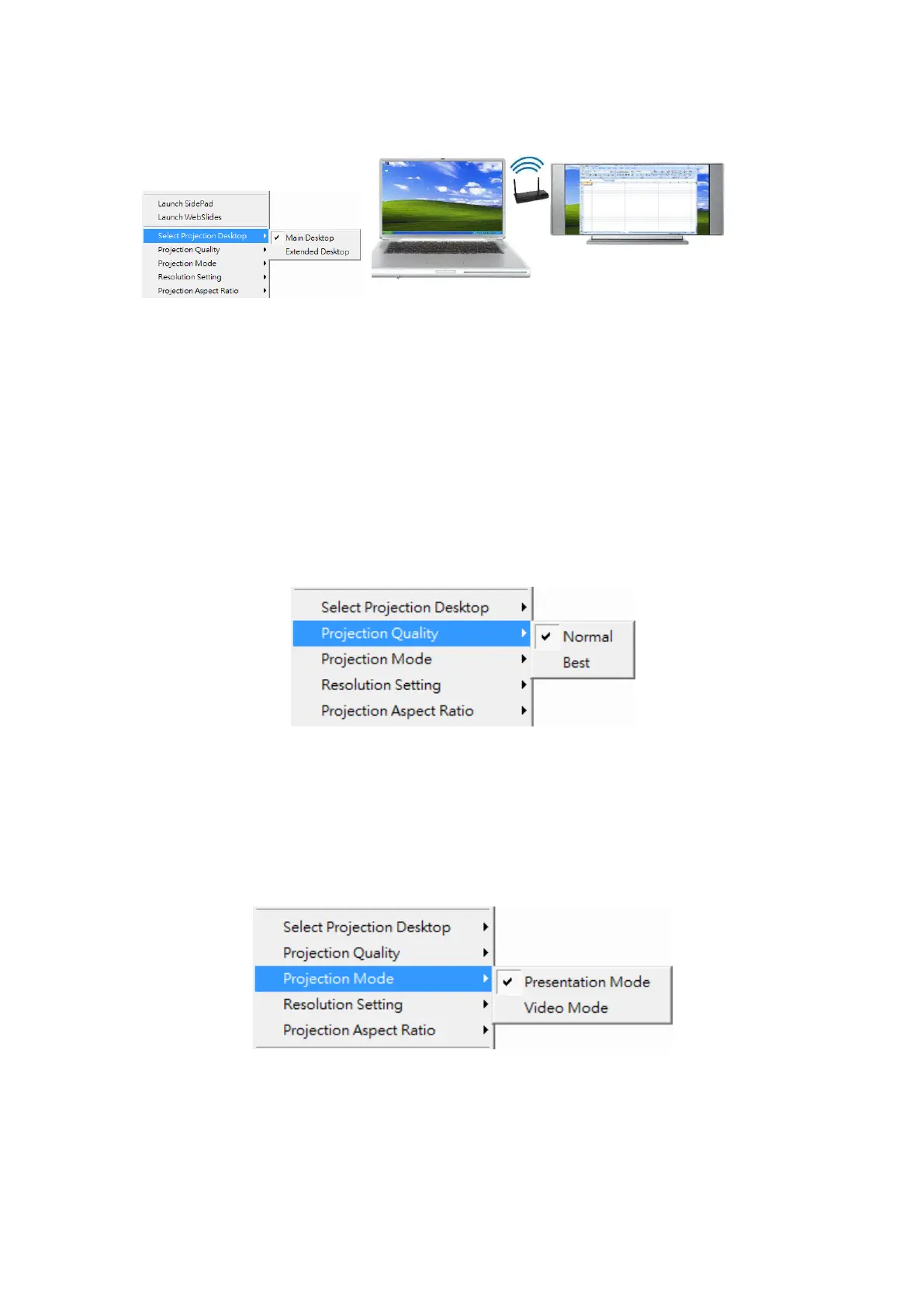
Note: For Windows XP system, you need to install “VDD.exe” driver first, you
can find it from USB token.
For Windows 7/Vista Starter edition, it can’t support extended screen.
9.10.7 Projection Quality
1) Click the “Projection Quality”, choose “Normal” for faster projection speed
with lower screen image quality, and “Best” for clear screen image quality
but slower projection speed.
9.10.8 Select Projection Mode
1) Click the “Select Projection Mode”, choose the Presentation mode for
shortest latency or the Video mode for auto-latency control to have better
video performance.
9.10.9 Resolution Settings
1) Click the “Resolution Setting”, choose “Never Change” to keep original



 To Next Page