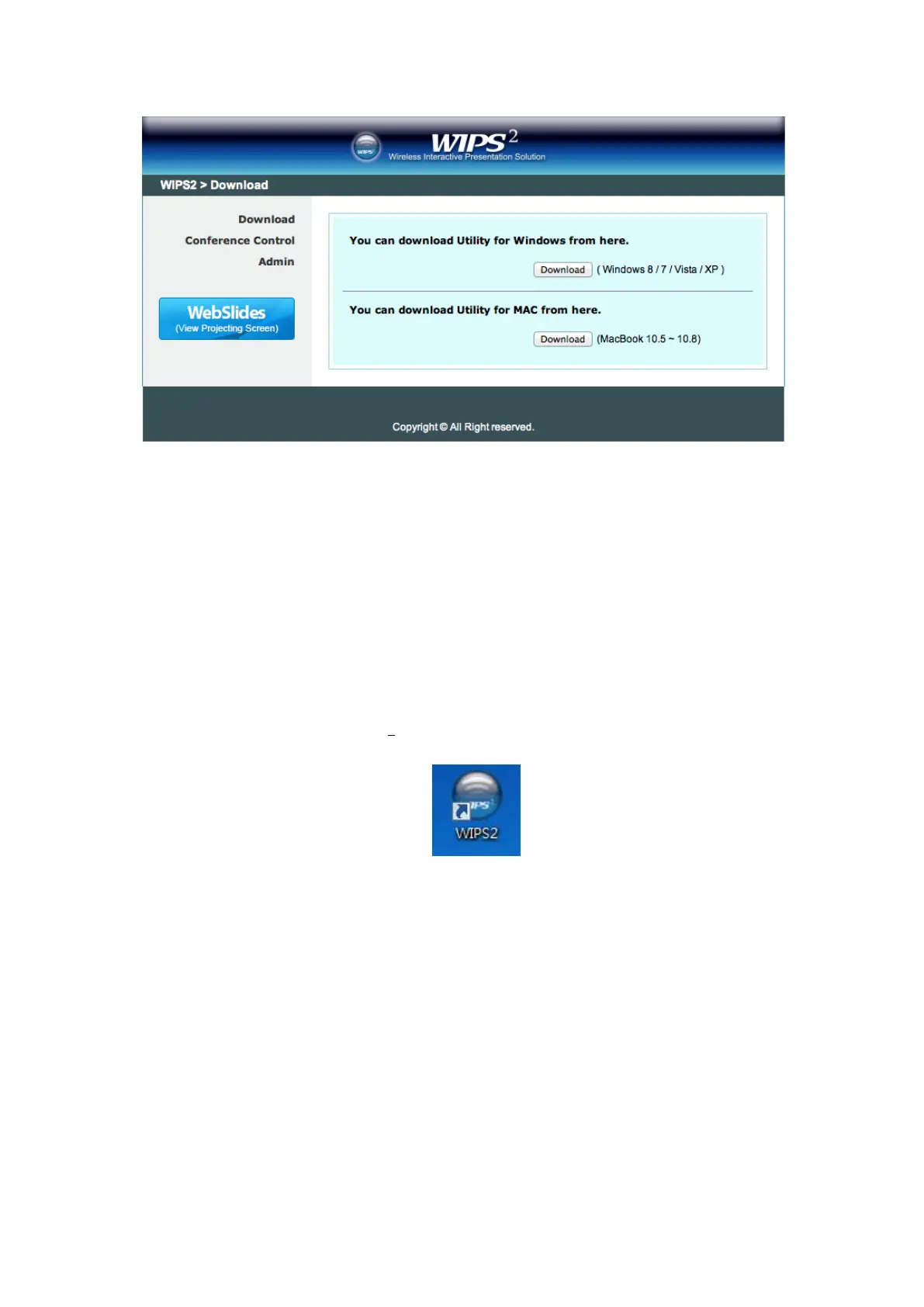
4) Launch TWP-1500 client and connect to TWP-1500 receiver.
(Make sure you have connected to TWP-1500 and your PC’s
personal firewall allows WIPS
2
TWP-1500 software to pass
through.)
9.2 Start the application
1) Click WIPS
2
TWP-1500 icon on desktop to execute the application, or launch
the application from PnS token directly.
2) It will start to search WIPS
2
TWP-1500 receiver automatically.
9.3 Quick Connect
1) TWP-1500 will memorize the last successful connection profile and open the
quick connect dialog, you can enter the code and press the “Connect”
button to connect this TWP-1500 directly.



 To Next Page