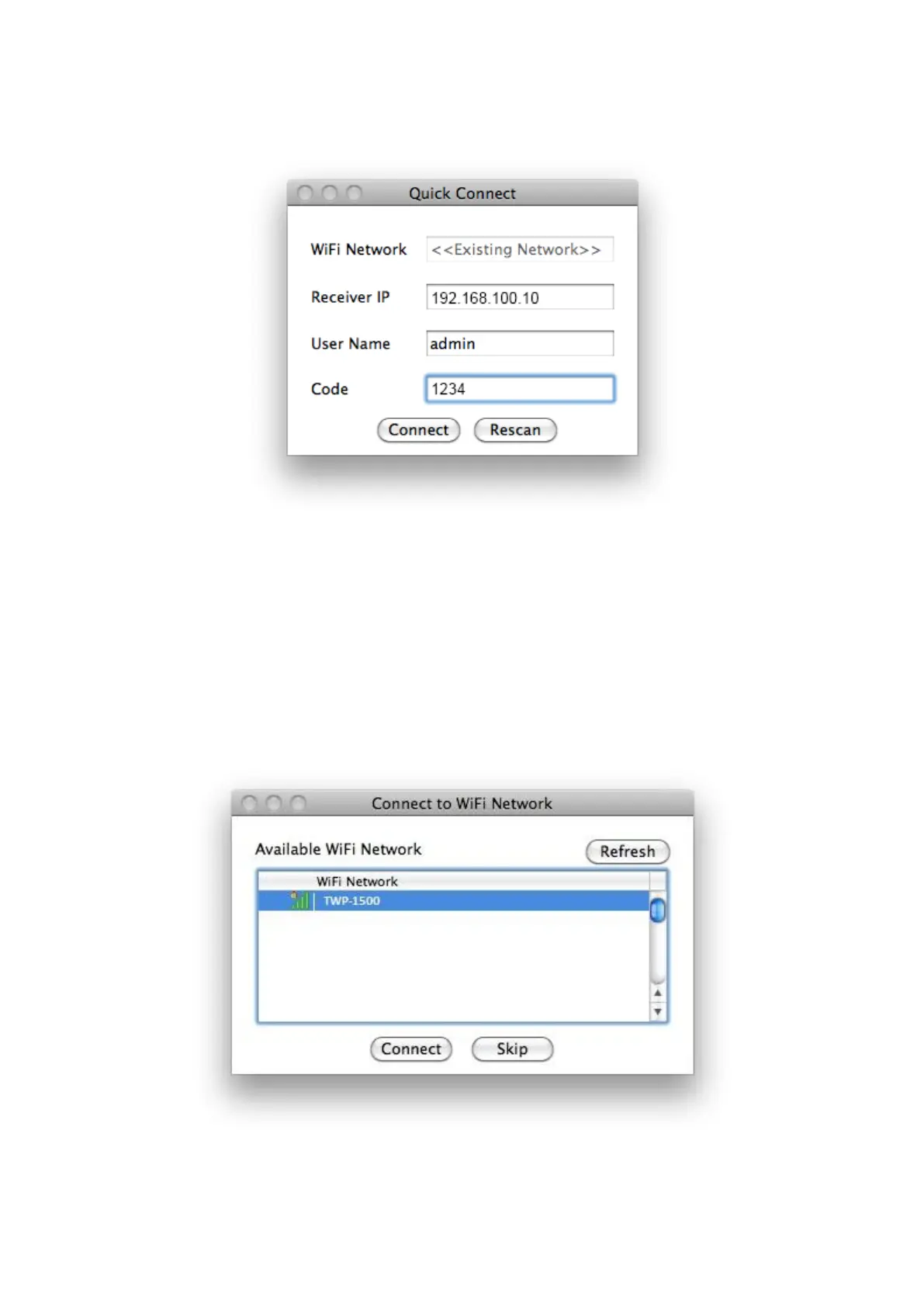
button to connect this TWP-1500 directly.
2) If you want to connect to another TWP-1500 receiver, please press the
“Rescan” button.
10.4 Connect to WiFi Network
1) TWP-1500 will search the available WiFi Network and list the TWP-1500
WiFi Device. You can select a network and press the “Connect” button to
connect the selected WiFi Device.
2) You can press the “Refresh” button to search again or press the “All” button



 To Next Page