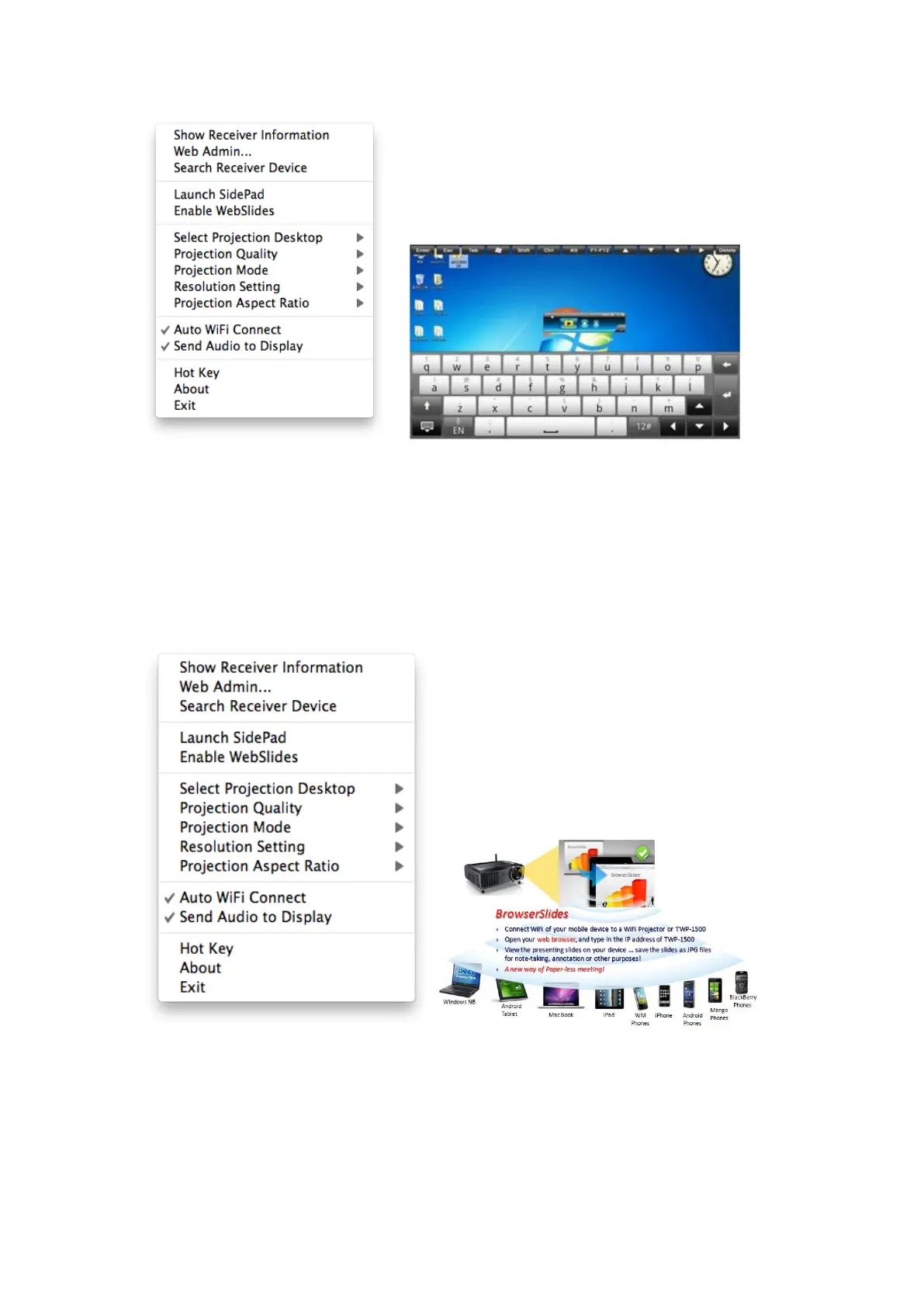
10.10.5 Enable WebSlides
1) Click the “Enable WebSlides”, it will start to broadcast your slides to the
browser on connected mobile devices.
Note: Audience need to connect to TWP-1500 WiFi Network, open the
browser and click the “WebSlides” button to start receiving the slides.
10.10.6 Select Projection Desktop
1) Click the “Select Projection Source”, you can select to project the main



 To Next Page