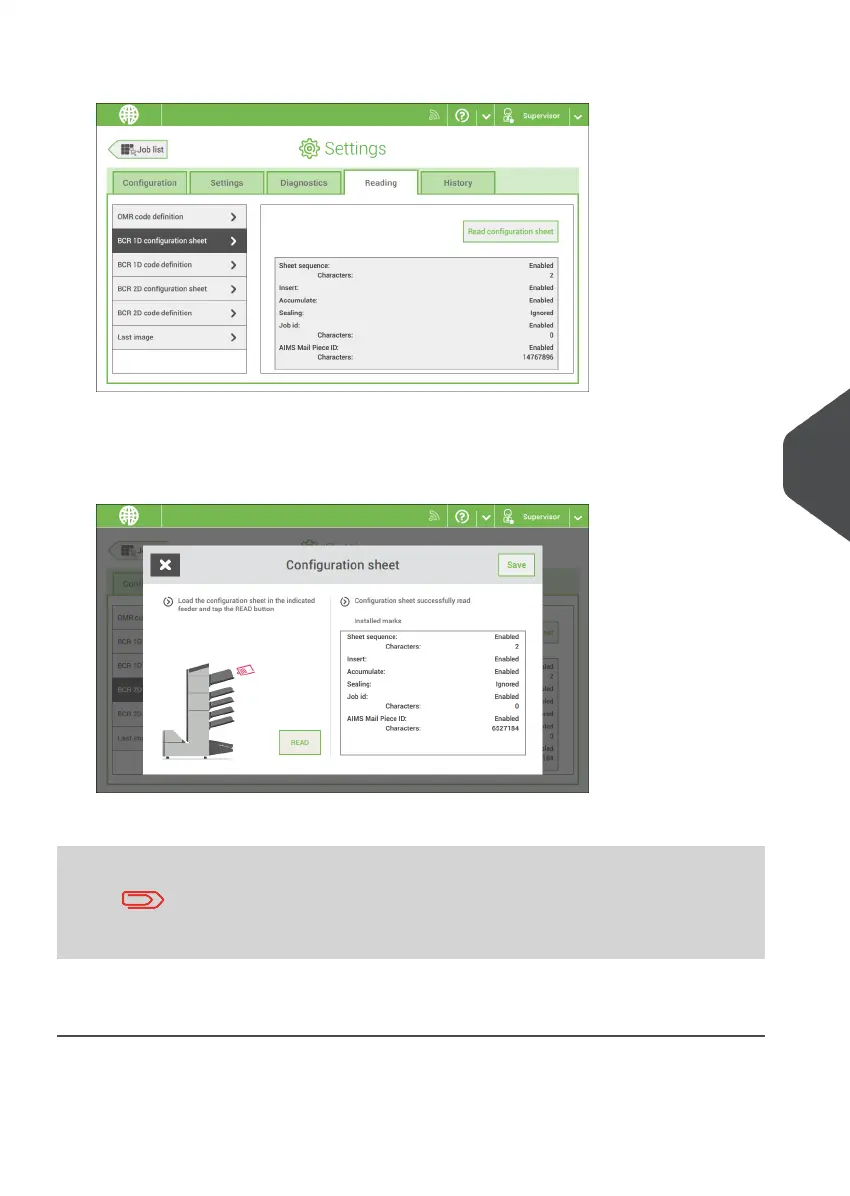
2. In the settings menu, tap the [Reading] tab.
3. Tap [BCR 1D configuration sheet] or [BCR 2D configuration sheet].
4. Tap [Read configuration sheet].
5. Load the configuration sheet as indicated and tap [READ].
6. Tap [Save] to save the new barcode definition.
After reading a configuration sheet, jobs with BCR reading might
have changed. These jobs are marked with an exclamation mark,
verify the job settings before running the job.
You can also read a configuration sheet when you create or edit a BCR job. The function
is available in the side menu.
8
English
113
| Page 113 | Nov-25-2020 04:16 | Reading



 To Next Page