Page20of86
Setting Default Options NewSettings
TIMEFORMAT AM/PM AM/PM;24HR.
DATEFORMAT MMͲDDͲYY MMͲDDͲYY,
DD.MM.YY,
YYͲMMͲDD
SetUserID
TheQuidelTriageMeterPronormallyrequiresaUserIDtobeenteredpriortorunningapatienttest,QC
test,orMisctest,andpriortorecallingpatientresults.Refertopage31forinstructions.Alternately,this
featuremaybebypassed.Seepage21.
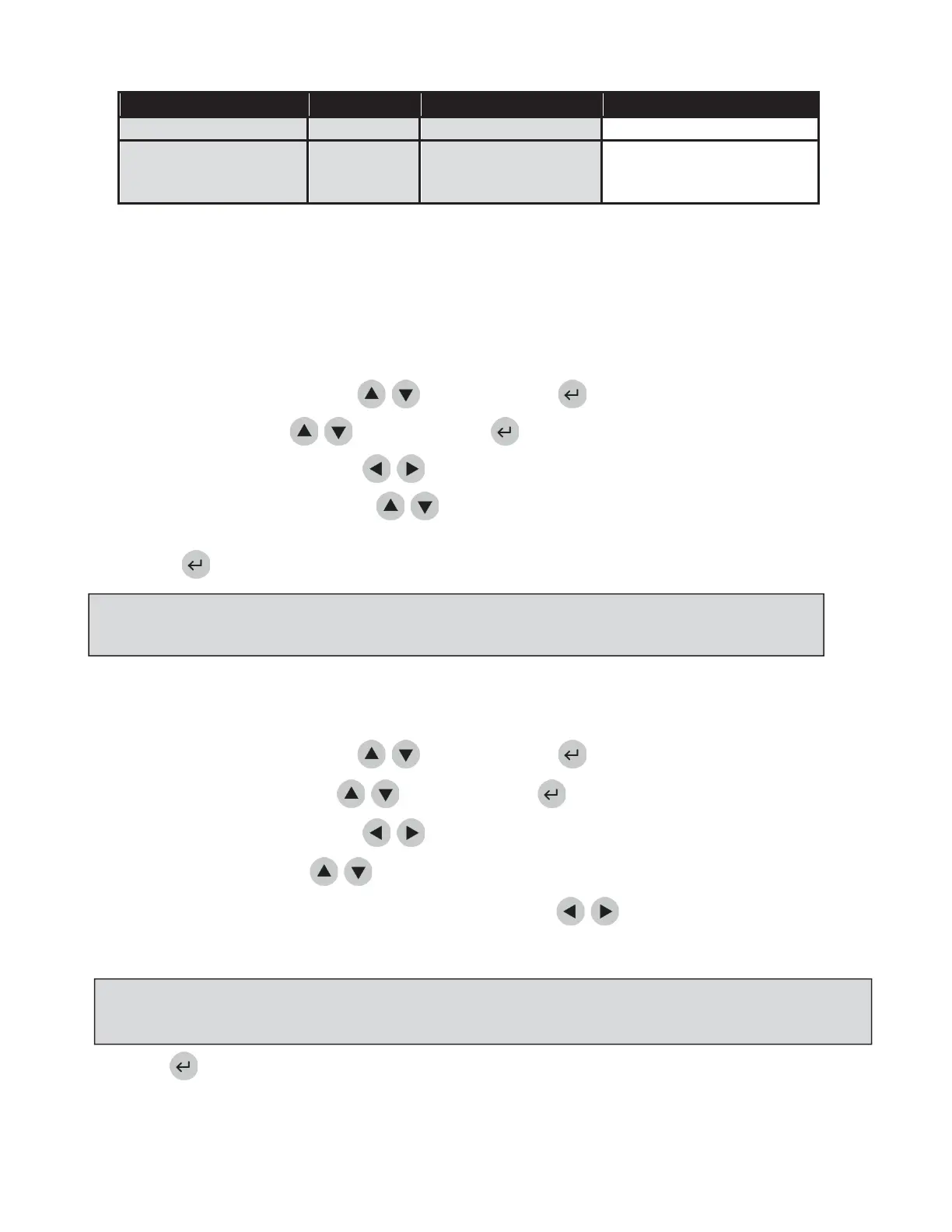
ChangeReferenceRanges/ThresholdsforTests:
a. SelectSETPARAMETERSusingthe
keysandpressthekey.
b. SelectRANGESusingthe
keysandpressthekey.
c. Selectthetestpaneltypeusingthe
keys.
d. Selecttheanalyteandlevelusingthe
keys.TypeinthenewvaluefortheHIGH
orLOWcutoff
asappropriate.
e. Pressthekeytosavechanges.
FormoredetailsaboutRangesSettingsseepage33.
ChangeTestSettings
a. SelectSETPARAMETERSusingthe
keysandpressthekey.
b. SelectTESTSETTINGSusingthe
keysandpressthekey.
c. Selectthetestpaneltypeusingthe
keys.
d. Selecttheanalyteusingthe
keys.
e. Selectthetestsetting(ACTIV,INACT,USRA,orUSRI)usingthe
keys.
f. Pressthekeytosavechanges.
FormoredetailsaboutTestSettingsseepage34.
NOTE:ThelowestvalueoftheRangeorThresholdmaybedisabledforsometestpanels.Refertothe
appropriateProductInsertforspecificinformation.
NOTE:Theabilitytochangetestsettingsmaybedisabledforsometestsinspecificpanels.Refertothe
appropriateProductInsertforspecificinformation.



 To Next Page