Page55of86
QCSampleLotNumber(L/N)
ToretrieveresultsbasedonthelotnumberoftheQCSampleused:
1. PressthekeytopowertheQuidelTriageMeterProon.
2. FromtheMAINMENUselect RECALLRESULTSusingthekeys.
3. Pressthekey.
4. SelectQCRESULTSusingthe
keys.
5. Pressthekey.
6. SelectQCSAMPLERESULTSusingthe
keys.
7. Pressthekey.
8. SelectPANELTYPEusingthe
keys.
9. Usethe
keystoselectthedesiredpanel.
10. SelectQCSAMPLE
L/Nusingthe
keys.
11. TypeintheQCSamplelotnumberofthetestdevice.Tocorrect,presstocleartheentirenumber.
Thentypeinthecorrectnumber.
12. Pressthekey.
13. AllresultsfromtestrunontherequestedQCSamplelotnumberforthe
selectedpanelaredisplayed.
14. Usethe
keystoviewtheentirerecord.
15. Pressthekeytomakeaprinted copy.
16. PressthekeytouploadtheselectedresultstoLIS.
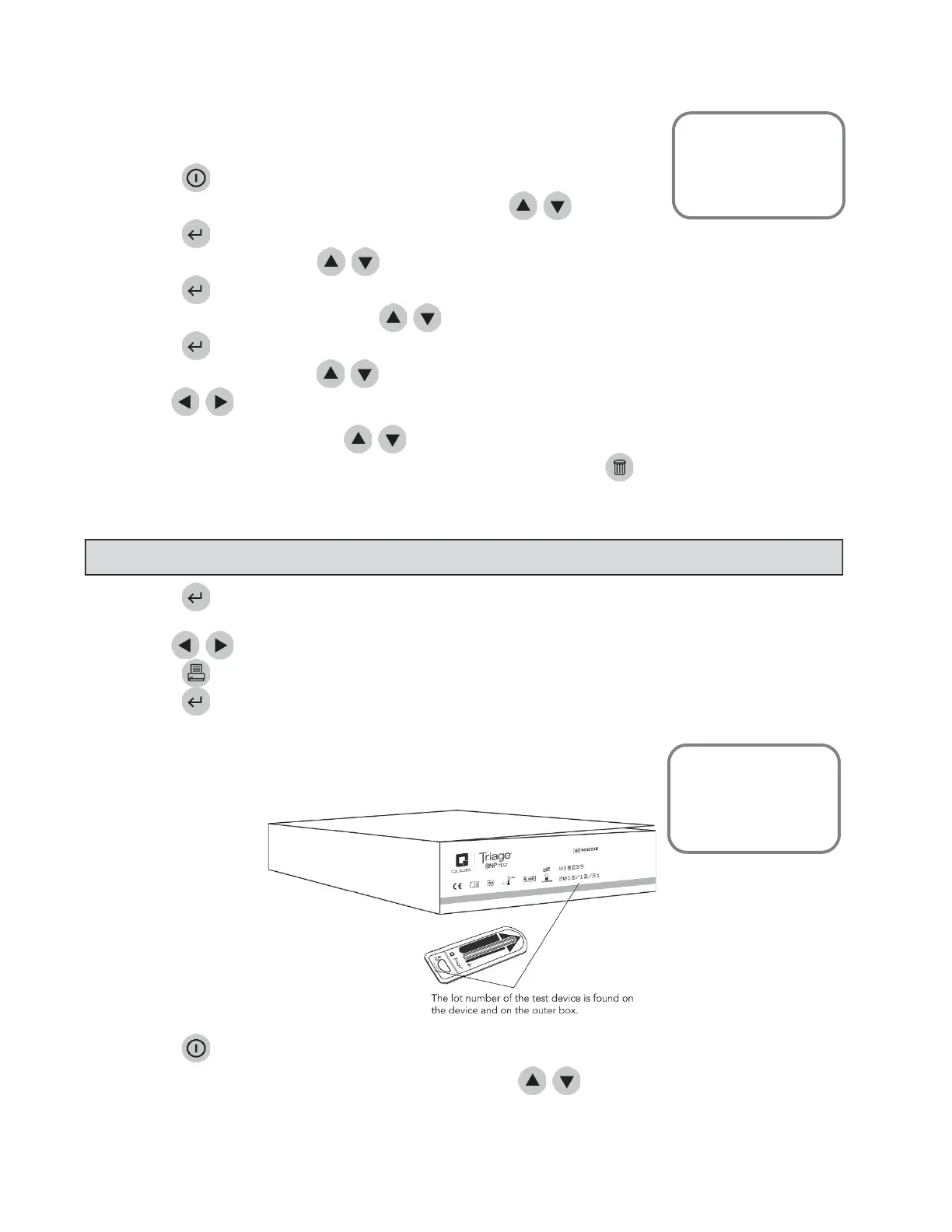
DeviceLotNumber(L/N)
ToretrieveQCSampleresultsbasedonthelotnumberofthetestdevicesused:
1. PressthekeytopowertheQuidelTriageMeterProon.
2. FromtheMAINMENUSELECTRECA LLRESULTSusingthe
keys.
MainMenu
RecallResults
QCResults
QCSam
leResults
NOTE
:Todisplayallresultsfortheselectedpanel,leavetheQCSampleL/Nblank.
MainMenu
RecallResults
QCResults
QCSampleResults



 To Next Page