Page64of86
QCDeviceResults
ToprintallQCDeviceResults:
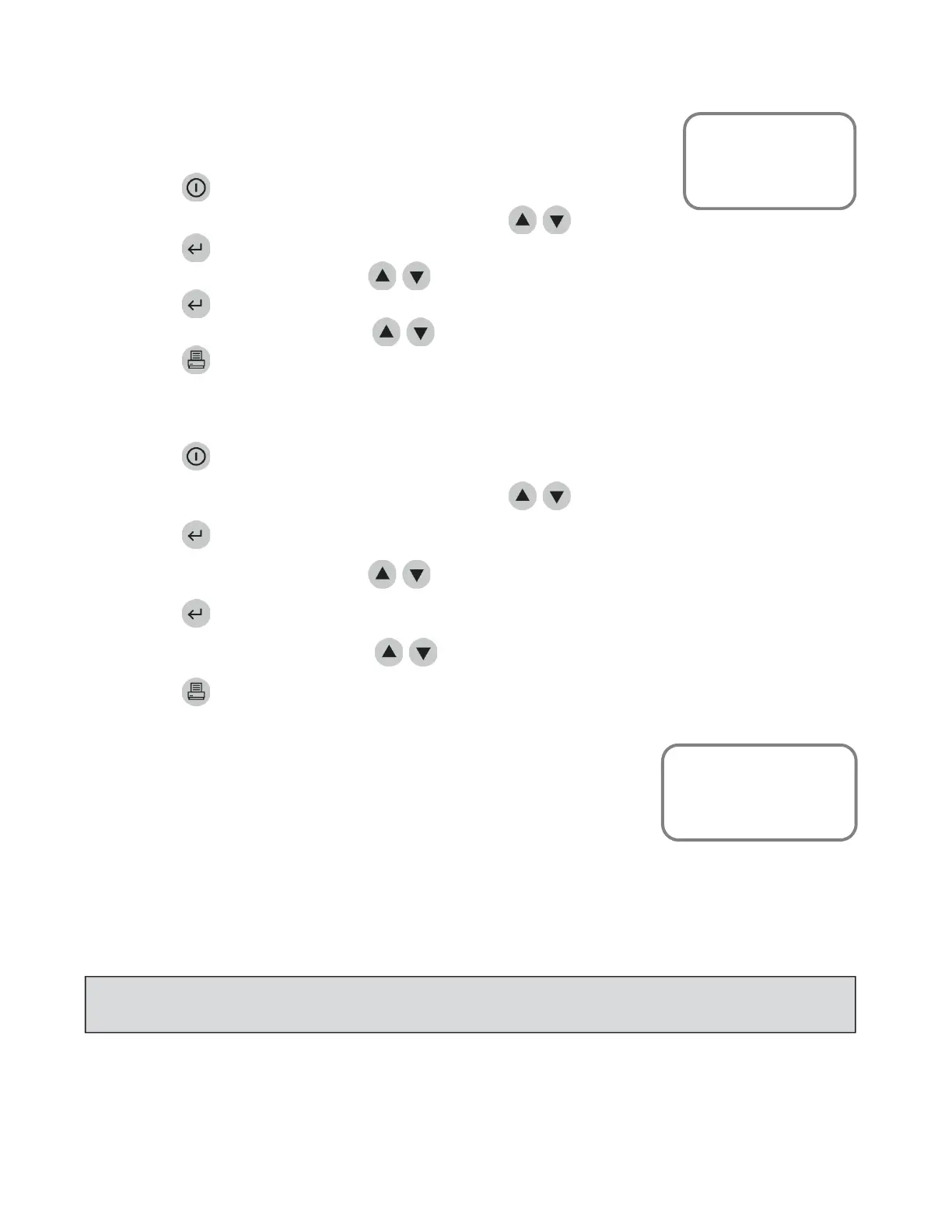
1. PressthekeytopowertheQuidelTriageMeterProon.
2. FromtheMAINMENUselect RECALLRESULTS
usingthe
keys.
3. Pressthekey.
4. SelectPRINTALLRESULTSusingthekeys.
5. Pressthekey.
6. SelectQCDEVICERESULTSusingthe
keys.
7. Pressthekeytomakeaprintedcopy.
Misc.TestResults
ToprintallMisc.TestResults:
1. PressthekeytopowertheQuidelTriageMeterProon.
2. FromtheMAINMENUselect RECALLRESULTS
usingthe
keys.
3. Pressthekey.
4. SelectPRINTALLRESULTSusingthekeys.
5. Pressthekey.
6. SelectMISC.TESTRESULTSusingthe
keys.
7. Pressthekeytomakeaprintedcopy.
UploadResultstoLIS
WheninterfaceddirectlytoanLIS,selectingthisfeaturewillsendalltestresults
totheLIS.Priortothefirstupload,theLISfeaturemustbeactivatedfromthe
SetParametermenuitemusingtheSupervisorCODECHIP
module.
DeleteResults
Purpose
TheDeletefunctionisusedtoremoveallpatienttestinformationfromtheQuidelTriageMeterPromemory.
MainMenu
RecallResults
UploadResultstoLIS
MainMenu
RecallResults
PrintAllResults
NOTE
:Thedeletefunction isavailableonlywhentheSupervisorCODECHIPmoduleisinsertedinthe
QuidelTriageMeterProCODECHIPmodulePort.



 To Next Page