Page63of86
PrintAllResults
Options:
AllstoredresultscanbeprintedfromtheQuidelTriageMeterPro’s
memory.
PatientResults
QC SampleResults
QC DeviceResults
Misc.TestResults
PatientResults
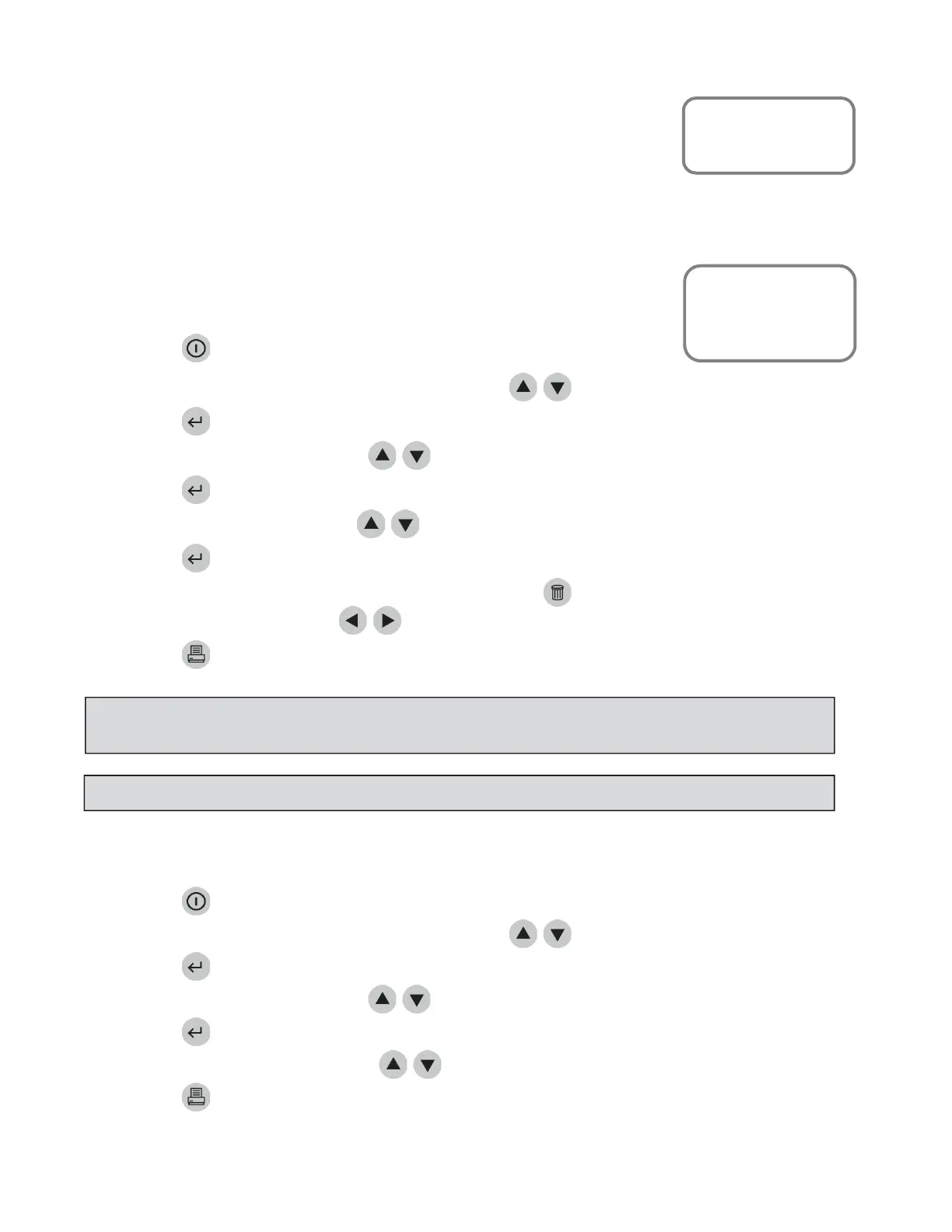
ToprintallPatientResults:
1. PressthekeytopowertheQuidelTriageMeterProon.
2. FromtheMAINMENUselect RECALLRESULTSusingthe
keys.
3. Pressthekey.
4. SelectPRINTALLRESULTSusingthe
keys.
5. Pressthekey.
6. SelectPATIENTRESULTSusingthe
keys.
7. Pressthekey.
8. Typeorscaninyouridentification(UserID).Tocorrect,presstocleartheentireID,orselectthe
incorrectcharacterbyusingthe
keys.ThentypeinthecorrectID.
9. Pressthekeytomakeaprintedcopy.
QCSampleResults
ToprintallQCSampleResults:
1. PressthekeytopowertheQuidelTriageMeterProon.
2. FromtheMAINMENUselect RECALLRESULTSusingthe
keys.
3. Pressthekey.
4. SelectPRINTALLRESULTSusingthe
keys.
5. Pressthekey.
6. SelectQCSAMPLERESULTSusingthe
keys.
7. Pressthekeytomakeaprintedcopy.
MainMenu
RecallResults
MiscTestResults
MainMenu
RecallResults
PrintAllResults
NOTE
:Whenprintinglargequantities ofpatientresults,itisrecommendedtofirstinsertafullrollof
paper.
NOTE
:IftheUserIDbypassisON, themeterwillnotaskyoutoenteraUserID.



 To Next Page