Page60of86
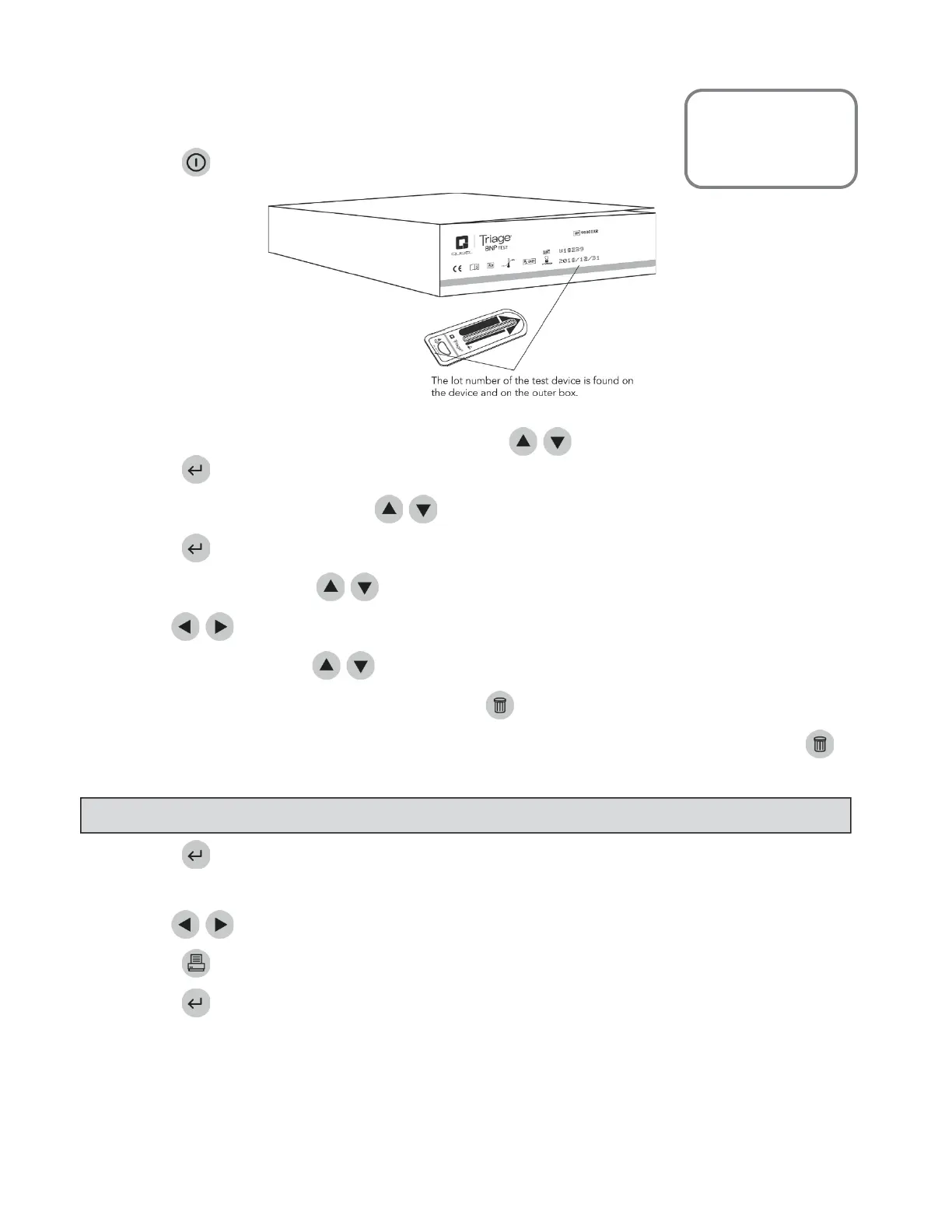
TestDeviceLotNum b er(L/N)
Toretrieveresultsbasedonthelotnumberofthetestdevicesused:
Pressthekeytopower theQuidelTriageMeterProon.
2. FromtheMAINMENUselect RECALLRESULTSusingthe
keys.
3. Pressthekey.
4. SelectMISC.TESTRESULTSusingthe
keys.
5. Pressthekey.
6. SelectPANELTYPEusingthe
keys.
7. Usethe
keystoselectthedesiredpanel.
8. SelectDEVICEL/N
usingthe
keys.
9. Todisplayallresultsfortheselectedpanel,pressthekey.
10. Todisplayresultsspecifictoonelot,typeinthelotnumber ofthetestdevice.Tocorrect,pressthe
keytocleartheentirenumber.Thentypeinthecorrectnumber.
11.
Pressthekey.
12. Allresultsfromtestsrunontherequestedlotnumberfortheselectedpanelaredisplayed.
13. Usethe
keystoviewtheentirerecord.
14. Pressthekeytomakeaprinted copy.
15. PressthekeytouploadtheselectedresultstoLIS.
MainMenu
RecallResults
MiscTestResults
NOTE
:OnlyenterthefiveͲdigitnumericvalueoftheQClotnumber.



 To Next Page