Page25of86
MeterSettings
Thismenuwillallowyoutosetbasicoperationalcriteriaforthemeter:language,
displaycontrast,maximumlengthoftheuser,patient, auxiliaryandmisc.ID's,
printermodeandautomaticpoweroff.
IDSettings
CharactersUserID
Thissettingwillsettheminimumandmaximumnumberofcharactersin
theUserID.
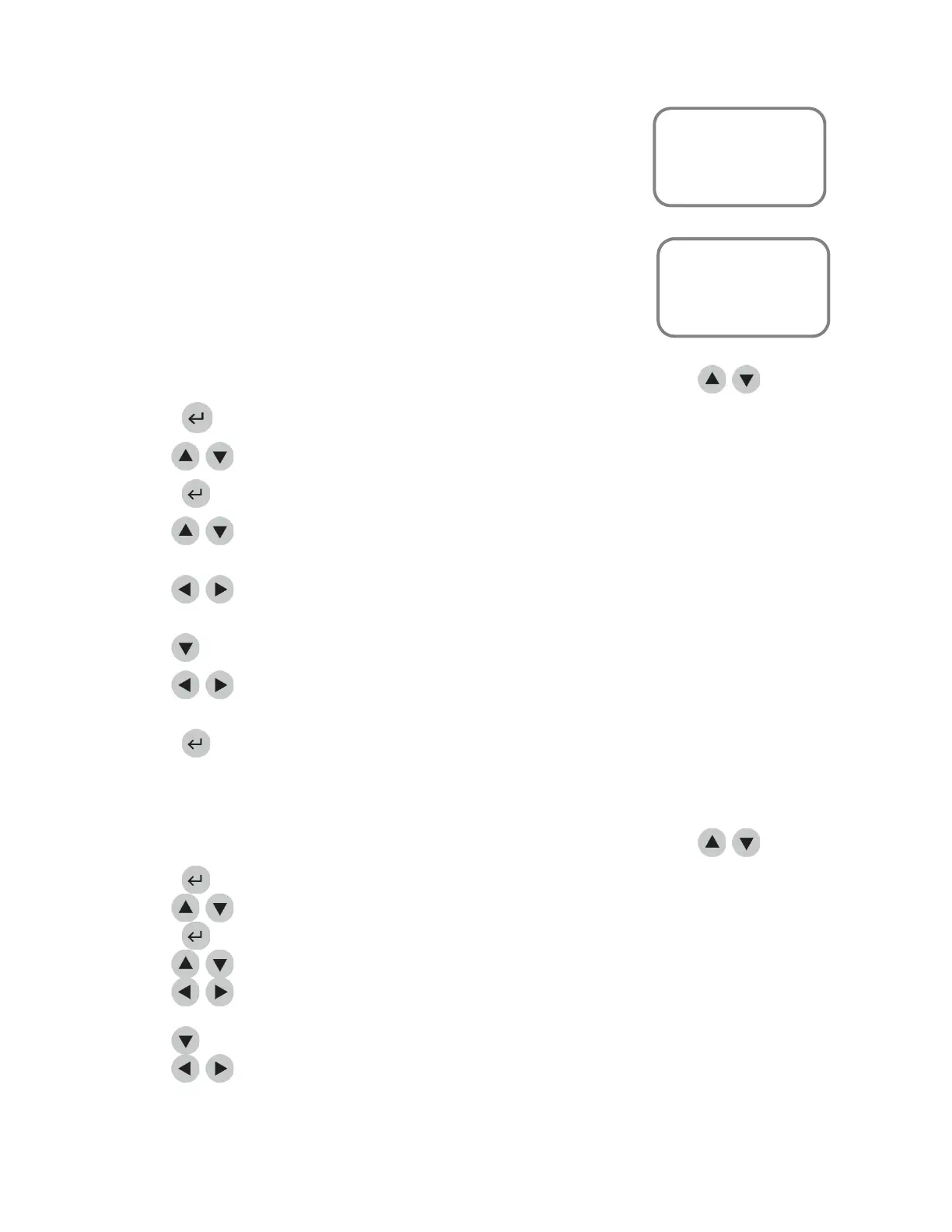
1. Fromalistofprogrammableparameters,chooseINSTRUMENTSETTINGSusingthe
keys.
2. Pressthekey.
3. Usethe
keystoselectIDSETTINGS.
4. Pressthekey.
5. Usethe
keystoselectthenumbertotherightofCHARACTERSUSERIDundertheMIN
column.
6. Usethe
keystochoosethesmallestnumberofcharactersthatwillappearintheUserID.The
minimumnumberofcharacterspossibleis1.
7. UsethekeytoselectthenumbertotherightofCHARACTERSUSERIDundertheMAXcolumn.
8. Usethe
keystochoosethelargestnumberofcharactersthatwillappearintheUserID.The
maximumnumberofcharacterspossibleis16.
9. Pressthekeytosavechanges.
CharactersPat.ID
ThissettingwillsettheminimumandmaximumnumberofcharactersinthePatientID.
1. Fromalistofprogrammableparameters,chooseINSTRUMENTSETTINGSusingthe
keys.
2. Pressthekey.
3. Usethe
keystoselectIDSETTINGS.
4. Pressthekey.
5. Usethe
keystoselectthenumbertotherightofCHARACTERSPAT.IDundertheMINcolumn.
6. Usethe
keystochoosethesmallestnumberofcharactersthatwillappearinthePatientID.
Theminimumnumberofcharacterspossibleis1.
7. UsethekeytoselectthenumbertotherightofCHARACTERSPAT.IDundertheMAXcolumn.
8. Usethe
keystochoosethelargestnumberofcharactersthatwillappearinthePatientID.The
maximumnumberofcharacterspossibleis20.
MainMenu
SetParameters
MeterSettings
IDSettings
MainMenu
SetParameters
Meter Settings
IDSettings



 To Next Page