Page26of86
MainMenu
SetParameters
MeterSettings
IDSettings
9. Pressthekeytosavechanges.
CharactersAux.ID
ThissettingwillsettheminimumandmaximumnumberofcharactersintheAuxID.
IfthesettingofA
UX.IDENABLE/DISABLEisENABLED,anAuxiliaryIDismandatoryfor
eachpatienttest.
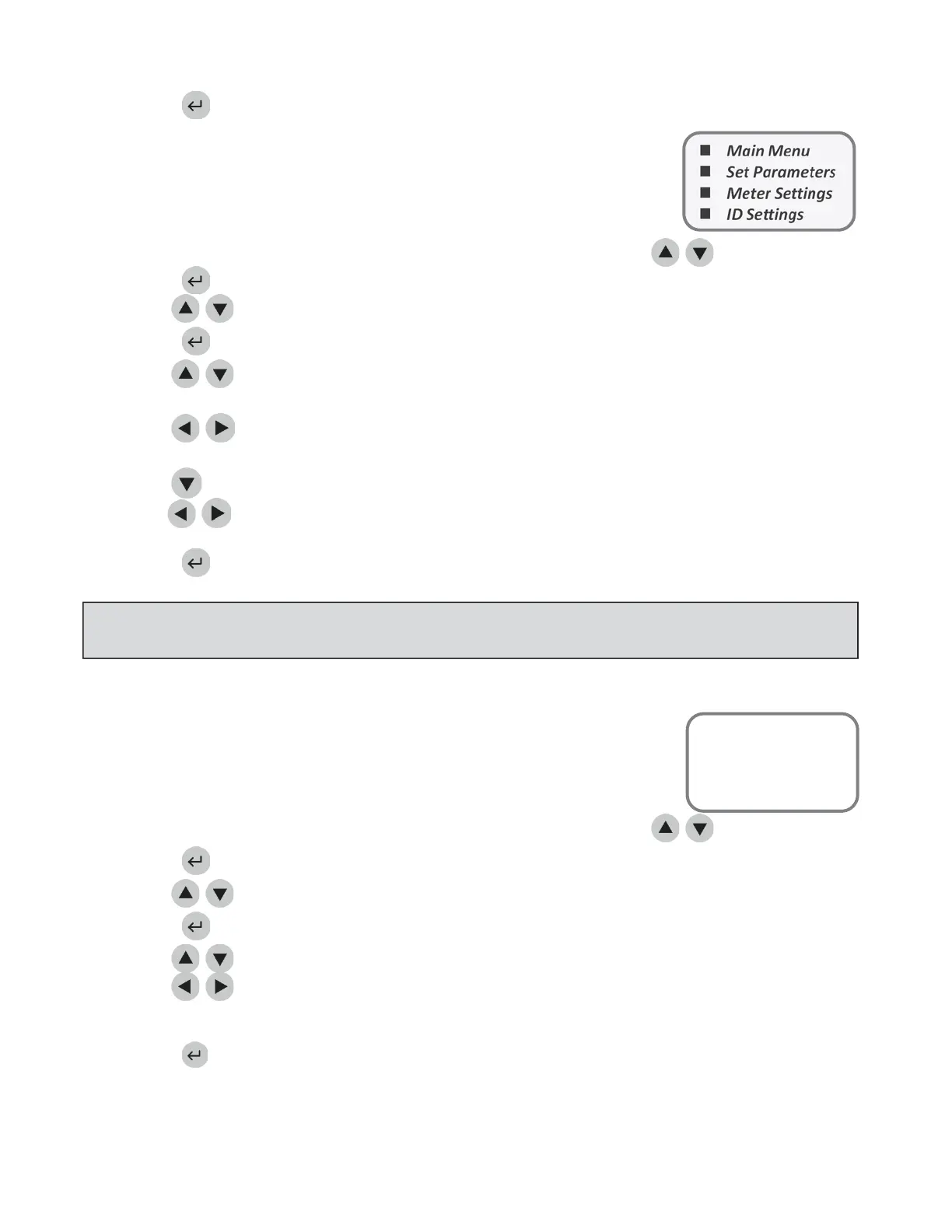
1. Fromalistofprogrammableparameters,chooseMETERSETTINGSusingthe
keys.
2. Pressthekey.
3. UsethekeystoselectIDSETTINGS
4. Pressthekey.
5. UsethekeystoselectthenumbertotherightofCHARACTERSAUX.IDundertheMIN
column.
6. Usethe keystochoosethesmallestnumberofcharactersthatwillappearinthe AuxiliaryID.
Theminimumnumberofcharacterspossibleis1.
7. UsethekeytoselectthenumbertotherightofCHARACTERSAUX.IDundertheMAXcolumn.
8. Usethe keystochoosethelargestnumberofcharactersthatwillappearintheAuxiliaryID.
Themaximumnumberofcharacterspo ssibleis12.
9. Pressthekeytosavechanges.
Aux.IDEnable/Disable
ThissettingwillturnonorturnofftheAuxiliaryIDfunction.TheAuxiliaryIDmaybe
usedforrecordingatestordernumber,physicianIDorotherspe cializedidentifying
information.
1. Fromalistofprogrammableparameters,chooseMETERSETTINGSusingthekeys.
2. Pressthekey.
3. UsethekeystoselectIDSETTINGS.
4. Pressthekey.
Usethe
keystoselectthewordtotherightofAUX.IDENABLE/DISABLE.
Usethe
keystochooseDISABLEDorENABLED.IfDISABLEDisselected,theAuxiliaryID
promptscreenswillneverappear.IfENABLEDisselected, anAuxiliaryIDismandatoryforeachpatient
test.
7. Pressthekeytosavechanges.
NOTE:
TheAuxiliaryIDis shownonly ontheNewResultdisplayorprintout.Itisnotvisibleinrecalled
results.Trackingmaybemanagedthroughtheoptionalsoftwarepackage,QuidelTriageCensus.
MainMenu
SetParameters
MeterSettings
IDSettings



 To Next Page