Page70of86
Cleaning
TheQuidelTriageMeterProrequiresminimalmaintenance.Occasionalcleaningoftheexteriorwithmild
soapandwatersolutionissufficient.Afterusingadamp,notwet,spongeorclothtoapplyamildsoapand
watersolutionontheoutsideofthemeter,wipethemeterdryusingasoftcloth
orabsorbenttissue.Donot
allowwatertoseepintotheprinter.Donotimmersethemeterinwaterorotherliquids.
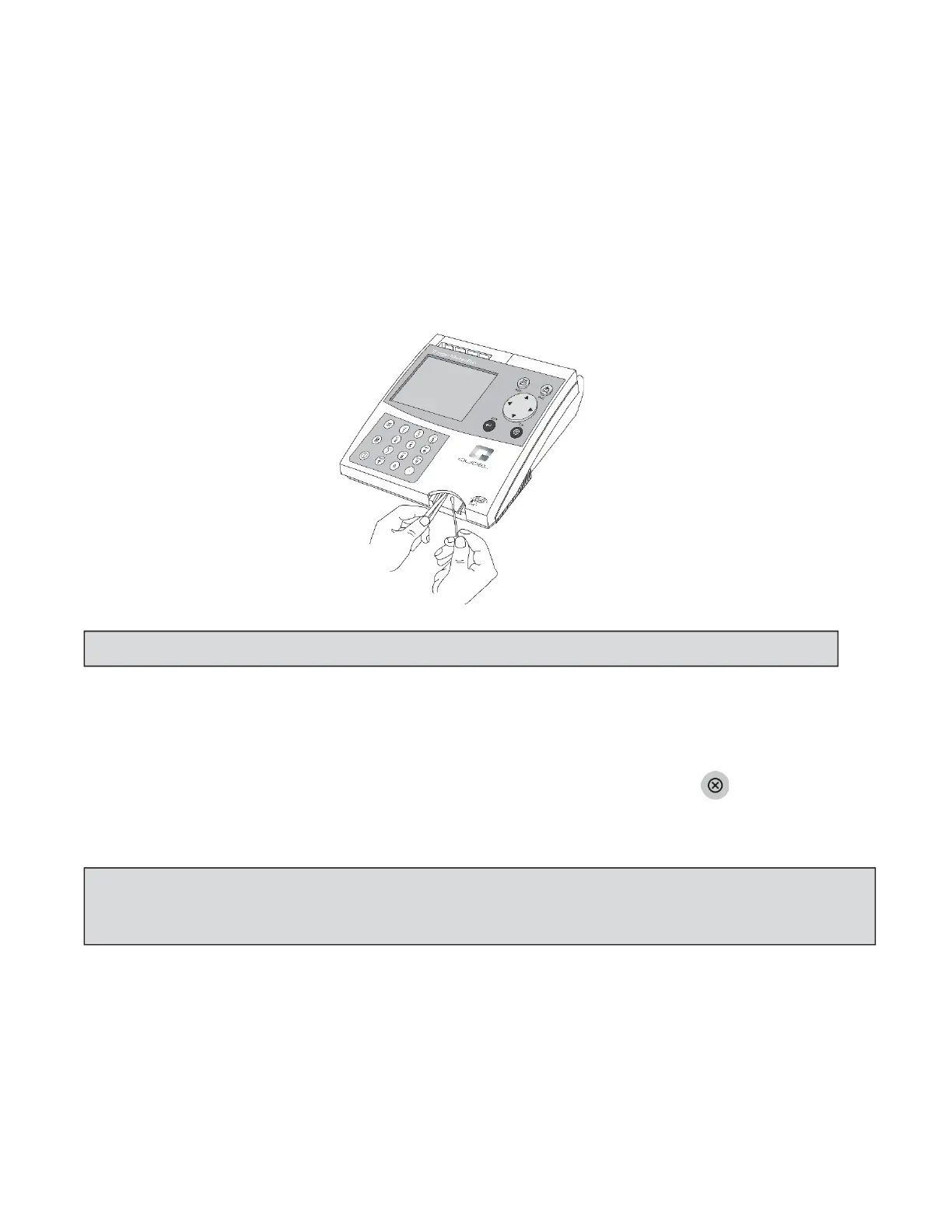
Ifbloodorotherfluidsarenotallowedenoughtimetofullyabsorbintotestdevices,thedevicetrackdoor
mayoccasionallyrequirecleaning.Usingacottonswab
dampenedwithisopropylalcoholandapairof
tweezers,carefullyliftthedoorandcleanbothfrontandbackofthedoor.
CheckBatteryLevel
TheQuidelTriageMeterProcheckstheactivepowersourceafterejectingadeviceorprinting.Tocheckthe
batterypower,navigatetotheMAINMENU,disconnecttheACpowersupply,pressthekey(themeter
attemptstoejectthedevice),andlookfortheLowPowerIndicatorontheMain
Menuofthemeterdisplay.
Iftheflashingindicatorappears,replacethebatteries.
BatteryReplacement
Turnoffthemeter.
Removethebatterycoverfromthebottomofthemeterbyslidingthecoverinthedirectionofthe
arrow.
NOTE:Neverinsertanytools,swabs,orcleaningmaterialsintothedevicetrack.
NOTE:Themeterisdesi gnedtoperformandprintatleast100testsbeforenewbatteriesarerequiredtobe
replaced.Whenthemeterisnotinuse,itshouldbeturnedoff.Topreservebatterylife,ensuretheAUTO
POWERͲOFFfunctionissetto1/2HOUR.



 To Next Page